Quadcopter fun (and tragedy): Ares QX 130
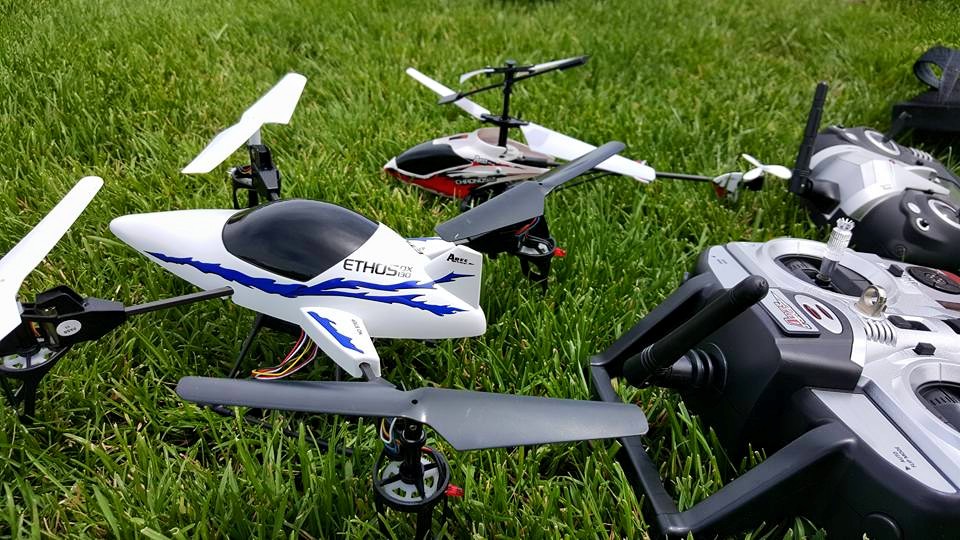
Ares QX 130

This weekend my girlfriend got me an Ares Ethos QX 130 quadcopter for my birthday. I started flying RC helicopters a little while ago and have enjoyed it, however lately my helicopter had been flying poorly (it has a vibration to it that messes with the video but also seems to cause erratic flying).
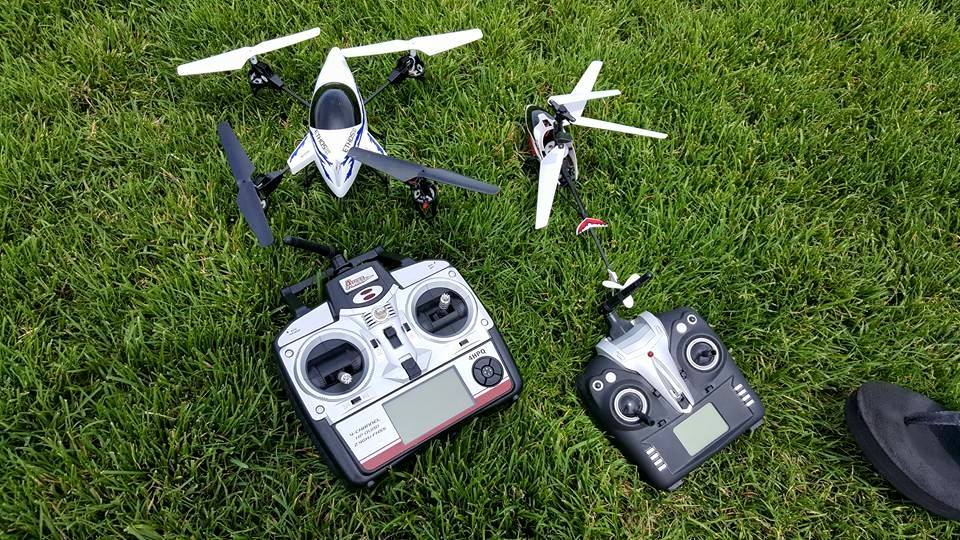
Ares QX 130 quadcopter

We headed out to the park and I immediately had a blast flying the QX 130 quadcopter. It was incredibly easy to control and zipped around quick and with style. The video it took was also pretty neat, especially from some pretty impressive heights.

The first two flights went quite well, however I soon learned that the QX 130 can fly incredibly high and has more range than I imagined. During the third flight the quadcopter flew higher than it had previously (which I at first thought was cool) and before long it was just a speck in the sky. I figured it was probably best to lower the altitude, however at this point I lost sight of the quadcopter in the sun. When I found it again it was much further away than I anticipated and I tried to bring it back toward me. Unfortunately, I couldn’t tell which direction the quadcopter was facing and I couldn’t bring it any closer to me. At this point I panicked and shut off the throttle but also lost sight of it again.

Long story short, I dropped the quadcopter to the ground outside of the park and somewhere past the road, however I couldn’t see where it landed as the road was up an hill. I spent a few hours walking around the thick brush trying to find it and couldn’t locate it. We ended up deciding it was lost for good and headed home (as it was 95 degrees out). Luckily after a few hours I was able to convince Vanessa to come back out to the park with me and we ended up finding the QX 130 much further away than I had anticipated.
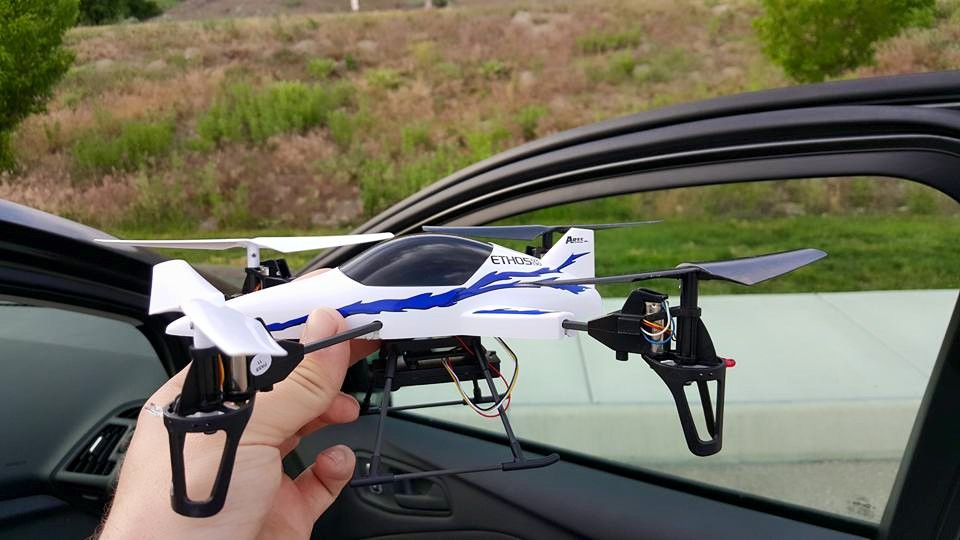
Ares QX 130 quadcopter

I’m glad we were able to find the quadcopter, however one of the motors is now broken (probably because I kept trying to run up the throttle while looking for it). At least I got some pretty neat video out of the ordeal, which you can check out below. I’m going to order a new motor and hopefully get the quadcopter back in the air this weekend (if I can figure out how to change it).
The Samsung Galaxy S6 and signal issues

I upgraded to the Samsung Galaxy S6 a few weeks ago (from the S5) mainly because I really liked the slicker style of the phone, compared to the plastic and cheap feeling S6. The phone is definitely well made, has a wonderful camera and some cool features (I particularly enjoy the wireless charging), however there has been a major issue that makes the phone nearly unusable.

I find that my phone is constantly getting an incredibly weak signal in places where I previously had a strong LTE signal. At random times my phone will go from LTE to 4G, to E and to no signal at all in a matter of seconds. Once this happens I’ll have zero signal for a very long time (as long as an hour!). I try turning on airplane mode and turning it back off and at times my phone will try to get a 4G signal but even if it says 4G or LTE I still can’t connect to the internet or send messages. I’ve tried restarting my phone, and again I still don’t regain a signal.

Yesterday I even tried a factory reset (against better judgement as getting my phone back up and running was a pain, especially since it made me factory reset my Gear S watch as well) and it didn’t help at all.

I’ve found reports of many other users experiencing the same issue across all of the major carriers, so I know this isn’t just an AT&T issue. I’ve also read that many have contacted customer support and haven’t really been helped, though some report being told it’s an issue on Samsung’s end that could be fixed with an update (let’s hope that’s true!).

I haven’t contacted customer service yet myself, but if this persists I’m definitely going to give them a call this week to see what’s going on.

Have you experienced these issues on the Galaxy S6? Have you found any way of fixing it?

Lily Camera looks amazing!

Check out this video for Lily Camera, a camera that you simply toss into the air and it’ll follow you while recording 1080p video. This looks like the perfect companion for a GoPro so you can get overhead and first person / action shots. The camera is available to pre-order at $499 and releases in February of next year!

The Screen Savers is back!

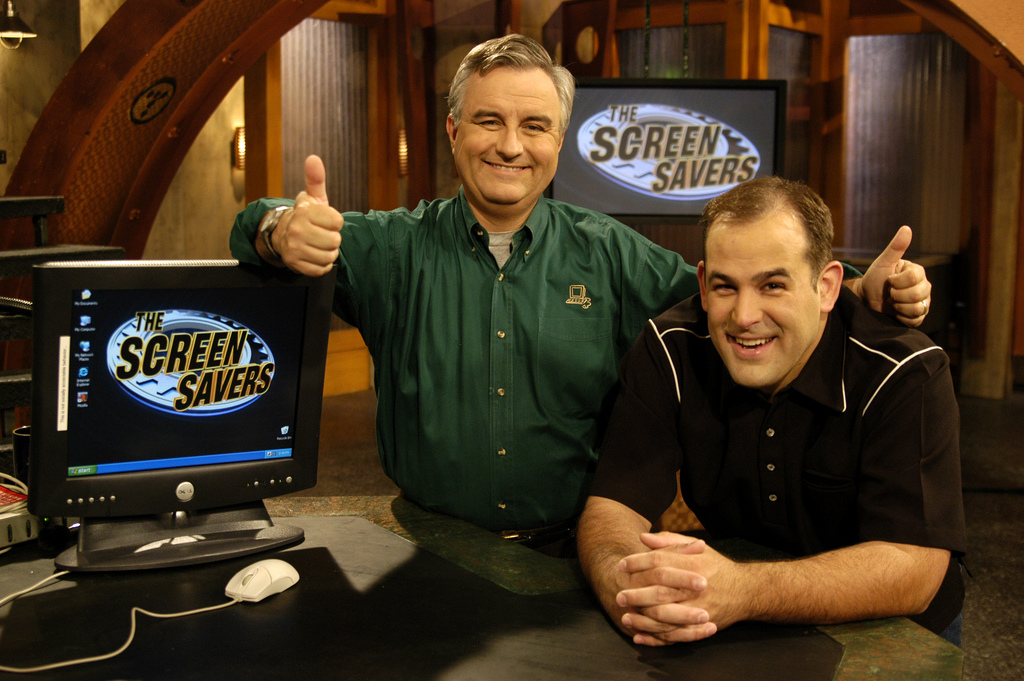
the screen savers

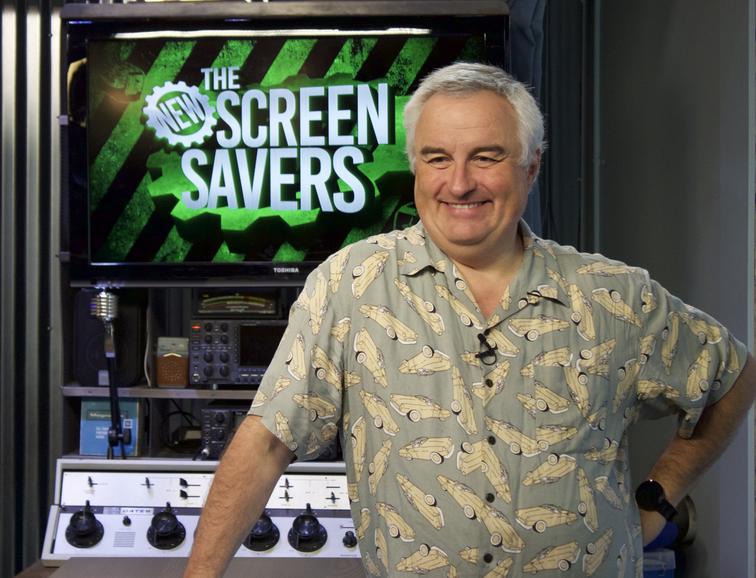
The Screen Savers ran from 1998 on ZDTV (which became TechTV) until 2005 after it was essentially dumbed down and killed off by G4. This led to the departure of Leo Laporte who soon after started what is today one of the most popular technology podcast networks around, TWiT (This Week in Tech). The TWiT Network launched the very first episode of the successor to The Screen Savers, called The New Screensavers, hosted by Leo Laporte featuring special guest Patrick Norton.

the new screen savers

I’m beyond excited for the return of quality tech oriented ‘television’ featuring the best personalities in tech! Leo Laporte is absolutely a blast to listen to every week on This Week in Tech and The Tech Guy, and I can’t wait to start watching him on The New Screensavers! Be sure to head over to the TWiT network and check it out!

TechTV was one of the most enjoyable channels on cable, featuring intelligent and educational tech oriented programming. Luckily, Leo kept the spirit of TechTV alive with TWiT which continues to expand its programming, offering something for just about anyone. The TWiT Network is incredibly successful, with its flagship podcast seeing over five million monthly downloads while the network is expected to make around $7 million in 2015. Leo and the rest of the TWiT staff work incredibly hard producing quality content every day of the week, and I’m certainly glad the network is as successful as it is.

A look at Sling TV (on the Xbox One)

sling-take-back-tv

So I should start off by saying I’m not a cord cutter, and I probably never will be one. I enjoy having a traditional “cable” service. We have DISH Network and enjoy it immensely. I love channel surfing and having a large variety of content, even if most of it I just leave on to fall asleep to (or leave on in the background). I also enjoy watching live sports, and so far it’s not very easy to do so outside of cable / satellite TV. MLB.tv and WWE Network are steps in the right direction, but the NFL is still locked down tightly (the only negative thing about having DISH is not having as much access to the NFL).

With that out of the way, you’re probably puzzled as to why I would sign up for Sling TV if I already subscribe to DISH (and pay over $100 a month). Well, I have to say I’m a huge fan of new ways to consume entertainment, and services such as Sling TV, Playstation Vue, HBO’s new cable free service and the forthcoming Apple streaming TV service are wonderful for all consumers.

These services are great for the college student who can’t afford cable, those in living situations where installing cable or satellite TV isn’t practical, and those who know exactly what they want and don’t want to pay for what they don’t watch.

Sling TV starts at $20 a month, and is completely commitment free. No contract, no extra fees, cancel any time. Heck, you don’t even have to deal with customer retention services to cancel, you can do so right from your account (though I haven’t tried canceling yet as I’ve just signed up).

The sign up process on the Xbox One was a breeze. I was signed up in a matter of minutes. Xbox One users are able to try out Sling TV for 30 days free. You can also add ALL of the add on packages ($5/mo each) for free for the first 30 days as well. Set up your package, enter your payment information and there you have it, you can jump right into watching live TV.

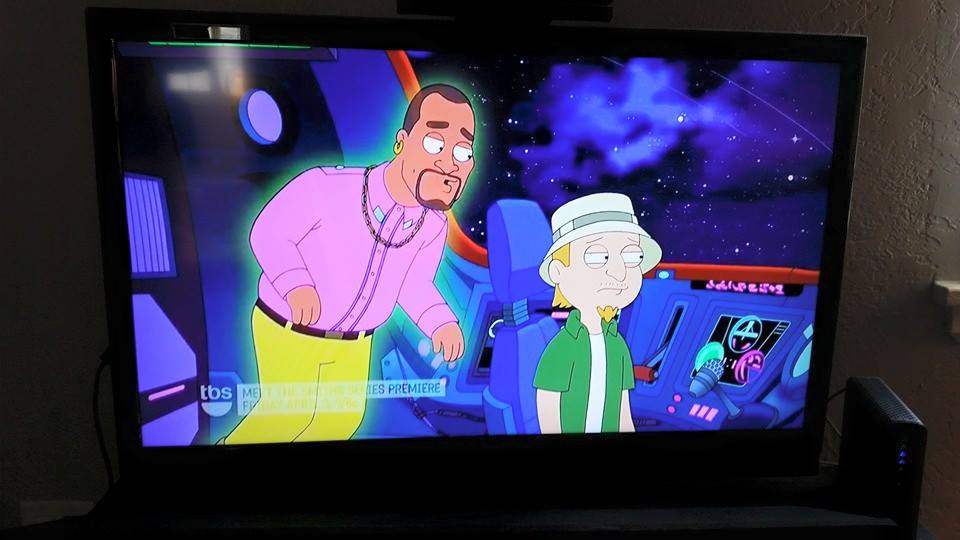
The picture quality is great. I have a 50mbps connection and I can’t tell the difference between a channel on Sling TV when compared to the same channel coming through my DISH. There is some buffering that causes a subpar picture for a few seconds when first switching to a channel, but it quickly clears up (I imagine this could be worse or better depending on your internet connection).

10985858_10108383496323054_6457871706898998282_n

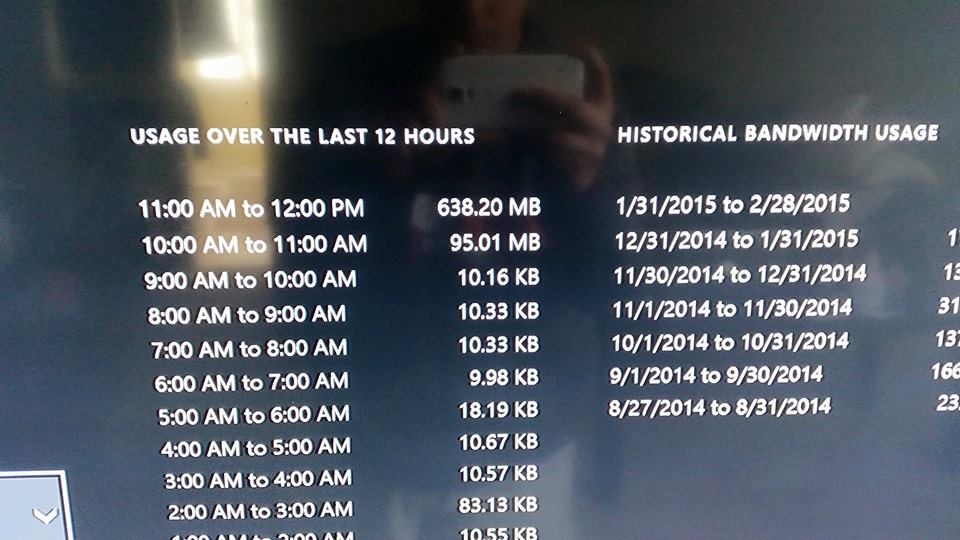
If you have a data cap, using a streaming TV service might not be practical if you watch a lot of TV. We have a 400GB monthly cap that I already eat into a good bit by downloading games and watching Netflix. If I tried to use Sling TV as my primary TV service I would easily blow through my data cap. I checked my bandwidth usage on my Xbox after using Sling TV for about twenty minutes and found that I had used 638MB during that period. I wasn’t downloading anything else, but I wasn’t watching the data in real time so I can’t say for sure how much of that was used by Sling TV. Still, it’s a pretty high number so you can imagine how much data you’d use in a month.

11070530_10108383496472754_1534896083400072775_n

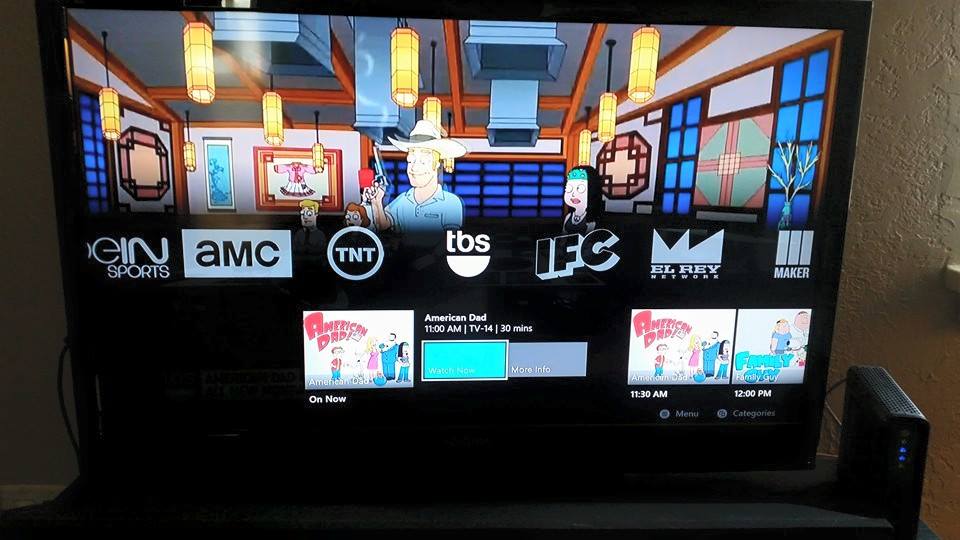
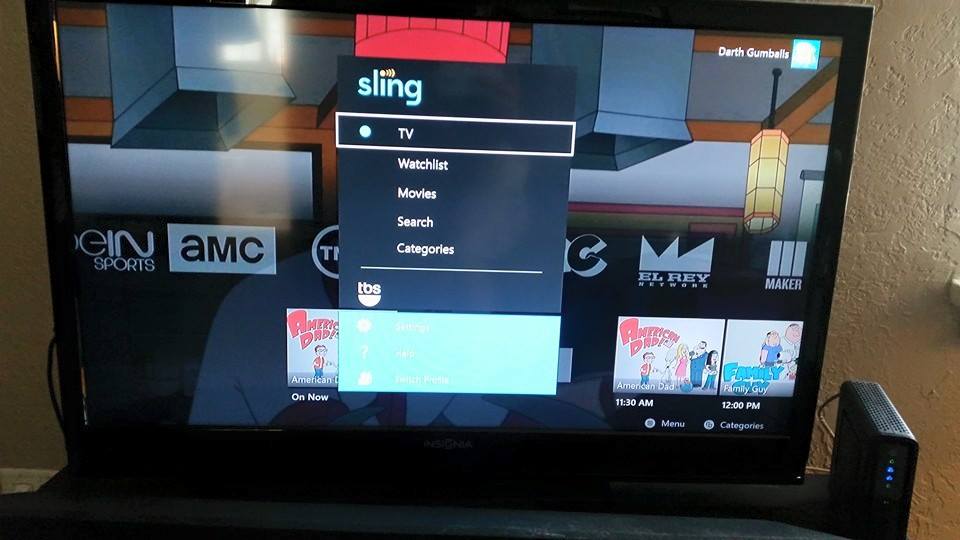
The Sling TV interface is clean and easy to navigate, though I think the DISH interface is easier to navigate (though not as good looking). I like that when viewing a channel’s schedule you’ll see pictures for most of the upcoming shows or movies. However, there doesn’t seem to be an easy way to see everything that is on all the channels without scanning through each one. I could be missing something, but I don’t see any sort of traditional guide.

Sling TV guide (xbox one)


sling tv xbox one


Sling TV’s base package includes a lot of high demand channels such as ESPN, TBS, AMC, IFC and Cartoon Network. With the $5 addon packages you can get even more content, such as the sports pack (ESPN News, ESPN U, Universal Sports Network among others), movies (four EPIX channels and Sundance), news and more.

So far I’m pretty impressed with the service. I’m excited to see if these services can affect the traditional cable services, possibly giving users more control over what they get for their money. We can only hope!

Bose SoundLink Color, an incredible bluetooth speaker


1503605_10108259705905044_7380216338655104060_n

I was looking for a portable bluetooth speaker for my trip back home and decided to try out the Bose SoundLink Color. I have a pair of Bose SoundTrue (on ear) headphones that I absolutely love, so the $129 SoundLink Color seemed the obvious choice.

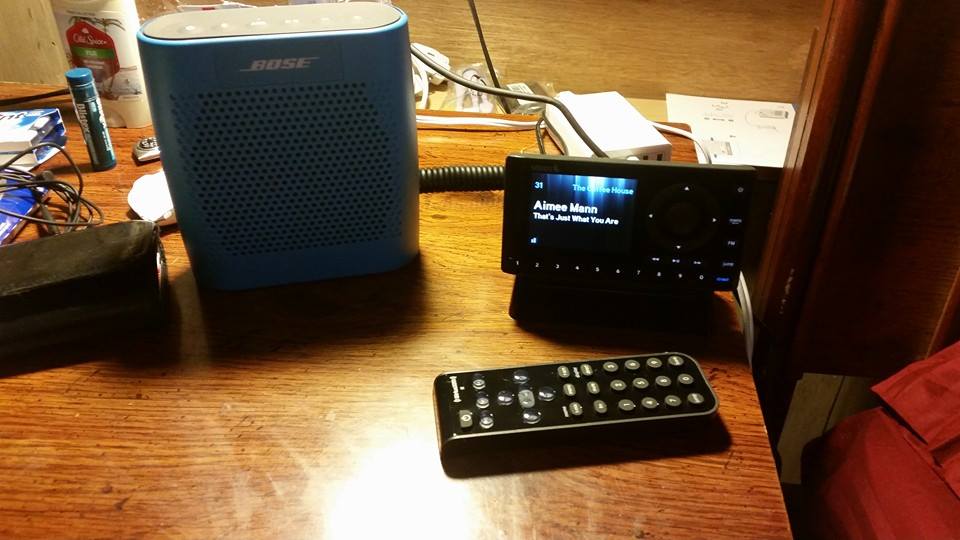
I’m quite impressed with the quality and punch that lightweight and easily portable speaker packs. The acoustic guitars of SiriusXM’s Coffee House sound absolutely wonderful on the speaker (as they do on the headphones as well). I was quite surprised to find that the SoundLink Color also emanates a deep, quality bass. If I hid the speaker you’d be easily fooled into thinking the music was coming from a much larger sound system. I’ve heard Beats Pills and I have to say the SoundLink Color easily exceeds the quality of even the $300 XL pill.

The audio guided bluetooth pairing is pleasant to use. I have the speaker paired to both my iPad and phone and it was easy to set up and switch between either. The battery life is also impressive, I haven’t run it dry yet. That said, I usually leave it plugged in while hooked up (via the aux in port) to my SiriusXM unit in the bedroom.

I love listening to acoustic Coffee House music on the SoundLink Color in the morning while enjoying my coffee. I highly recommend the speaker if you’re in the market for an easily transportable bluetooth speaker with exceptional quality. Pick one up for $129 and hear for yourself!


11046852_10108254076511394_7657310427388795793_n

First day with the Samsung Galaxy Gear S

I was browsing Best Buy yesterday and was pondering picking up a Galaxy Gear 2 Neo when I came across the Samsung booth and saw the Galaxy Gear S for the first time. I was immediately in love with the design and screen quality and knew this was the watch I was going to leave the store with.

galaxy gear s

I didn’t know much about the Gear S at all, and was surprised to discover that in a sense it is a completely separate smartphone. What I mean is, the Galaxy Gear S has its own phone number and data connection and can function completely on its own when you’re away from your phone. You can also set up call forwarding, so that if you don’t initially answer a call on your phone it will be redirected to your watch. It may also come in useful in a pinch if your phone dies and you need to send a quick message or make a call.

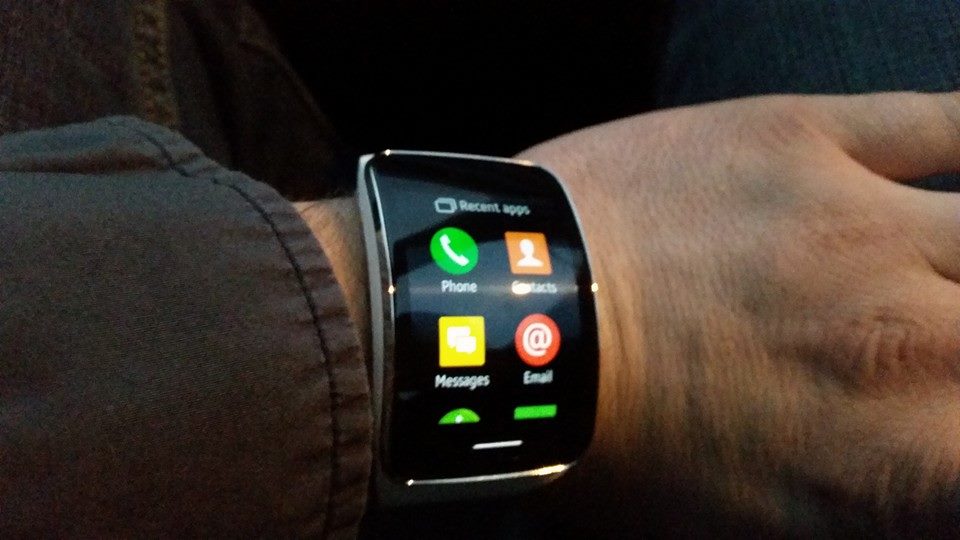
galaxy gear s menu

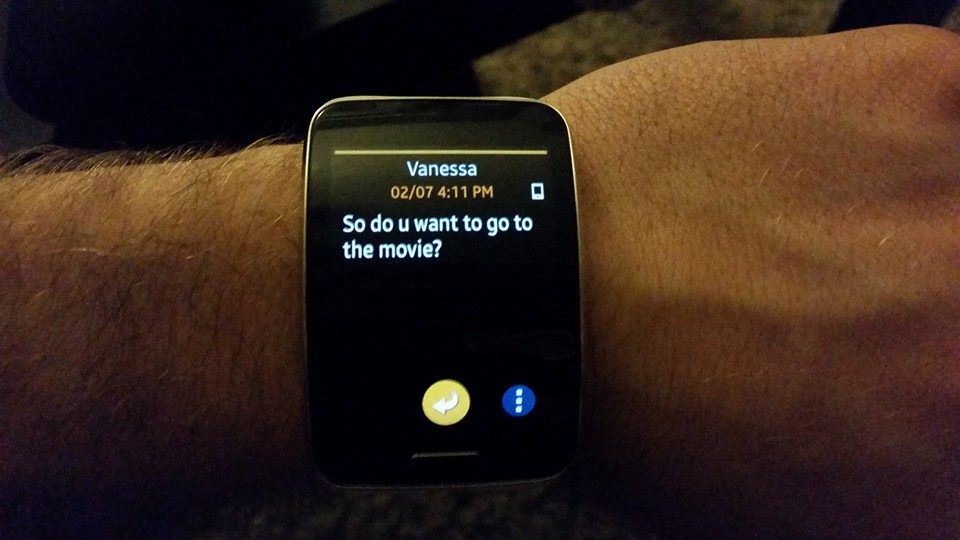
There’s a lot I love about the Galaxy Gear S already. I love being able to read my phone’s messages and notifications on my wrist without ever having to reach for my phone. I found this feature appealing while at a casual lunch yesterday. I could just glance down at my watch and read a message without interrupting conversation or looking away for a significant amount of time.

galaxy gear s messages

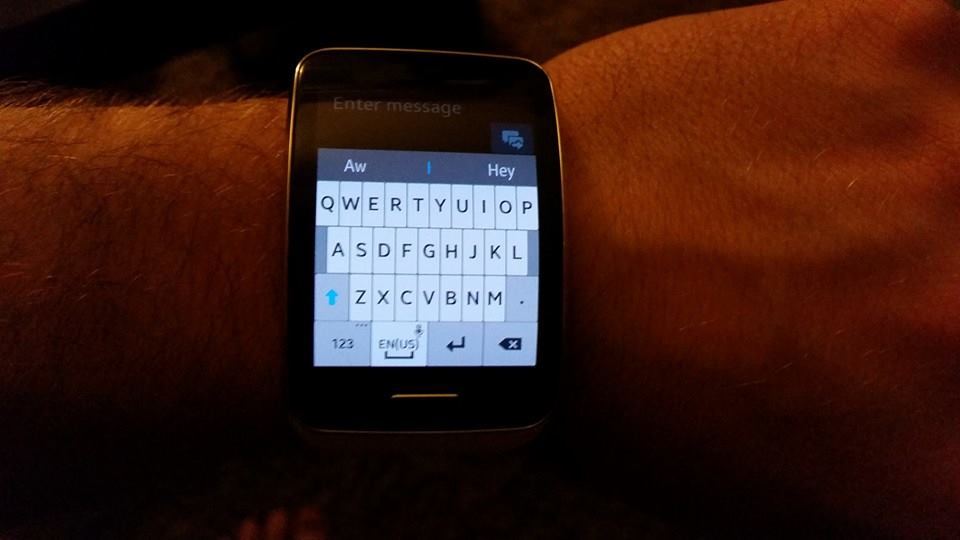
I also found the on screen keyboard easy enough to use which was surprising. I didn’t expect it to work very well on such a small screen, but it is certainly functional.

galaxy gear s keyboard

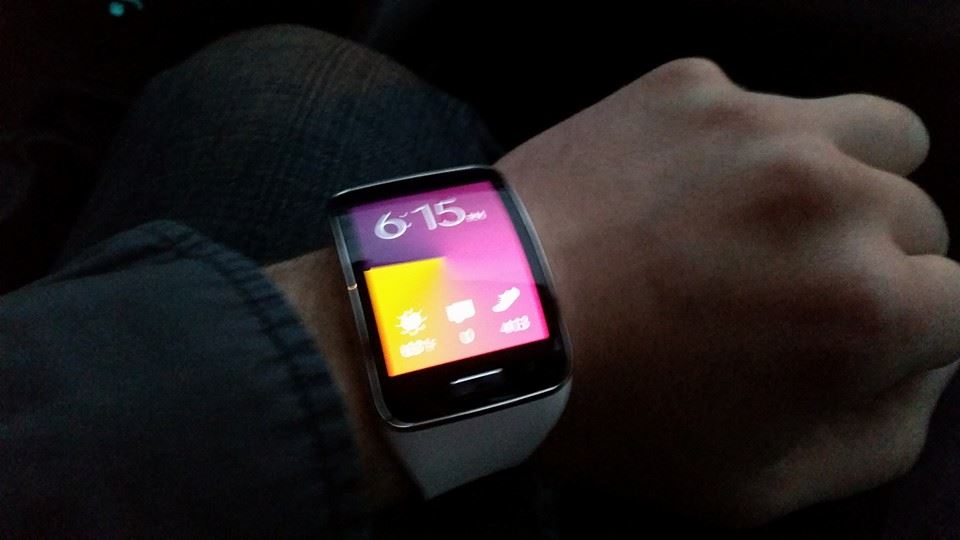
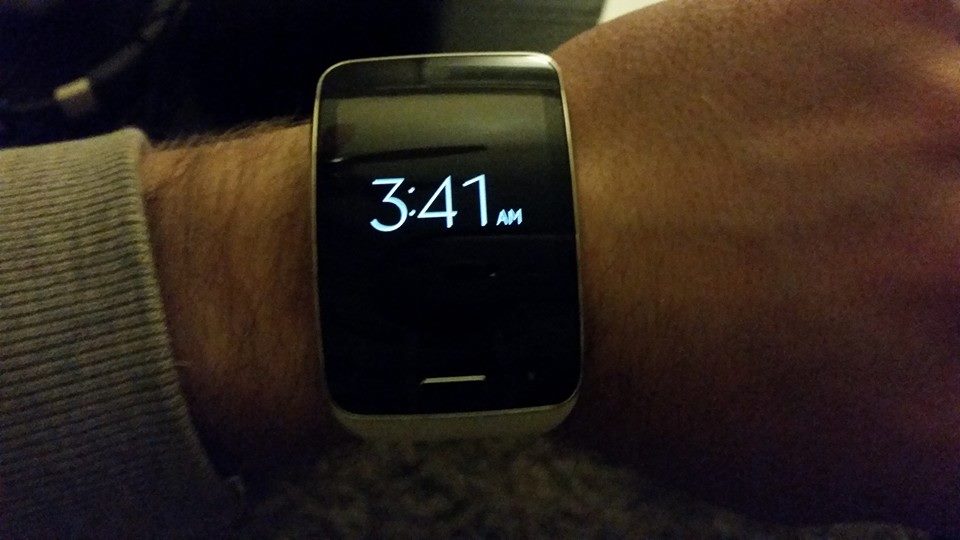
I also love how the watch automatically displays the time when you lift your wrist. I know it seems silly, but being able to glance at the time without having to push a button on my phone is quite convenient.

galaxy gear s time

I’ve also enjoyed using some of the apps available for the device.
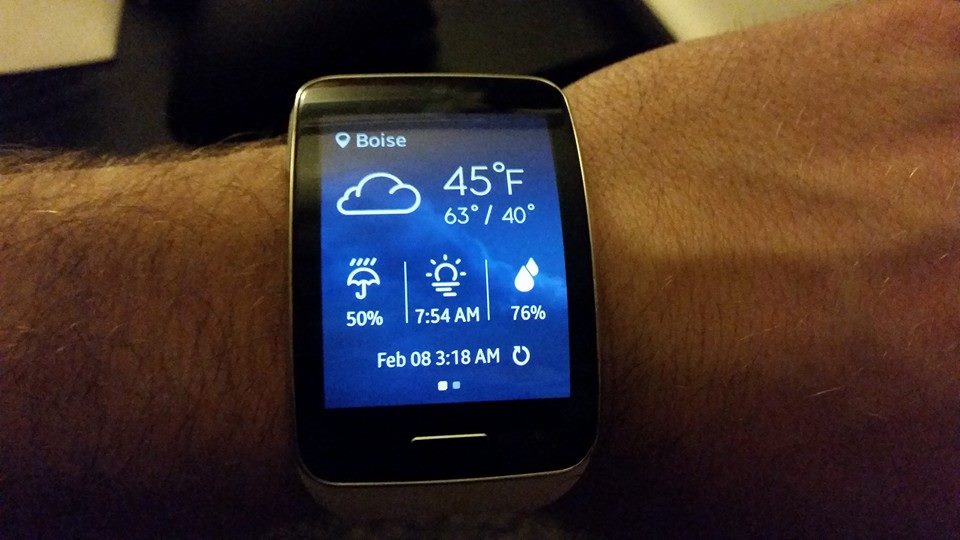
The weather display:

galaxy gear s weather


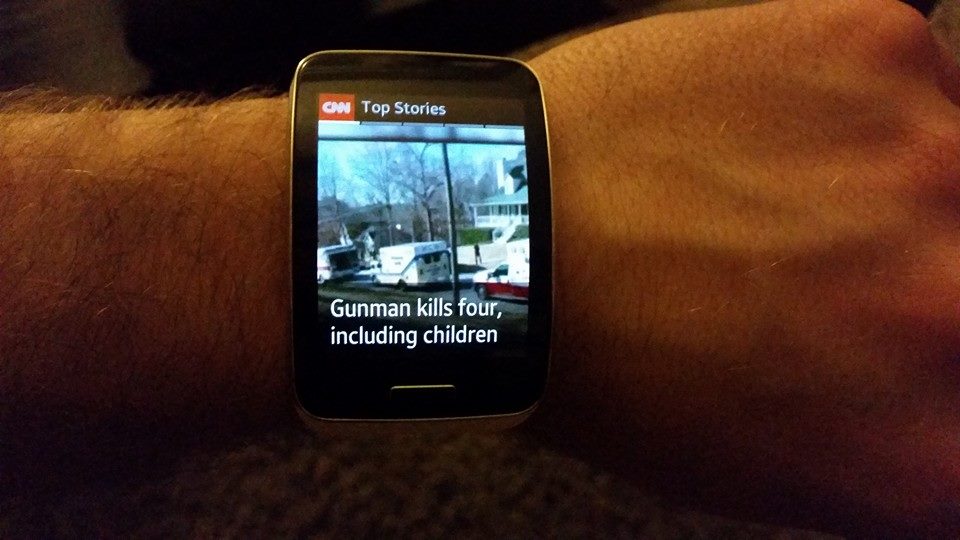
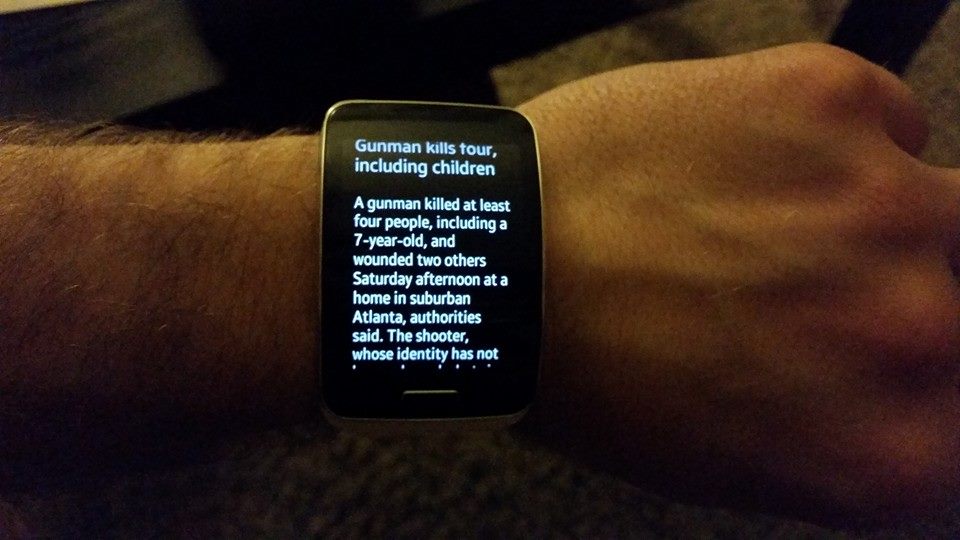
CNN:
galaxy gear s CNN
galaxy gear s CNN

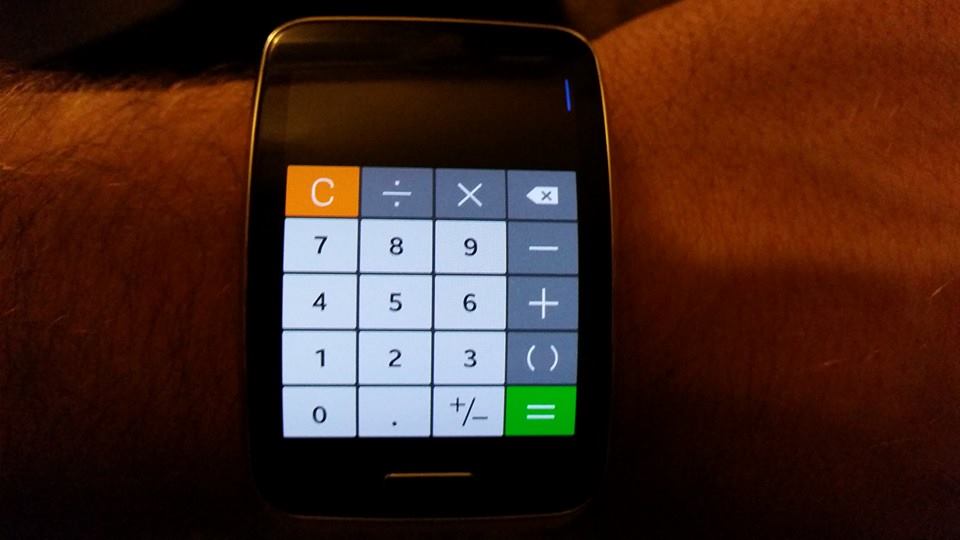
Calculator:
galaxy gear s calculator

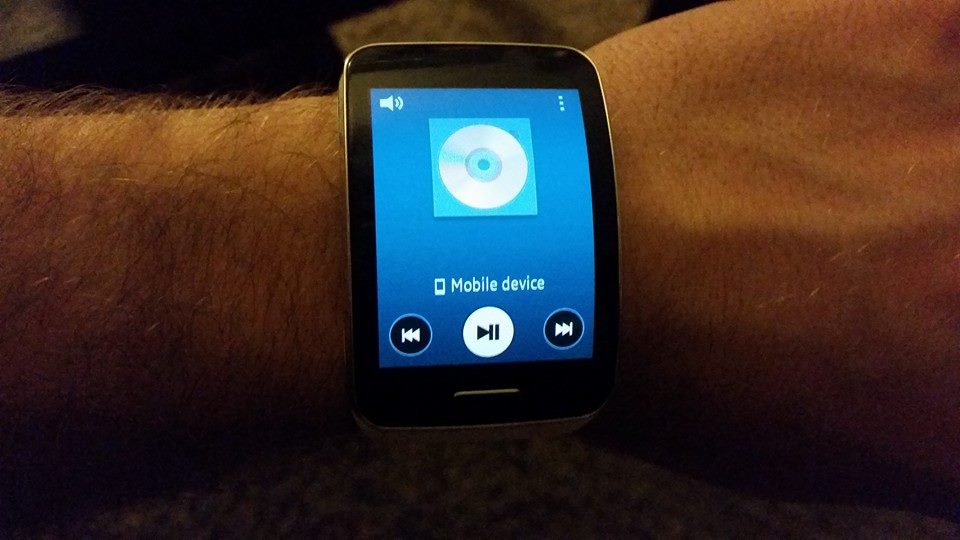
The media control lets you navigate the songs playing on your phone (this will be great while running!):
galaxy gear s media control

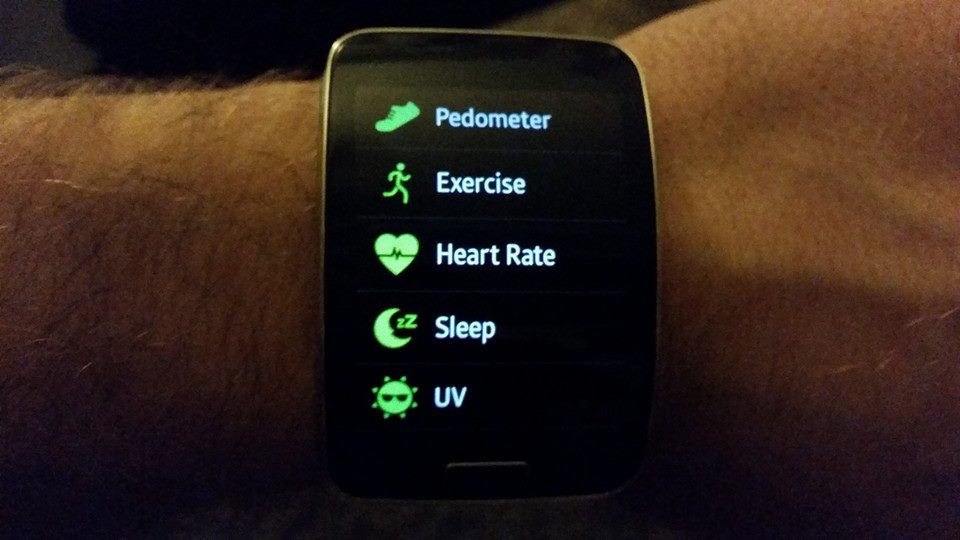
The S Health functionality is one of the device’s most appealing features to me. It’ll track your steps, heart rate, calories burned (based off of steps taken / activity), sleep and the UV index when you’re outside.

galaxy gear s health

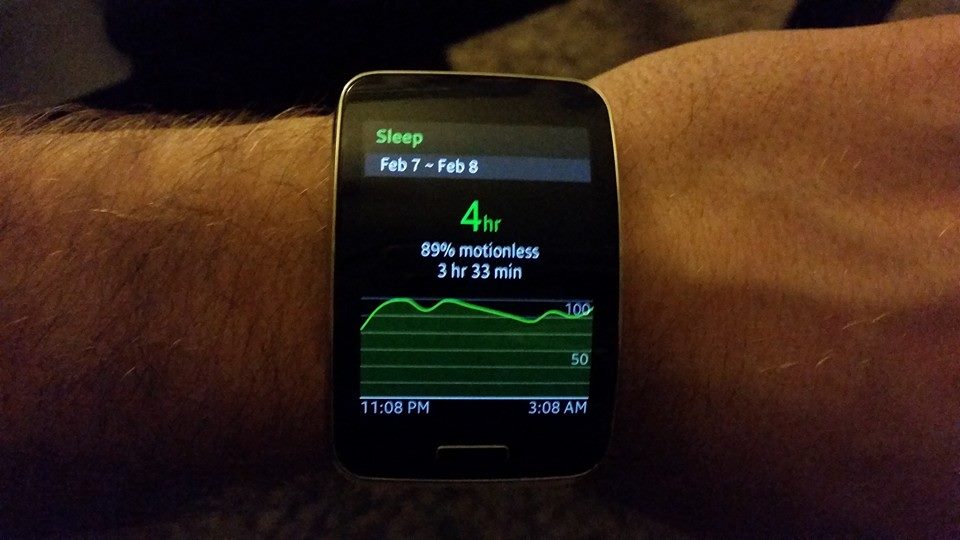
To use the sleep tracker you have to first tell the device you’re going to sleep and then it’ll begin tracking. It was interesting to see just how restful I was while taking a nap earlier (I was 89% motionless over 4 hours and slept for three and a half hours.
galaxy gear s health sleep

The watch will vibrate and notify you if you’ve been too inactive over an hour long period which can be a nice motivator to get up and move. When this happens it’ll show you how many steps you’ve taken during the day and your progress toward your goal.

The Galaxy Gear S is $199 with a 2 year contract, and does require a data plan. I have AT&T and upon adding the watch to my account I had to switch from the 5GB data pro plan to a 6GB data share plan. As far as I can tell, this actually made my monthly bill cheaper, but I’ll have to wait until I’m billed for the first time to know for sure. I also now qualify for rollover data which is pretty cool!

If you don’t want to be locked in on a contract you can purchase the device for $329.

If you have any questions, feel free to ask them in the comments!


Fun with RC helicopters (Ares Chronos CX75 and CX100)

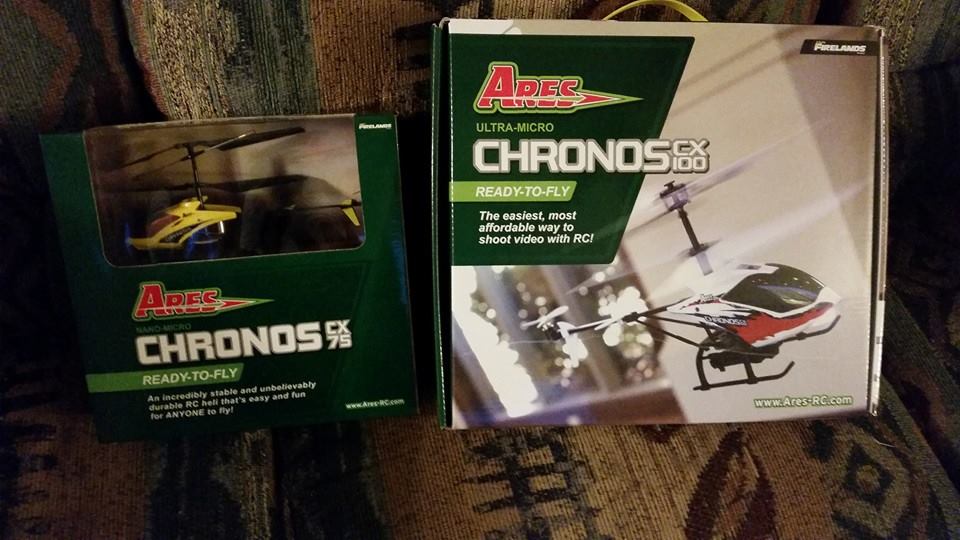
Chronos CX75 and CX100

I had never flown an RC helicopter before but recently had the urge to do so, so last night I visited the local hobby shop and purchased the Ares Chronos CX75 and CX100 RC helicopters. The CX100 immediately caught my eye because it comes with an onboard camera that can shoot video and take still photos (a 2gb SD card is also included). Both helicopters are ready to fly right from the box after their batteries are charged.

Last night I flew the CX75 indoors to get used to the controls, and it wasn’t incredibly difficult to get the hang of flying it (I could fly it, just not necessarily well). I also flew it outside in the dark which was fun (it has a bright light on the nose) though I almost landed in on the roof of the house.

Earlier today I took the CX100 outside and flew it for the first time. It’s a bit more difficult to fly, but there are also many more modes on the transmitter and I only skimmed the manual before I started flying. In mode 4 it controls like the CX75, however for whatever reason I found it hard to control pitch. It wouldn’t fly forward and backward as easily as the CX75, it seemed like it was slower to respond. I assume this may be because I was flying in the ‘low’ control rate setting which is recommended for beginners which limits control authority for smoother flying. I may try out the ‘high’ setting on a short flight to see if that will make it more responsive (though I imagine I’ll probably crash it more often).

I wasn’t flying in a very wide open space so ultimately I crashed the CX100 about 15 feet up in a tree and had to knock it down with a tennis ball. Luckily the helicopter didn’t suffer any damage. Initially the propellers were blocked by the branch, but I was able to hit it so that it fell and was only hanging by its tail and from there I was able to fly it out of the tree. After that it wouldn’t take off anymore, but I believe the battery drained during the 5 minutes it was in the tree.

The video I was able to capture with the CX100 is pretty cool. The quality is higher than I expected from a camera included with a $70 helicopter. I also didn’t expect it to have sound which is a neat addition, although all you really hear is the buzz of the rotors. So far I’m having a blast flying the CX75 and CX100 around. Both say they’re intended for indoor use only, but I find most of the fun comes from flying them high in the air outdoors. I’m excited to learn to fly them both better and get some cool video with the CX100.

Two issues I have with the Samsung Galaxy S5

This will be brief, but I feel the need to talk about a few annoyances I’ve had with the Samsung Galaxy S5. All of my previous smartphones have been iPhones and I enjoyed them, but for whatever reason I decided to try out the Galaxy S5. It’s not a bad phone, I like the screen size, the fact that it’s waterproof and the SD card slot, yet there are some annoyances I don’t feel you should have to put up with.

First of all when I have the charging port cover open and plugged in while I’m in the car and I’m trying to listen to music or a podcast via auxiliary I’m met with a major annoyance. As I’m driving the phone constantly pops up with a reminder that the charging port is open, and each time this happens it mutes the music. At the very least the notification pops every ten seconds and at most pops ever 3-4 seconds. Therefore it’s entirely impossible to listen to music while also charging the phone in the car.

Secondly, when I have the phone in my pocket at work with it set to swipe to unlock it somehow constantly unlocks and moves apps and creates widgets all over the place. Not only that, but apps and games start opening on their own, music starts playing and I somehow send texts filled with gibberish or create reminders and notes filled with long strings of random text. You would assume that setting up a lock screen would prevent this from happening, and while it does it also creates another issue.

With the phone set to a pin lock or even pattern lock I manage to pocket dial 911. I’ve pocket dialed 911 from work several times over the last week and keep getting return calls from the local police. I called them back and explained what happened, but I can’t seem to prevent the issue from continuing to happen.

Issues like this are what’s going to drive me back to Apple. I’ve never had anything even remotely similar happen with an iPhone and I think overall Apple builds a better product. Android is just too ‘wonky’, weird and unreliable for me.