My new Galaxy Tab 3

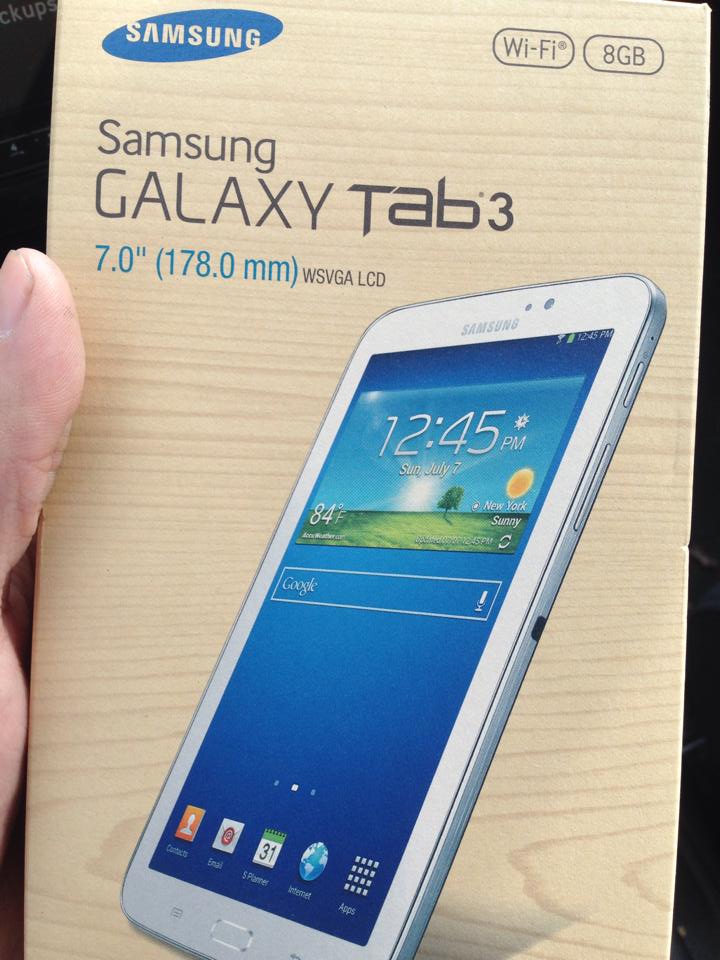
Last week I picked up a Samsung Galaxy Tab 3 7.0″. I’ve always been an Apple guy. I have a MacBook Pro, iPhone 5 and for awhile I had an iPad 4. I sold the iPad 4 before the Air came out and planned to upgrade but ended up getting an Xbox One instead. So I went awhile without a tablet and basically picked up the Galaxy Tab 3 on a whim since it was on sale and within my budget.
1536717_10106214741919264_686087083_n

So far it hasn’t been too bad and experience, but it hasn’t been amazing either. The Tab 3 isn’t too much cheaper than the first gen iPad Mini, but based on its performance it feels like it shouldn’t be priced over $99. It’s not the worst in the world, but at times it’s pretty bad. There have been times when I hit the home button and have to wait 3 seconds for the home screen to display. I found that for the best performance you have to manually close out of apps, otherwise they continue to run in the background bogging down the system. On Apple devices I’m used to hitting the home button and switching between apps while letting iOS manage everything in the background.
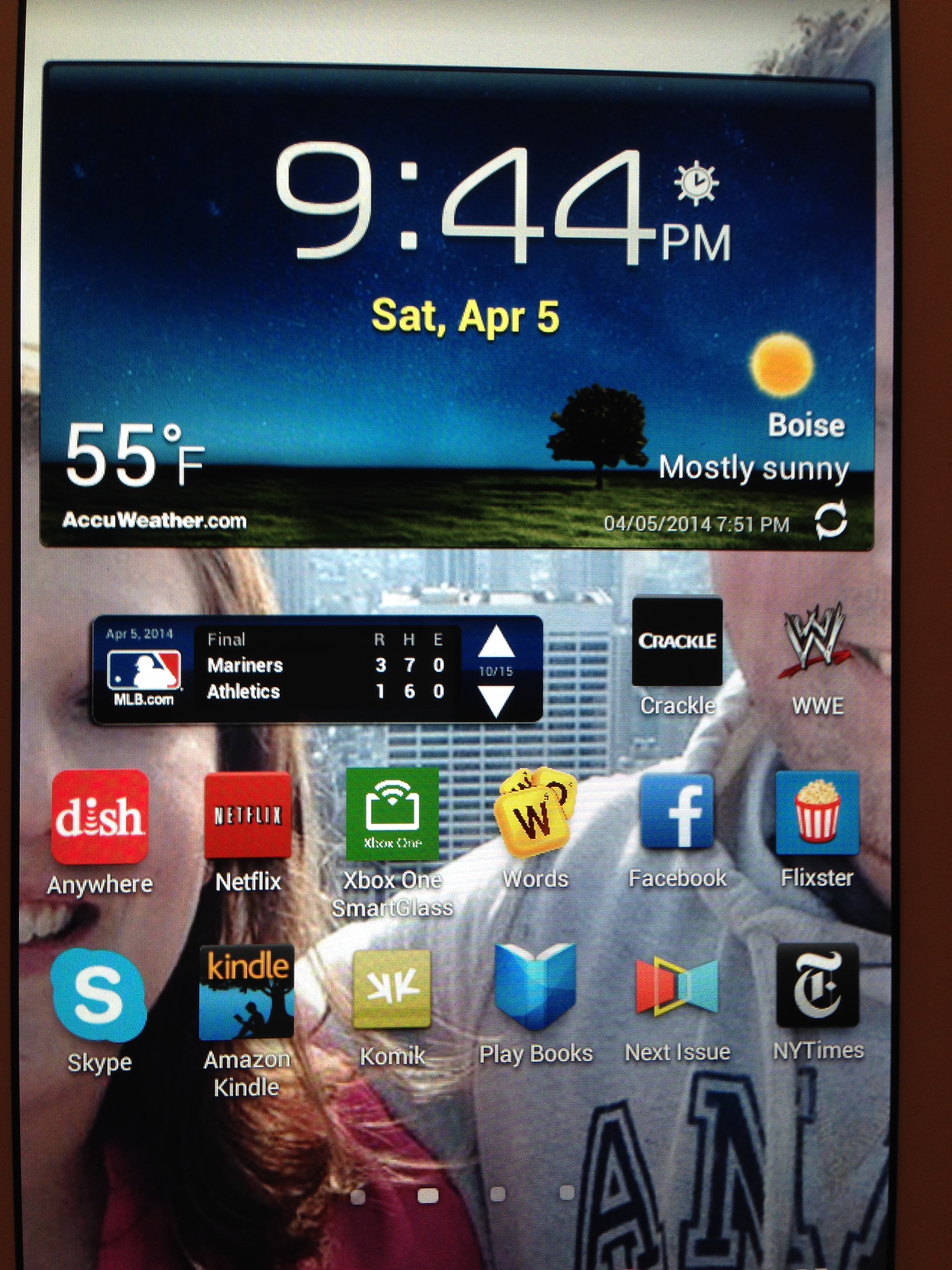
IMG_3528

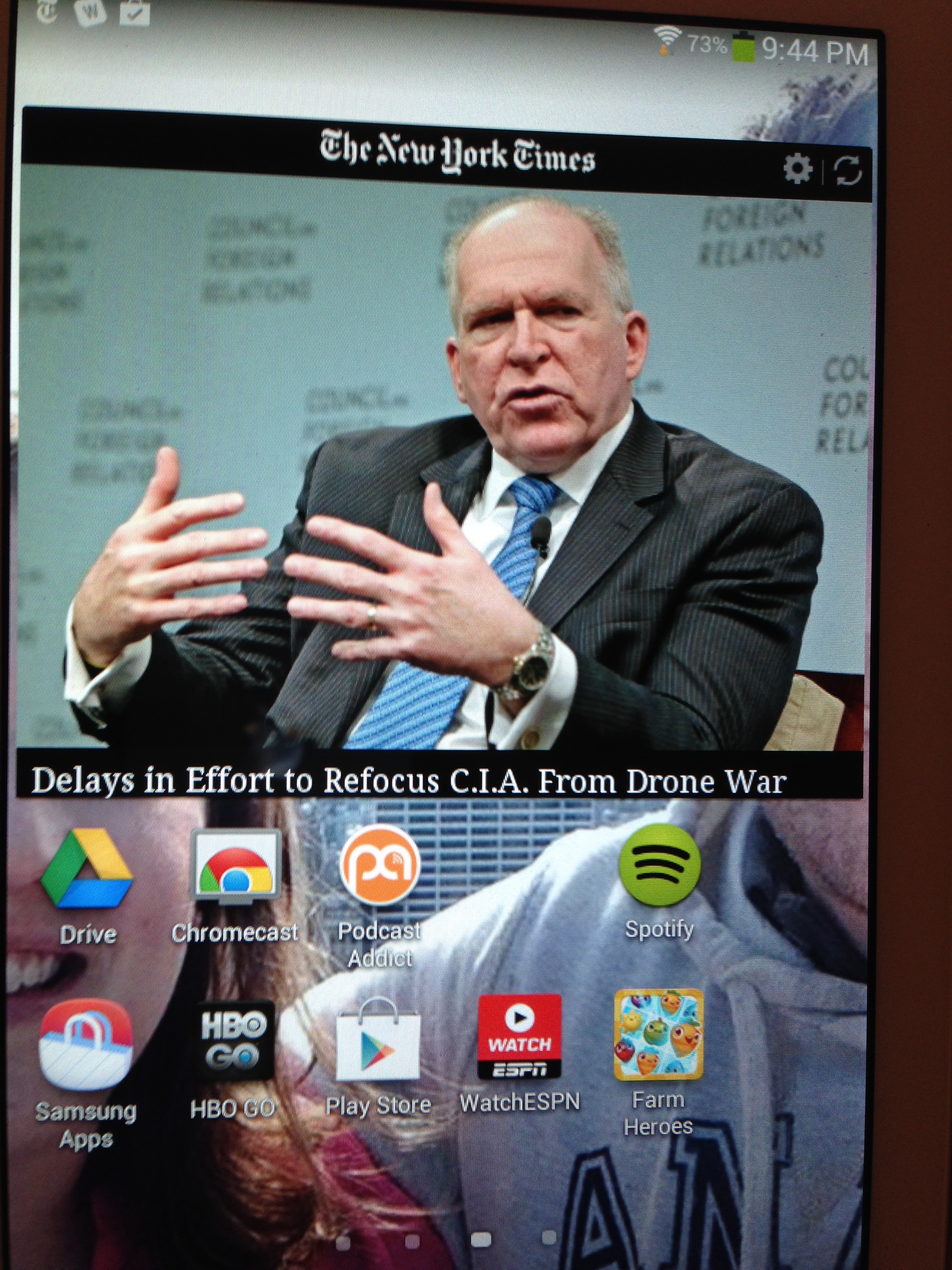
IMG_3529


One thing I do like about the Android operating system is widgets. It’s nice to have updating information on the home screen and various pages. Being able to check baseball scores, news headlines and weather by simply looking at the screen is a very nice feature. (Speaking of baseball scores, why is there no ESPN Score Center app on the Play store? There’s only a Brazilian version. Strange).
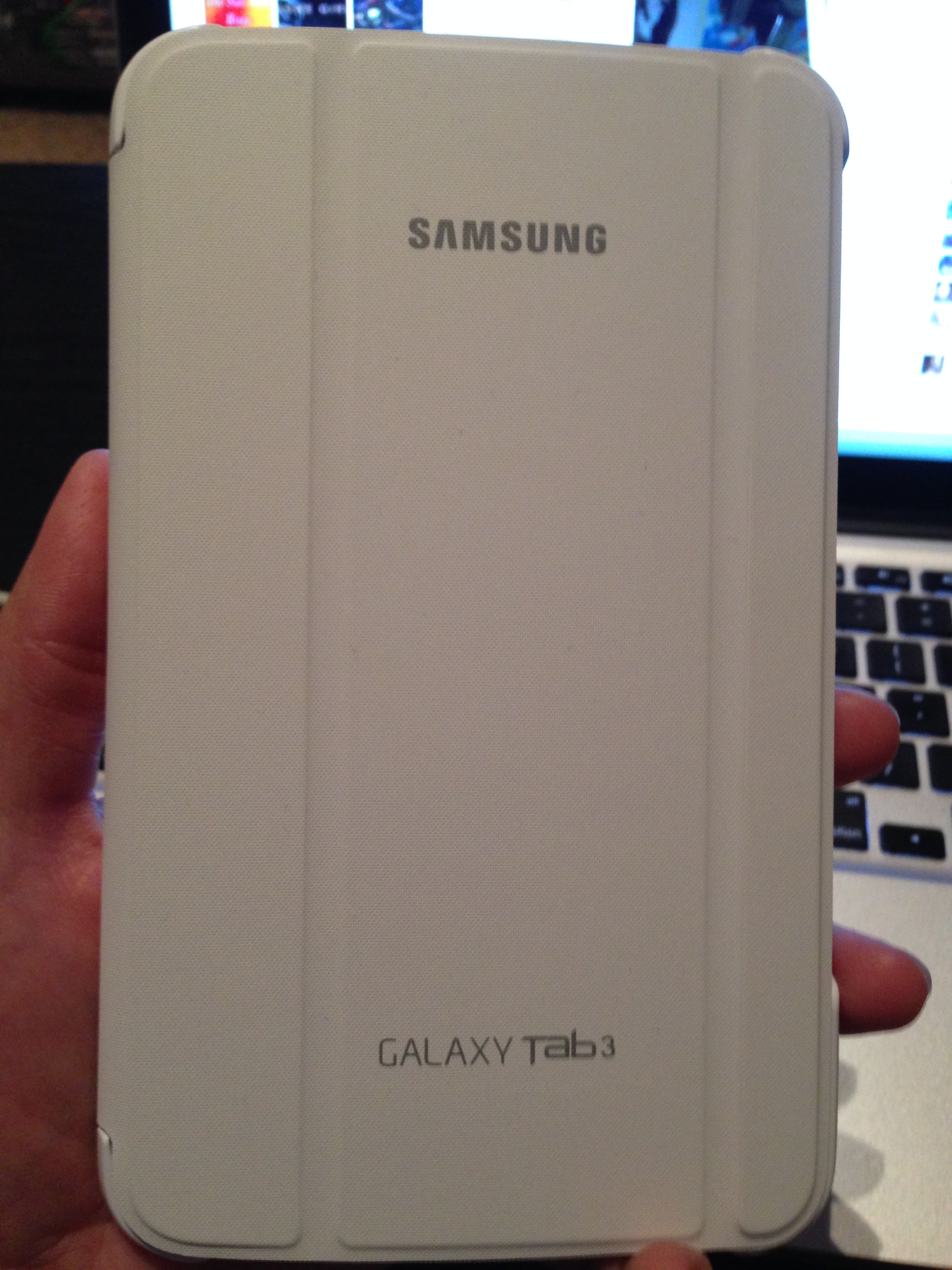
IMG_3526

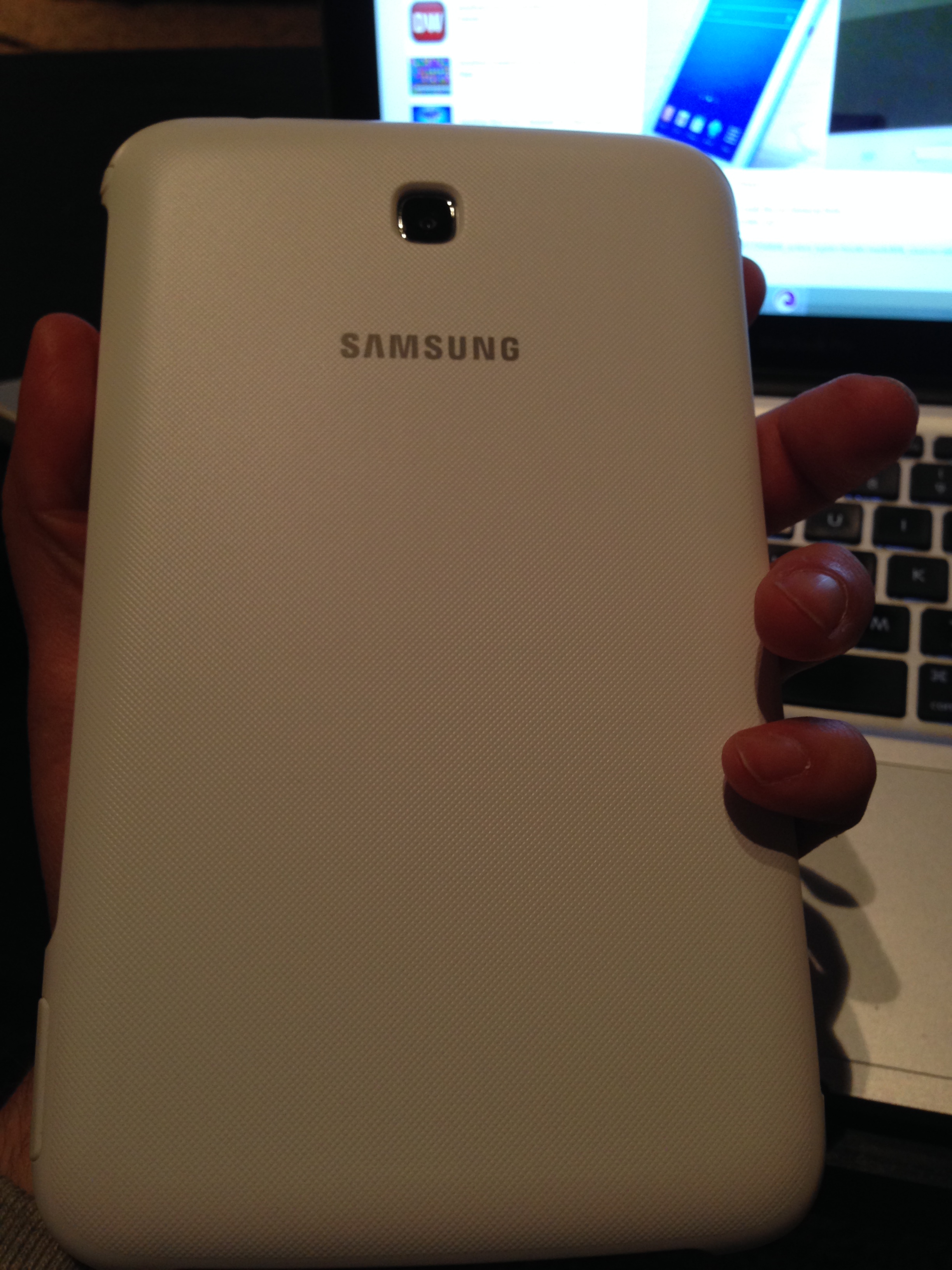
IMG_3527


I also really love the Samsung Book Cover case which I got for $35 at Best Buy on clearance (it’s usually $50). It’s a nice quality case that looks great on the device and feels great when using the tablet or carrying it. I definitely recommend this case!

The only other thing I really have to say is the cameras are not that great on the device. It has a 3MP rear camera and 1.3MP front camera and neither take great pictures, though the front camera is functional enough for Skype. I’m not that concerned about the rear camera because I don’t often use a tablet camera to take pictures since I always have my phone with me (the iPhone 5’s rear camera is 8MP for reference).

I bought the 8gb model and a 32gb micro SD card. I didn’t realize you couldn’t install any apps on the SD card, so my 8gb device storage is already almost full. It is nice to be able to use the SD card for movies, books and other media files at least. With the iPad I’d often have to delete games and apps when I was traveling to make room for movies (I had the 32gb version but had a lot of large games).

I love gadgets so it’s been nice exploring and learning about my first Android device. I still prefer iOS and Apple hardware, but the Samsung Galaxy Tab 3 isn’t bad. I look forward to learning more about it and experimenting some more as time passes.
A beautiful Idaho morning sunrise drive

This morning I had to go into work to check in so on the way back I set my GoPro Hero 3+ up in the dash and let it record on the drive back. I love the color of the sky and the flat, wide open spaces that you experience while driving in Idaho. This drive is from Mountain Home AFB to Boise via Airbase road, Bypass road and I-84W.

Shot using 1080p wide angle, 60fps.

The 5600mAH Jockery Bar: A great gift

0140476df3202868eb6372f9a5ce0f94f7510bdfd9

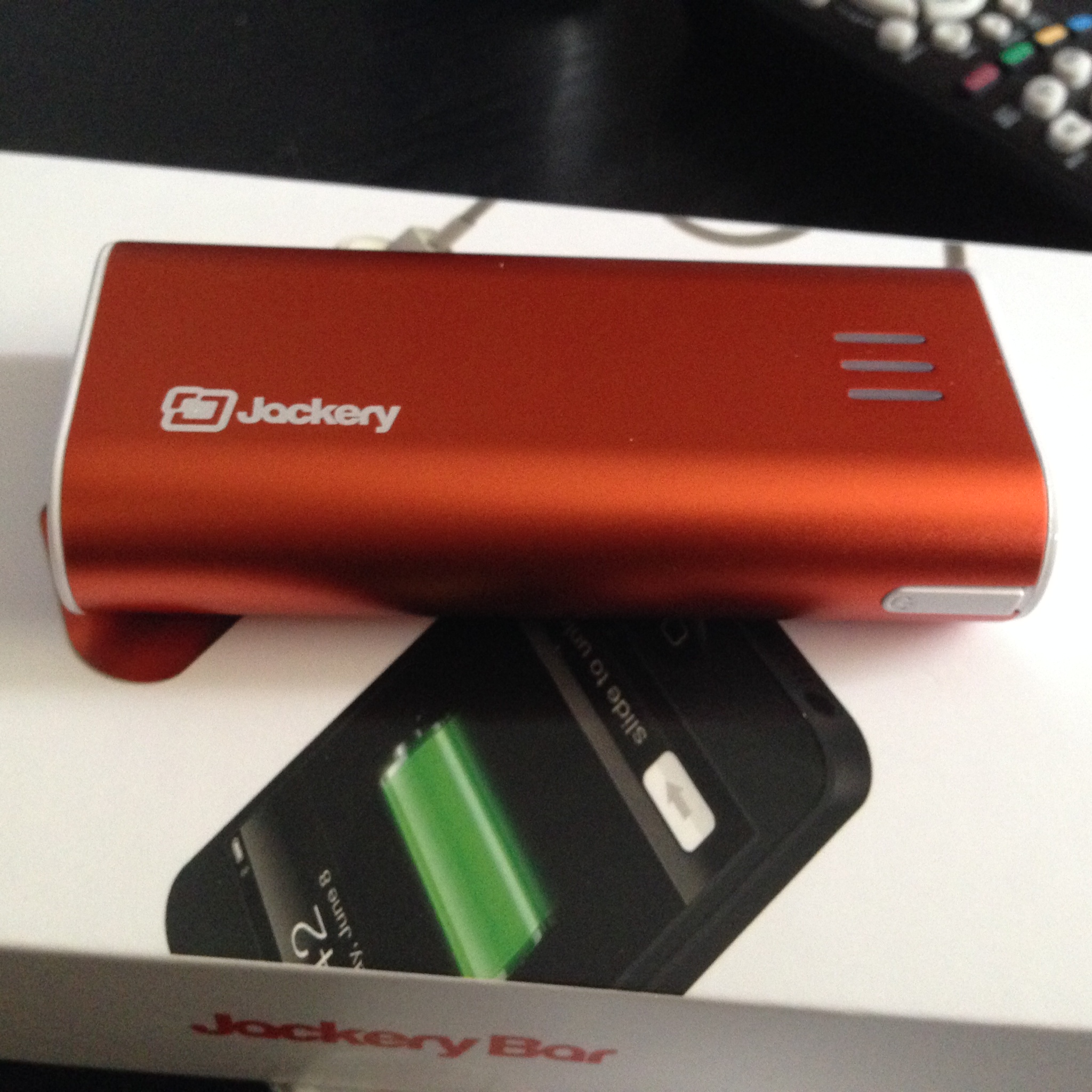
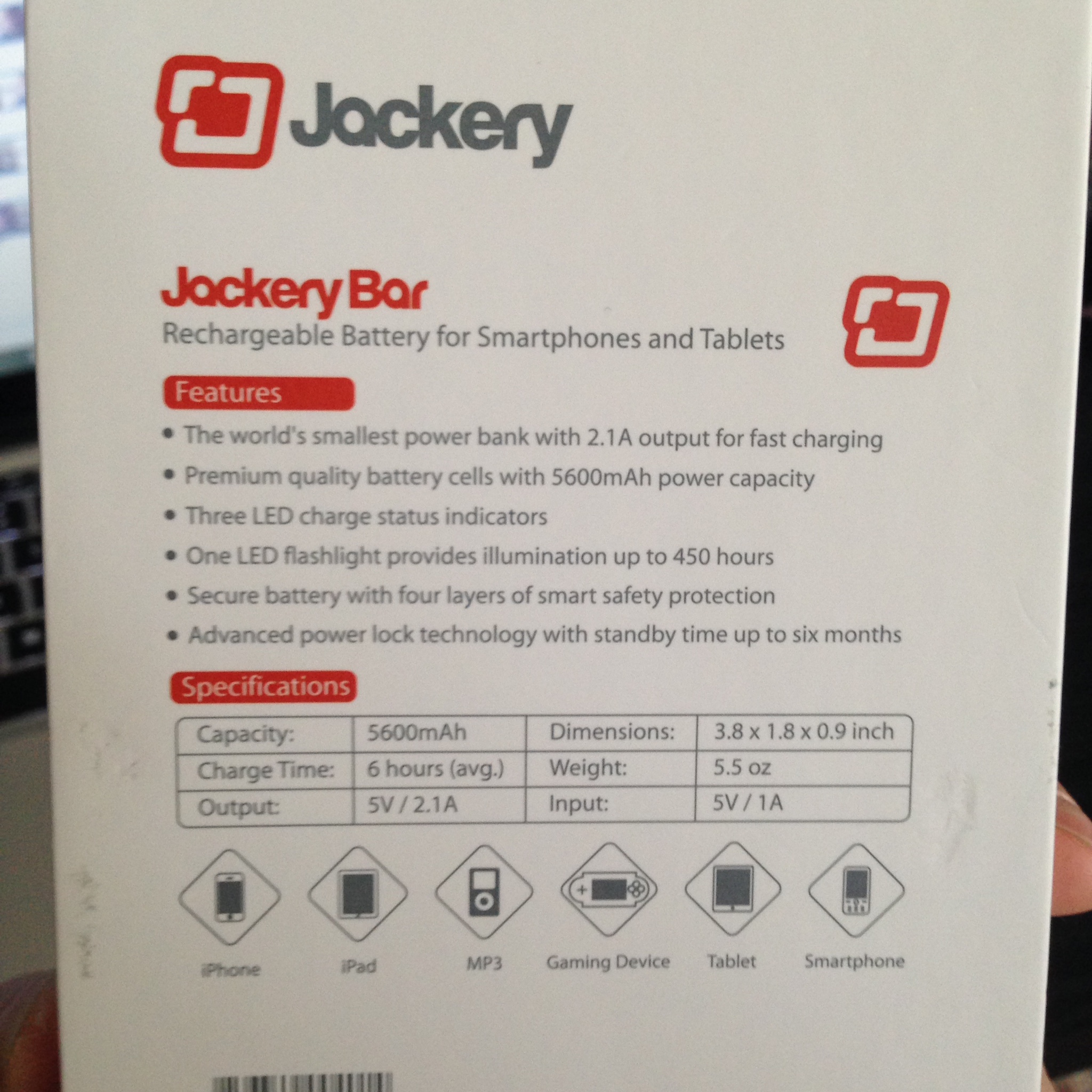
If you’re looking for a great gift for the person always connected and always on the go, look no further than  a Jockery Bar portable charging station for phones and tablets. The lightweight, easy to pack battery can hold three spare charges for the iPhone 5 (with the 5600mAH model) which can add an extra day or two of use while away from a wall or car charger.

0197fd65f86afbab02aa568d4d36449f9adfcdeb4f

Take a look at my unboxing and overview video below:

An updated look at Chromecast

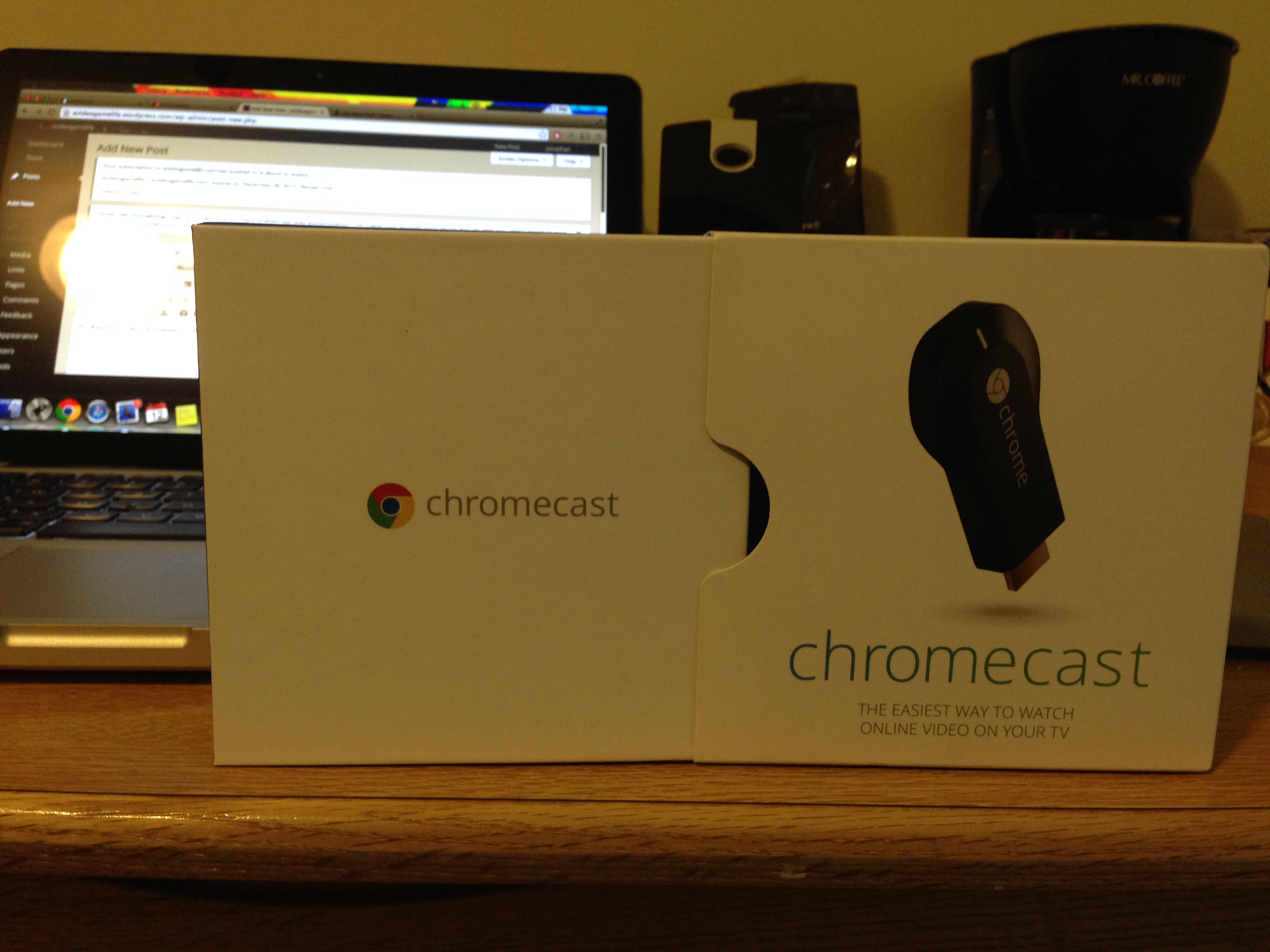
IMG_2980

For $35, the Google Chromecast is a great Christmas gift. The Chromecast acts like a Roku player (or similar streaming media player) however it’s controlled by your smartphone or computer over WiFi. Once it’s set up you use apps on your phone or computer to stream content to your TV. However the Chromecast doesn’t pull data from your phone or device, it will connect to the content on it’s own and stream it from the source so you’re free to use your phone for whatever else once it starts streaming.

For example, you can launch the Netflix app on your phone and hit the Chromecast button to start up the Netflix app on the Chromecast. Once you select something to play it’ll begin loading on the Chromecast and you can close out the app on your phone. You can use the app on your phone to control the content by fast forwarding or pausing if you like.

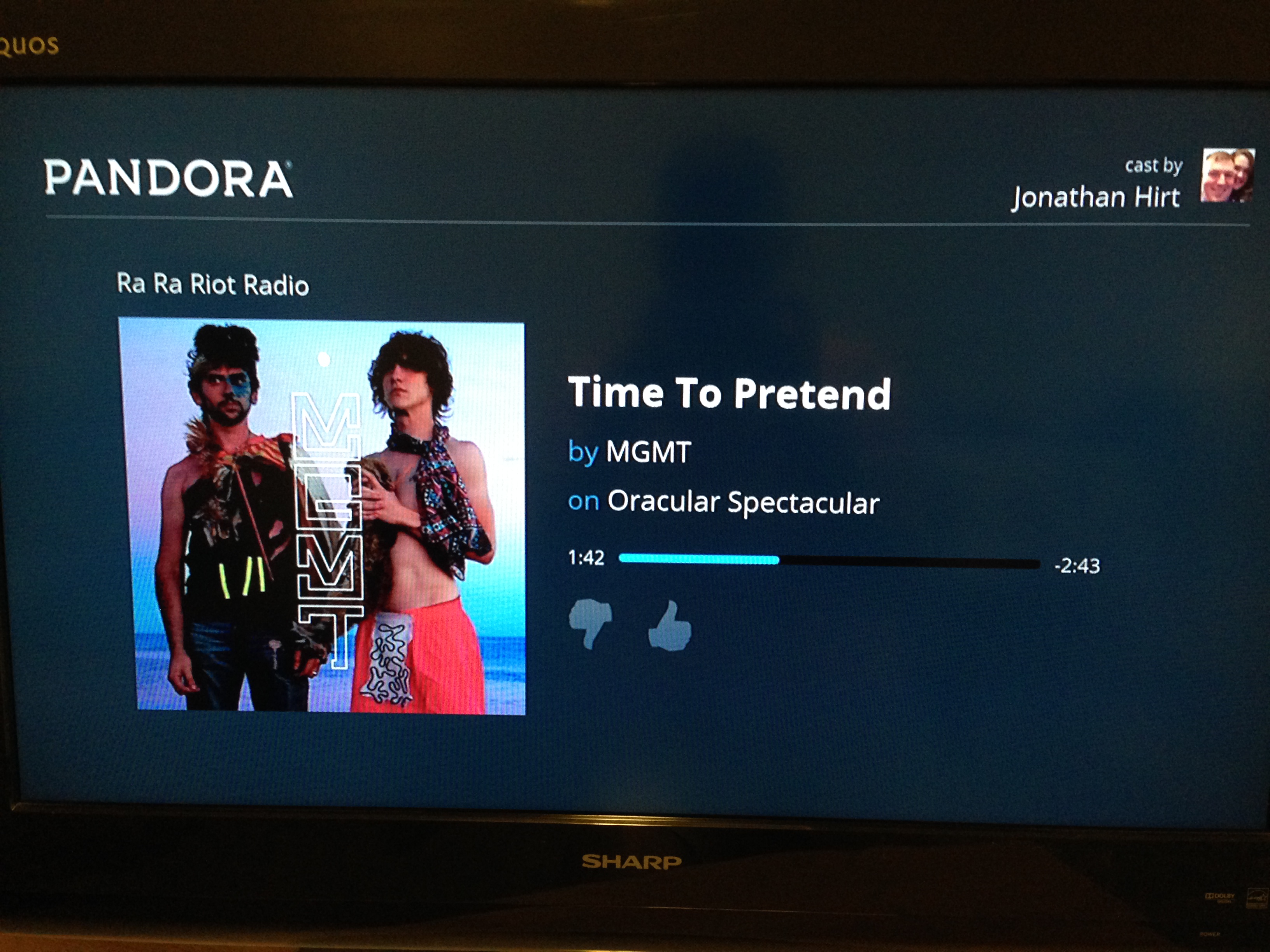
Recently Google added a few more apps to make the Chromecast more versatile. Originally it could only stream from a handful of apps such as Netflix and Google Play. Now there are more options including HBO Go, Hulu Plus and Pandora (and several more that I’ve never used such as VEVO, RedBullTV and RealPlayer Cloud). The HBO Go and Pandora apps are my favorite additions. I’d like to see a Dish Anywhere app sometime in the future, but HBO will do for now.

IMG_2978

You can view the video below for a look at the new apps and to see the Chromecast in action. For $35 it has a great, easy to use design and I love using it. Sure I have all of the same apps and more on my PS3, but the ease of controlling everything seamlessly through my phone is great. I can start something playing on Netflix while I search for something to watch on HBO and switch between the two in a matter of seconds. On the PS3 the time it takes to exit one app and enter another is painful.

The new and improved Spotify

1d422b21f86f0e43e7983b833d1489f7

Spotify has been one of my favorite music apps since it allows you to add specific songs or albums to playlists and play them at will, so long as you’re a subscriber for $10 a month. However, today Spotify has rolled out a new free service which allows you to play any album or playlist on shuffle for free. You can’t start with a specific song, but you can add specific songs to playlists and play it on shuffle. There will be ads of course, and Spotify occasionally throws in related songs that aren’t in your playlist to mix it up a bit, but it’s still a great service. I usually listen to albums on shuffle anyway, so it’s great to be able to do this without paying the monthly fee.

IMG_2972

Thanks to the new free service today I discovered a new artist and album I’m really enjoying. I had never heard of Sevyn Streeter, but the album cover enticed me and I started listening. Her debut EP Call me Crazy came out last week and it’s certainly worth listening to. She has a sort of Katy Perry sound, if at times a little slower and more provocative. My favorite track is “Sex on the Ceiling”.