Upgraded to AT&T’s 5gb Data Pro plan w/ tethering

You can find WiFi almost anywhere these days so I’ve never really felt the need to have a tethering plan to turn my iPhone 5 into a mobile hotspot. However, I figured since I was paying $30/month for the 3gb data plan an additional $20 to upgrade to 5gb and tethering seemed like a worthy upgrade. So far it’s working pretty well with an LTE connection. Browsing the web on my MacBook is quite quick and it’s easier to get things done on my Mac compared to my iPhone. Maybe it’s just the nerd in me that felt it was necessary to be able to create a mobile hotspot, however there have been many times where I’ve been somewhere without WiFi and I wished I could connect on a device other than my phone. It’ll also be nice to be able to provide web access for others. I never get close to 3gb on my iPhone, and I’m not often away from WiFi so I can’t imagine I’ll come close to the 5gb limit.

Do you have a tethering plan? Do you use it often enough for it to be worth it? Personally, I think all plans should include tethering, but I suppose the 5gb is better for occasional laptop use.


Phone calls in flight? Really that big of a deal?

Screen Shot 2013-12-01 at 11.44.55 AM

http://bits.blogs.nytimes.com/2013/12/01/disruptions-calling-from-the-clouds/?_r=0

In the few weeks since the FCC first announced that it may allow passengers to use their cell phones in flight (while actually connected to their cellular network in flight) many have been ranting and raving about how horrible a decision it would be. Personally, I’m quite excited for the change if it does indeed happen and airlines follow through. I absolutely hate being on flights that do not offer WiFi. Sure you can watch movies, read or listen to music, but I’ll admit I’m entirely addicted to being connected. A camping trip off the grid is absolutely horrifying to me. I’d love to be able to check in with Facebook, Twitter and WordPress in flight using my cellular data. I’d also enjoy being able to text and keep up to date on plans for when I land.

The main fear is that all of a sudden everyone will be making phone calls and being obnoxious in flight. I really don’t think it’d be that bad. I rode the light rail around Baltimore quite a bit back when I was living in Pennsylvania and people were free to make phone calls but not very many ever did. I know a plane is more compact and quieter so any phone conversation would travel further and seem louder, but how is it any different than being on a flight with a high school or college girl’s basketball team (the last time I flew into Boise the BSU volleyball team was on the flight). Furthermore if it’d bother you that much I’m sure you have a pair of headphones you could put in.

I know my view may not be popular, but think of all the other places people are able to use their phones. Is it really that bad? In Starbucks? On a bus or train? I haven’t found it to bother me at all. As long as I’m plugged in I’m not paying that much attention to what’s going on around me anyway.

How was your Thanksgiving and Black Friday?

Thanksgiving this year was great. It always sucks being away from family during one of my favorite holidays, but I’m grateful that I got to spend Thanksgiving with Vanessa and her family and the food and company were great. The Ravens went on to narrowly defeat the Steelers which was also a plus. I thought for certain the game would go into overtime for the third time this year and I’d have to hold my breath longer. It was certainly an nerve wracking victory.

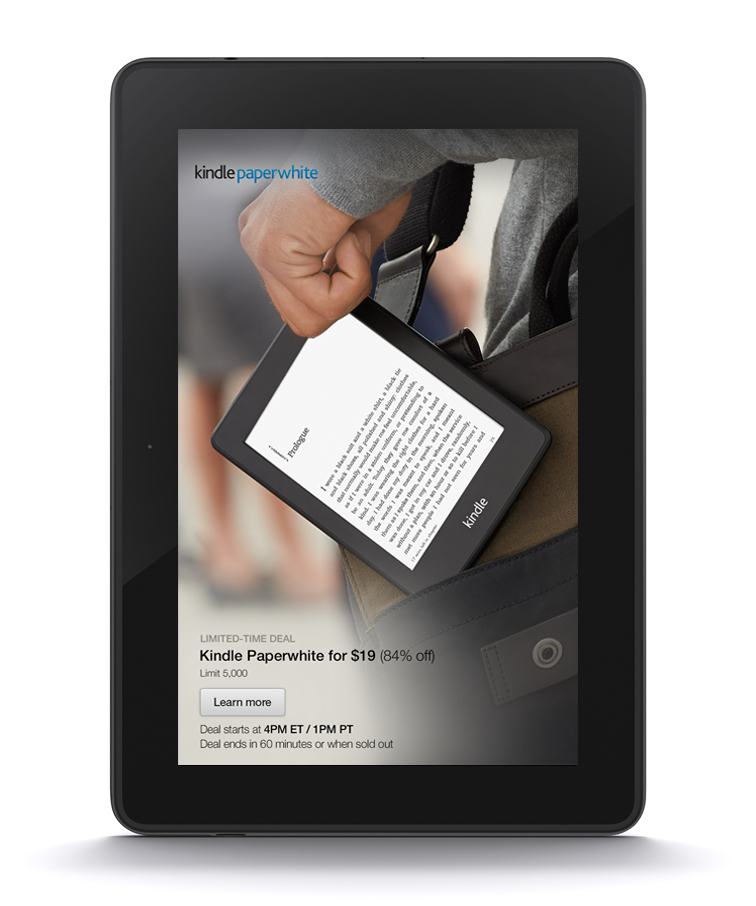
We didn’t really do a whole lot of Black Friday shopping. All of the sales were starting at 6pm on Thanksgiving which is not something I think should happen. We slept in this morning and headed over to Barnes and Noble just to look around. I was tempted to purchase the Nook Simple Touch which was $39, but I have a feeling Kindles will be on sale on Amazon Monday. If not, oh well. I used to have a regular Kindle and then a Kindle Fire HD, and for awhile I used an iPad but I no longer have any of those and do all of my reading on my MacBook (via iBooks and Zinio for magazines) and my iPhone. I’d like to have a Kindle so I can read in bed without having all of the other distractions my MacBook and iPhone offer. I’m hoping the Paperwhite goes on sale again since it sold out in a matter of seconds during the Kindle Fire offer.

I hope you enjoyed your holiday and Black Friday shopping if you participated! I’m certainly enjoying the long weekend.

~

I received one of my favorite holiday snacks in the mail from Pennsylvania. Stauffer’s Chocolate stars. I was quite surprised last year when I found out that these were nowhere to be found out here (in Idaho).

IMG_2910

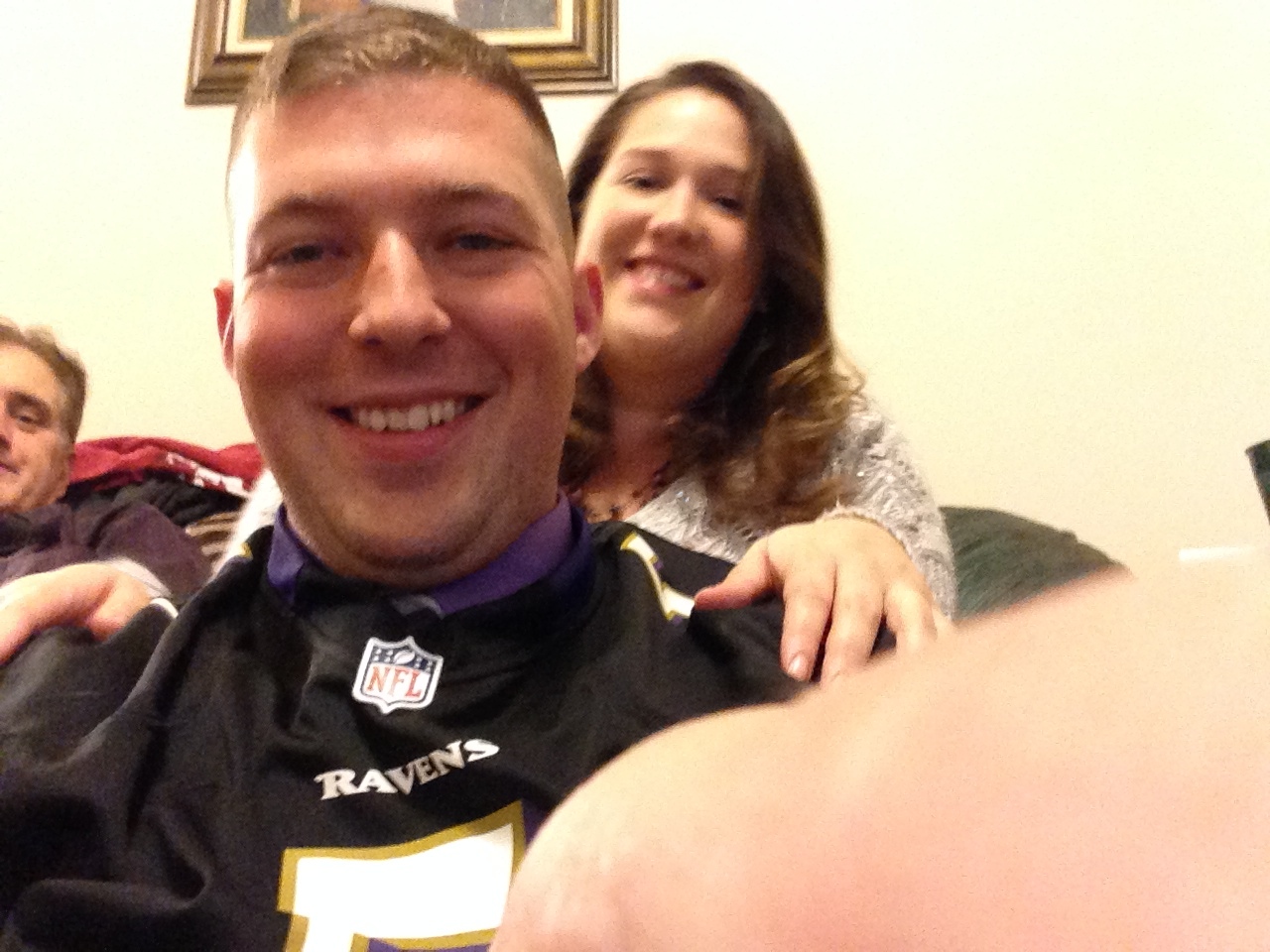
Vanessa and I just before the Ravens and Steelers game.

IMG_2928

Game time!

IMG_2930

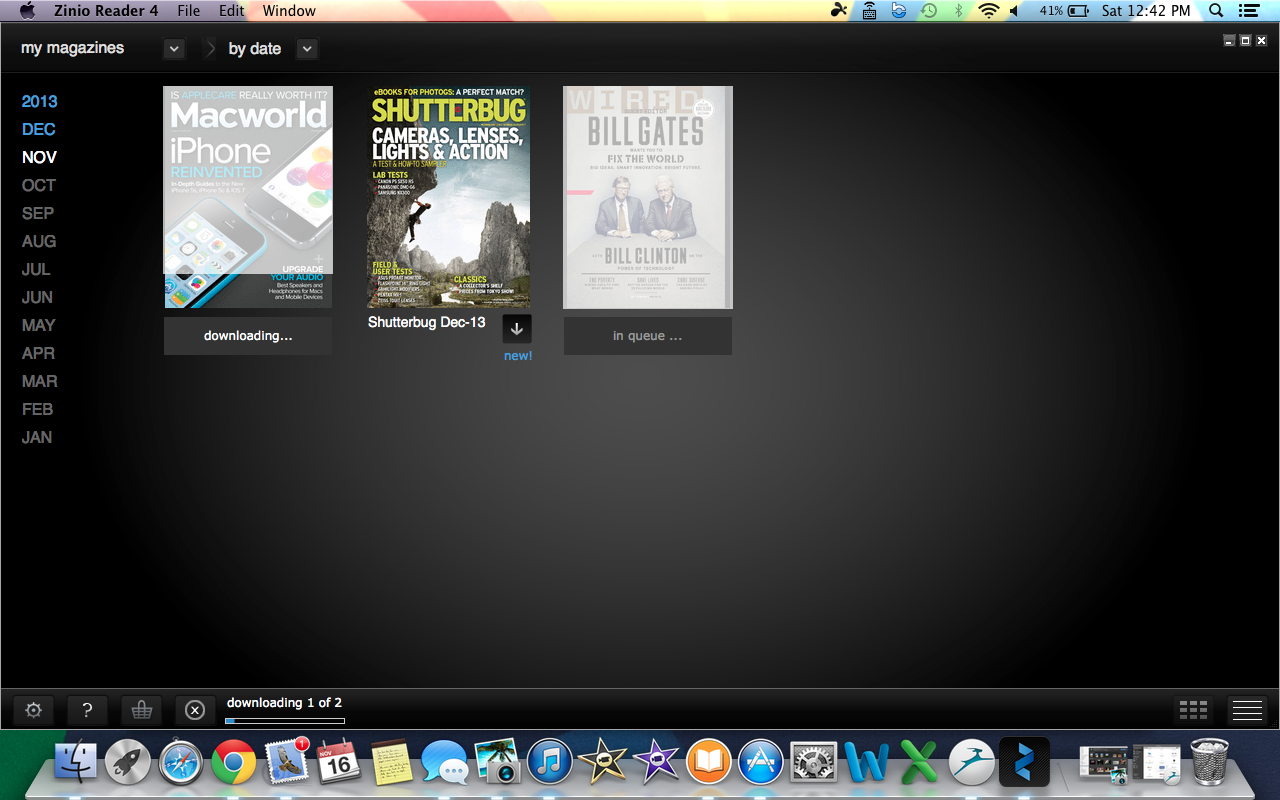
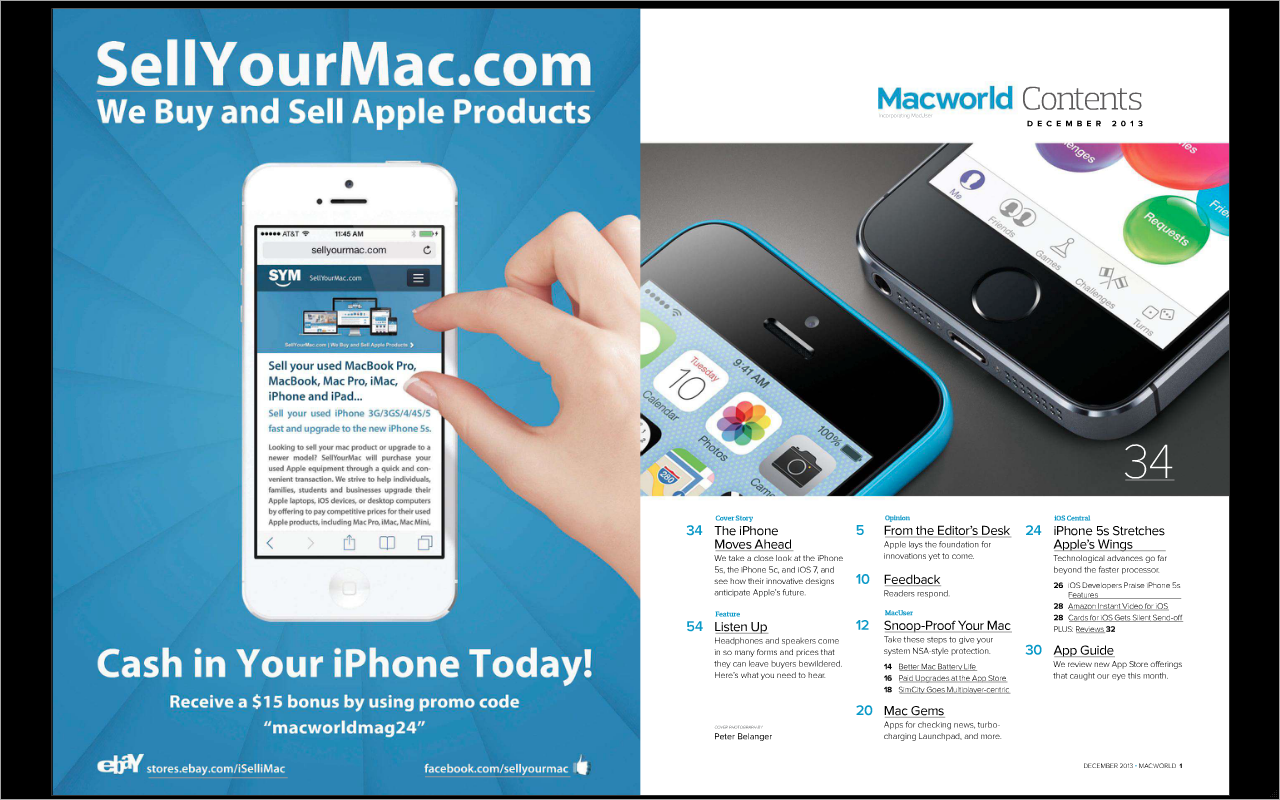
Reading Magazines on a Mac with Zinio

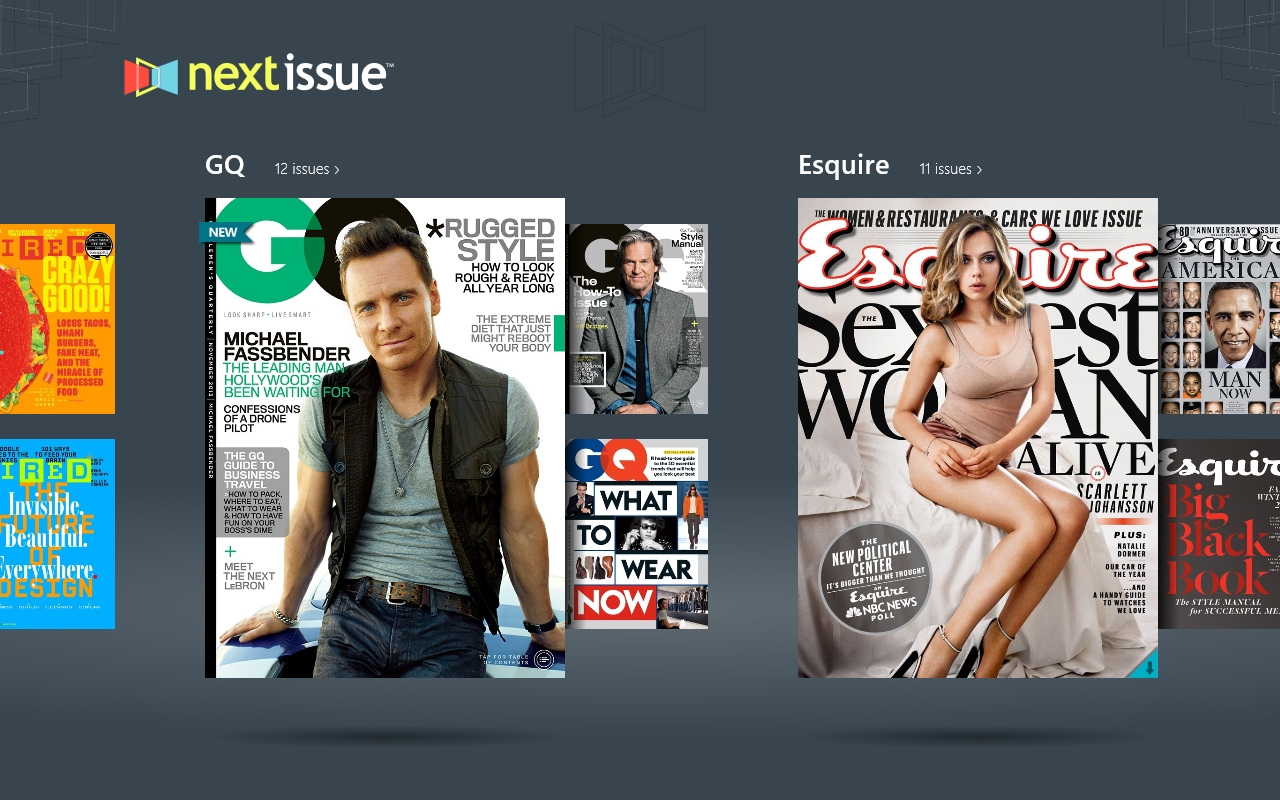
I really like Next Issue, the app that I’d describe as the Netflix for Magazines (pay $9.99-14.99 a month for unlimited access to its library of magazines), however it’s available on iOS but not Mac. Also the Windows 8 app doesn’t allow you to zoom very far which makes some of the magazines difficult to read.

Today I started using Zinio which is available for Mac (as well as iOS, PC and other platforms). You can also access your magazines through a web browser if you’re away from your Mac and can’t download the software. You can subscribe to 3 magazines for $5 a month via the Z-Pass service (you get a free 30 day trial as well) and you can subscribe to additional magazines if you wish at mostly affordable rates.

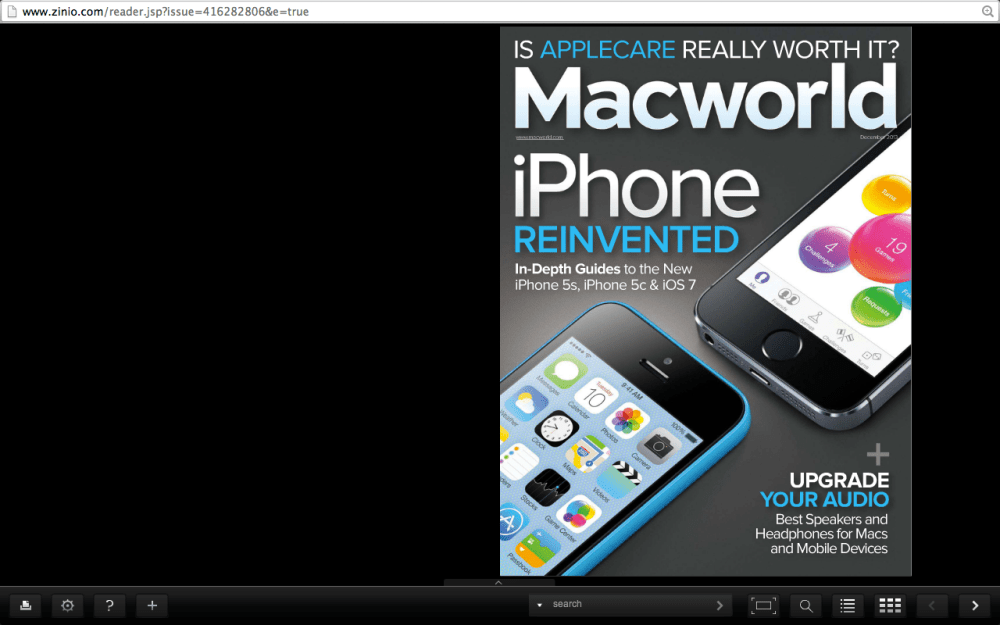
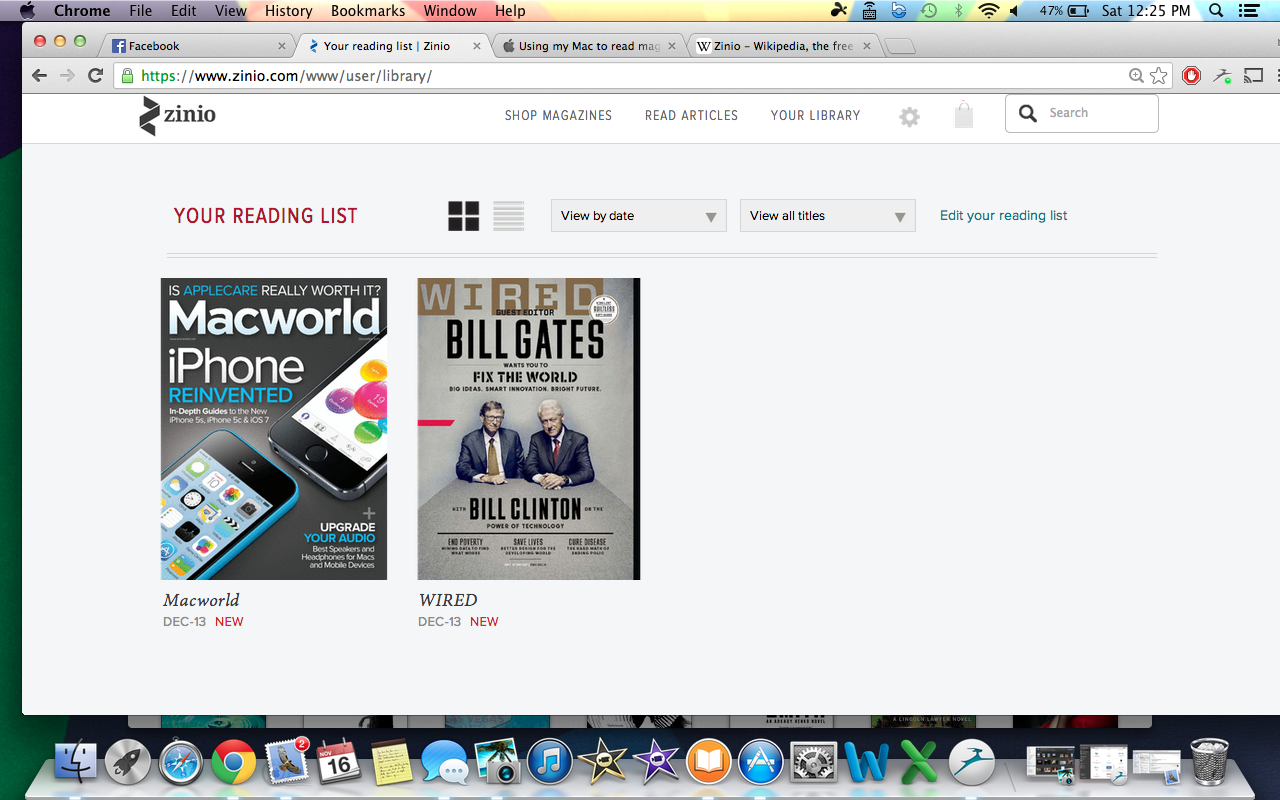
Both the web reader and Mac app offer a great reading experience on the Mac and I look forward to checking out some more magazines with it. The Z-pass selection seems adequate and includes a great many popular magazines. Right now I’m using 2 out of my 3 magazines for Macworld and Wired. Other notable publications include Newsweek, Cosmopolitan, Maxim, PC World, Road & Track and many more.

You get more bang for your buck with Next Issue, but Zinio definitely offers the better desktop reading experience and of course being available on Macs is a plus.

So far I can recommend the service, it’s affordable and convenient. Until Newstand comes to Mac it’ll have to do.

The web reader:

Screen Shot 2013-11-16 at 12.25.10 PMScreen Shot 2013-11-16 at 12.24.43 PM Screen Shot 2013-11-16 at 12.25.25 PM

The Mac app:

Screen Shot 2013-11-16 at 12.42.39 PM Screen Shot 2013-11-16 at 12.45.41 PM

Next Issue: The Netflix of Magazines

Clipboard01


Last night I discovered an awesome new service called Next Issue which is pretty much a Netflix type subscription service for magazines. For either $9.99 a month or $14.99 a month you get access to over 100 magazines each month (including back issues). No separate subscription fees, just one fee and you get it all. It’s available in the Windows 8 store (desktop or tablet), iPad and Android tablets.

The $9.99 plan includes most of the magazines, however the $14.99 tier includes weekly magazines like The New Yorker and TIME. I’ve only tried it on my MacBook so far (running Windows 8 via BootCamp) but I can only imagine the tablet experience would be the better experience. My only complaint so far is that you can’t really zoom in the desktop version so it’s difficult to read a lot of the smaller text in some magazines without placing your face awkwardly close to the screen. I haven’t tried outputting to my TV via HDMI, but I assume that experience would be better. However, I prefer to read magazines in bed, so viewing on a laptop is still a bit inconvenient. I’d be willing to bet the tablet version would offer a much better reading experience.

You can sign up for a free 30 day trial for either tier at www.NextIssue.com

Check out my video below for a look at the app in action.

Troubles uploading to YouTube?

I’ve had issues trying to upload videos all day today. At first I tried using the ‘Capture’ app, however the video would get to 100% and then show the upload paused. When I hit continue it’d start over at 0% again. So I tried using iMovie and I get a connection error. Lastly I tried uploading via YouTube.com and I’m hit with ‘this is taking longer than expected’ and an infinitely stuck ‘processing video’ bar.

Anyone else having these issues? I’ve seen a few mentions on Twitter, but nothing official from YouTube.

iOS 7 is here!

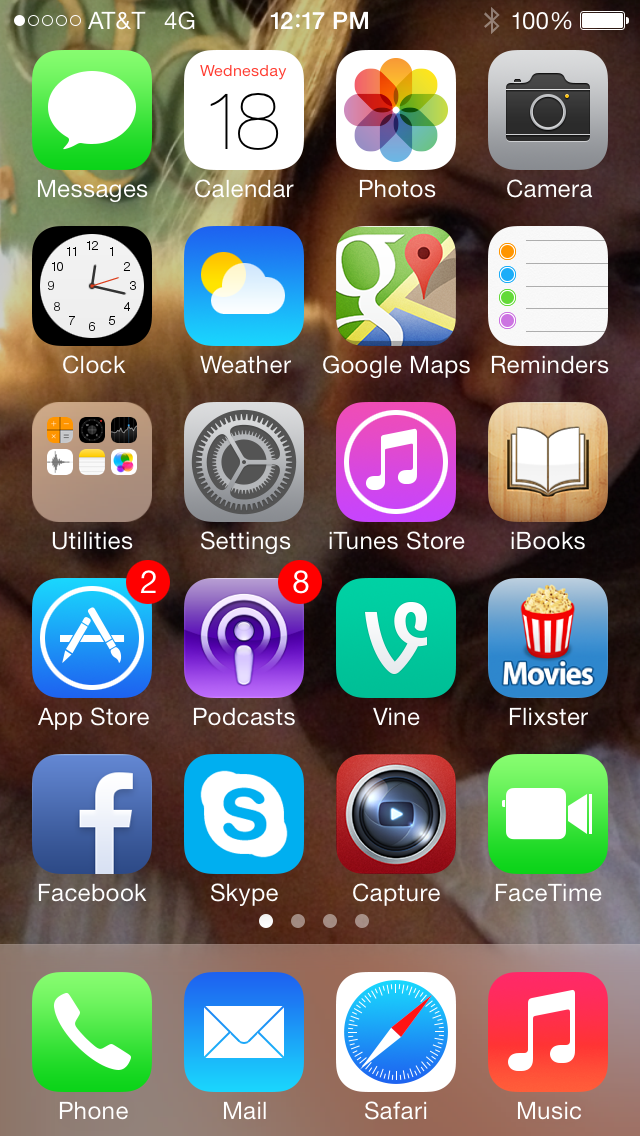
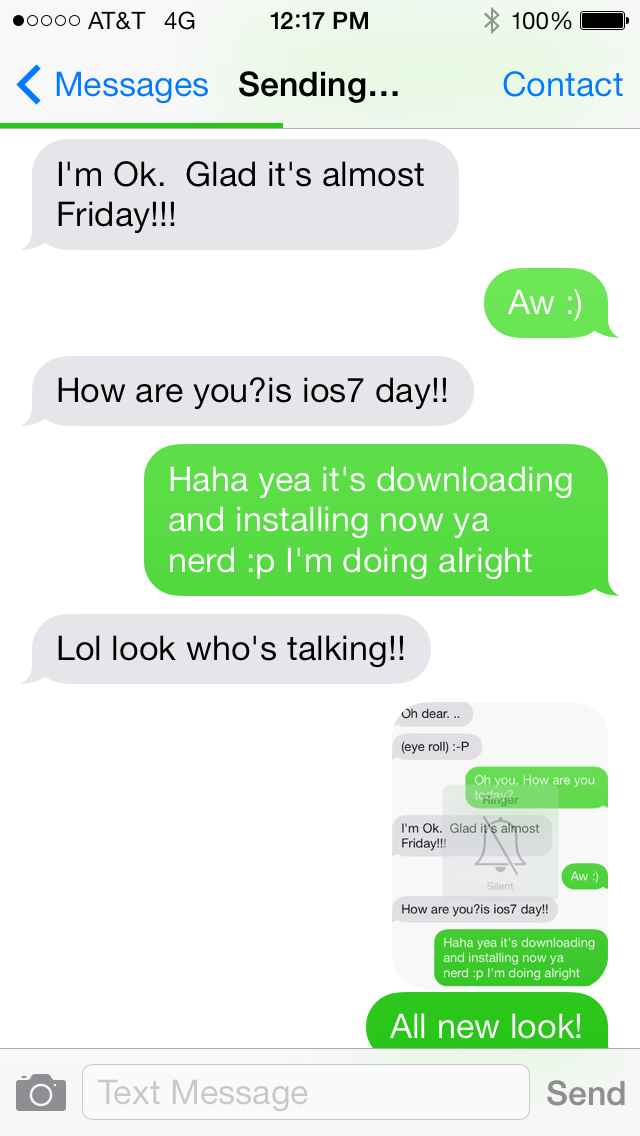
So I’ve been crazy excited for iOS 7 to arrive and today at 11AM (Mountain Time) it did! I had no problems downloading and installing it on my iPhone 5, but so far I’m having issues with my iPad 4. It downloaded the update but when I try to install it it says ‘software update unavailable’.

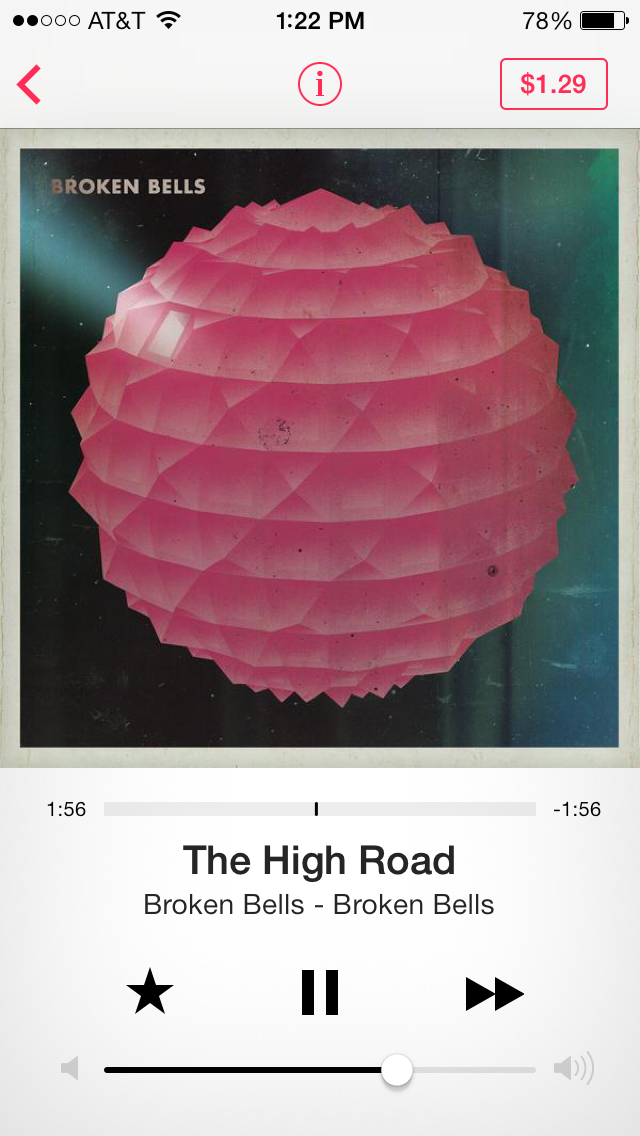
Anyway, I love the new look and feel of everything and the way it switches between apps now is awesome. I’m particularly in love with iTunes Radio. I love the design and I’ve been listening to ‘Ra Ra Riot Radio’ for the last hour and have discovered more amazing music than I ever have on Pandora and Spotify. I’m pretty certain I’m going to end up subscribing to iTunes Match as a result.

I don’t have much else to say right now, but I just LOVE the look:

1 2 3

Green Classic Army Messenger Bag Review

I was looking for a new laptop bag and ended up buying this one on Amazon: http://www.amazon.com/gp/product/B0031Q8U9S/ref=oh_details_o00_s00_i00?ie=UTF8&psc=1

It was hard to get an idea of what it was like just from the one picture on the page so I figured I’d record a video and hopefully give people a better idea of what the bag is like. Personally I love it. It feels much better to carry around and I like the style much better than my old, simple black laptop bag.

Biking the Boise Greenbelt (video)

I picked up a Zéfal iPhone bike mount for $19.99 at Wal-Mart and shot some video on our ride on the Boise Greenbelt Sunday evening. The mount includes a rain proof case that will protect your iPhone from the elements and keep it quite sturdy which is great for shooting video. It includes some inserts that can be adjusted to fit either the iPhone 4/4S or the iPhone 5, and is pretty simple to assemble with the included allen wrench.

20130804-230827.jpg

20130804-231257.jpg