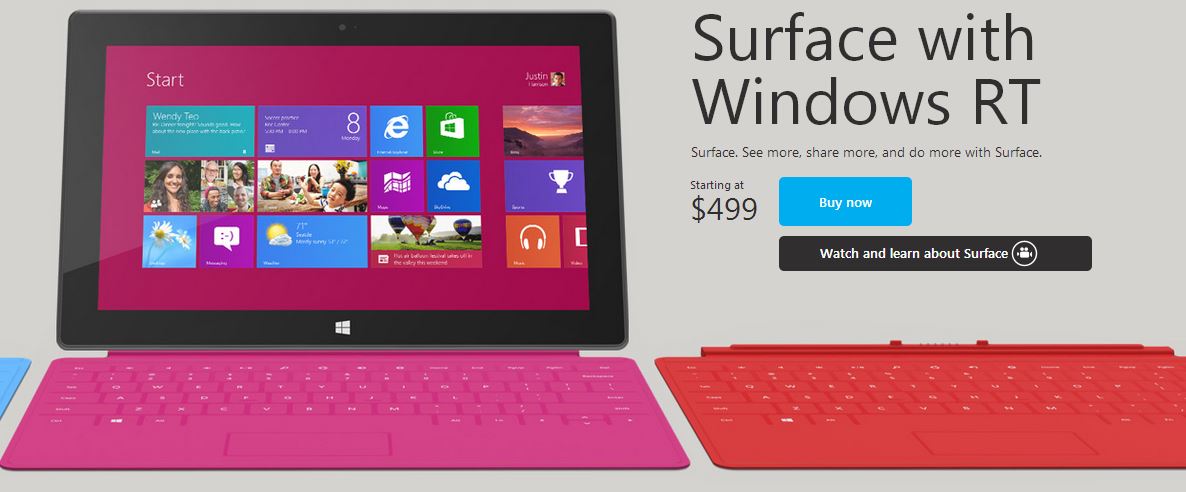
Surface RT

Capture

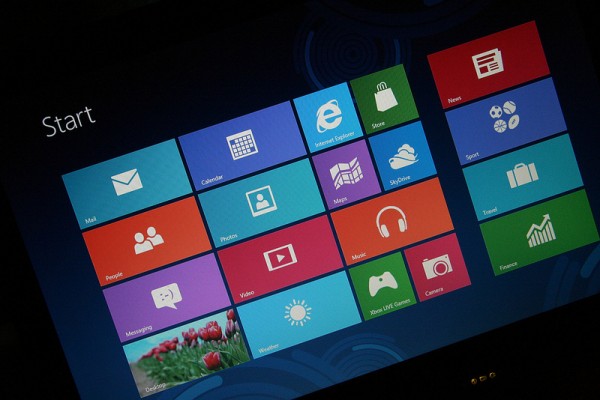
I’m one of the few people who actually love the look, feel and function of Windows 8. I’m not sure why exactly, but I found it somewhat exciting to use and learn. Maybe because it was finally something new from Microsoft whose operating systems previously all looked and functioned quite similar.

Microsoft’s first tablet, the Surface RT, also looked quite exciting and fresh. It still looks quite appealing aesthetically. I love the simple design with the new Windows logo sitting down at the bottom beneath the screen. I love the Windows RT (not quite Windows 8) with its live tiles and ‘pretty’ colors.

A part of me really wants to try the Surface RT (the Surface Pro won’t be quite as affordable when it hits stores in a little over a week for $899) but I’m not going to. Why? Because there’s one tech personality whose opinion I value more than any other, and that’s Chris Pirillo. His LockerGnome YouTube channel is filled with tech news and opinions and I’ve followed Chris ever since he was a host on TechTV’s Call 4 Help many, many years ago.

His Surface RT unboxing and Surface RT review have persuaded me to pass the Surface by and consider an iPad as a full sized tablet (I own a 7″ Kindle Fire HD which is a pretty good affordable, smaller tablet).

Chris starts off his review (below) by quoting several reviews from other reputable sources, most of which caution against purchasing the Surface RT, one of which causes it “in most ways inferior” to the iPad. Chris notes that the sound quality of the Surface is quite bad and the 32gb Surface only has 16gb of usable space. He praises the ‘modern UI’ interface and live tiles, calling it one of the best tablet experiences, and yet the desktop mode is “sloppy” and not optimized for a touch screen device (who wants to see a desktop on a tablet anyway?).

So in the end, the Surface looks appealing, but looks can be quite deceiving. Maybe the next gen Surface will offer a better experience, but for now if I do decide to pick up a ‘full’ sized tablet, I’m going to have to go with the 4th gen iPad.

What was Pirillo’s final thoughts on the Surface RT? As you can see below, he returned it to the store.
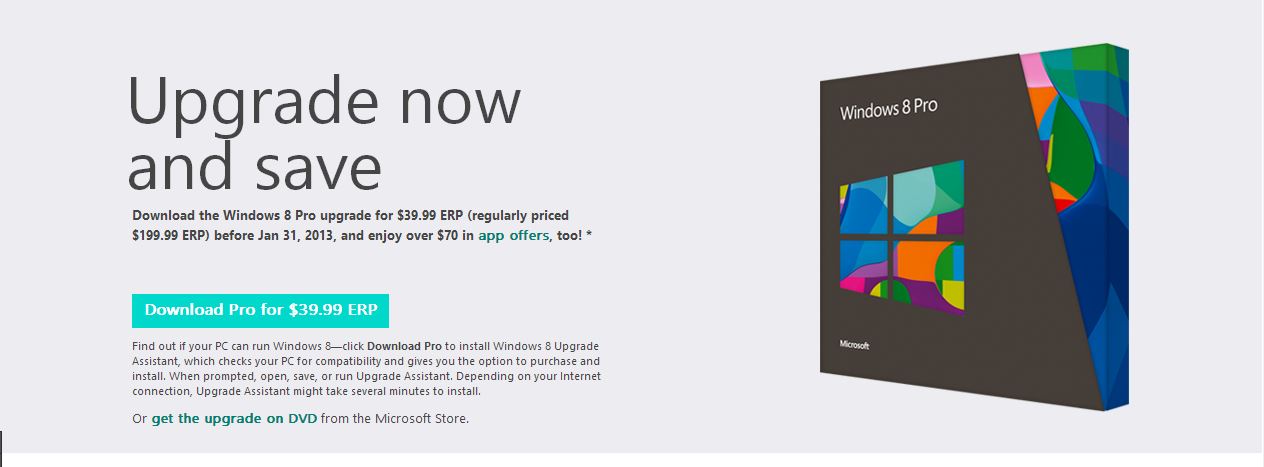
9 days left: Upgrade to Windows 8 Pro for $39.99

2

If you have yet to upgrade to Windows 8 you only have 9 days to do so at the special price of $39.99. After January 31st the upgrade price will rise to the regular retail price of $199. You can upgrade from any previous version of Windows (as long as your PC is compatible). If you’re unsure if you can upgrade, you can download the Upgrade Assistant (here). Simply run the tool and you’ll find out if you’re eligible to upgrade on your PC. Using the tool is also the first step to upgrade if you do want to purchase the Windows 8 Pro upgrade.

If you don’t have a version of Windows at the moment, don’t worry. You can download the Windows 8 Release Preview and install it for free. Then run the upgrade assistant and you’ll be able to upgrade to the full version of Windows 8 Pro for just $39.99. I did this to get Windows 8 on my MacBook Pro and it worked perfectly (otherwise I’d have to purchase an OEM version of Windows 7 for about $100 and then pay $40 to upgrade).

Windows-8-600x400

The Windows 8 Release Preview is no longer listed to download from Microsoft, but you can download the ISO files via the links below. Note, these links are from Microsoft and downloading the Windows 8 Preview is NOT illegal as it is simply a limited preview install of Windows 8. You can use it to upgrade to Windows 8 Pro if you like, or use it to try out Windows 8 before purchasing it.:

32 bit Windows 8 Release Preview:
http://go.microsoft.com/fwlink/?LinkId=251533
Product key: TK8TP-9JN6P-7X7WW-RFFTV-B7QPF

64 bit Windows 8 Release Preview:
http://go.microsoft.com/fwlink/?LinkId=251532
Product Key: TK8TP-9JN6P-7X7WW-RFFTV-B7QPF

I personally love Windows 8. It’s quick, convenient and looks sleek. It runs just fine on my MacBook as well (installed via BootCamp). Definitely worth $40. I’m not sure I’d pay the $199 for it, but $40 is a steal!

Upgrading to Windows 8 Pro for $39.99

So I installed Windows 8 Release Preview on my MacBook Pro via BootCamp and today I purchased the discounted upgrade to Windows 8 Pro for just $39.99. That’s right, if you have a compatible version of Windows you can upgrade for just $40. If you don’t have a copy of Windows, all you need to do is find a copy of Windows 8 Release (or Consumer Preview) and install it and then run the upgrade assistant to make your purchase.

Microsoft no longer provides a means of obtaining the Windows 8 Preview versions (as far as I’m aware), but luckily I already had the ISO since I ran Windows 8 Preview on my PC before buying my Mac.

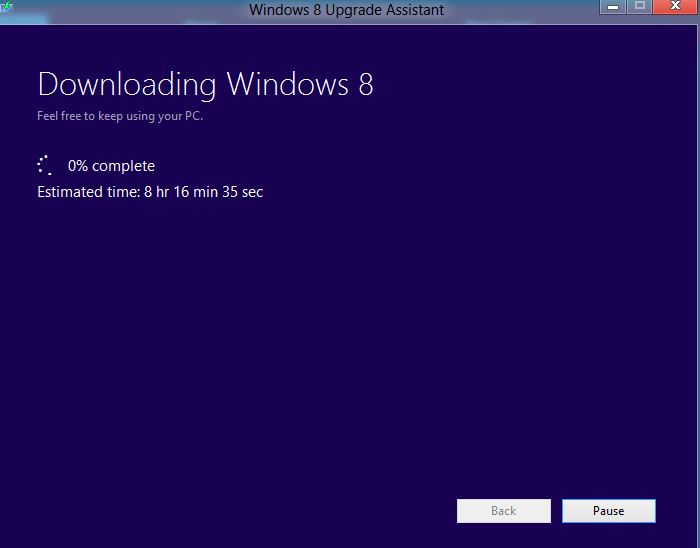
As you can see my download is underway (though the time remaining is much, much lower now 😛 37 minutes) and I’m excited to finally run a full featured version of Windows 8 on my Mac. Don’t get me wrong, I still love OS X more than Windows, it’s just a matter of being able to play some PC games. Windows 8 isn’t all that bad. It’s my favorite version of Windows yet to be honest. I love the way it looks, it’s fresh, new and flashy. Metro apps are pretty neat as well.

Capture

Get Flash on your Kindle Fire HD

So if you’re like me you’ve probably been upset to find out that the Kindle Fire HD doesn’t allow flash like the Kindle Fire (first gen) did. However, I have good news for you! It’s quite simple to get flash running on your Kindle Fire HD, all you have to do is follow the instructions in the video posted below:

The best way to do this is to open that video on your Kindle Fire HD and then simply click the links in the description one by one to download the software and install them in the order described in the description.

It’s as simple as that! It takes no longer than two minutes and you’ll have flash enabled browsing via the Dolphin web browser on your Kindle Fire HD!

Chris Pirillo unboxes a Kindle Fire HD 7″ and 8.9″

I love pretty much every video Chris Pirillo uploads to YouTube, but my all time favorites are his tech unboxing videos. Today he unboxed a Kindle Fire HD 7″ and 8.9″ live on YouTube and gave his first impressions. You can watch the recorded video below.

I’ve owned a 7″ Kindle Fire HD for about two months now and I absolutely love it. I use it to read books, magazines and newspapers, to watch movies and TV shows (especially Netflix and Hulu in bed), to browse the web, and lastly, to play games (such as Final Fantasy III or Angry Birds Star Wars). The screen looks amazing and the speakers are surprisingly loud compared to the original Kindle Fire (which I also owned, but sold to help purchase the Fire HD).

~

Chris Pirillo is a long time tech journalist / personality and I’ve been a fan of him since he appeared on Call 4 Help back on TechTV. Today he runs LockerGnome.com where you’ll find all sorts of technology news and views, and he’s very active on YouTube (YouTube.com/lockergnome) with over 5,000 videos uploaded to date (with an accumulated 152,765,572 views) and several new videos a day.

Chris Pirillo on Call 4 Help (Sept. 21, 2001)


The new YouTube

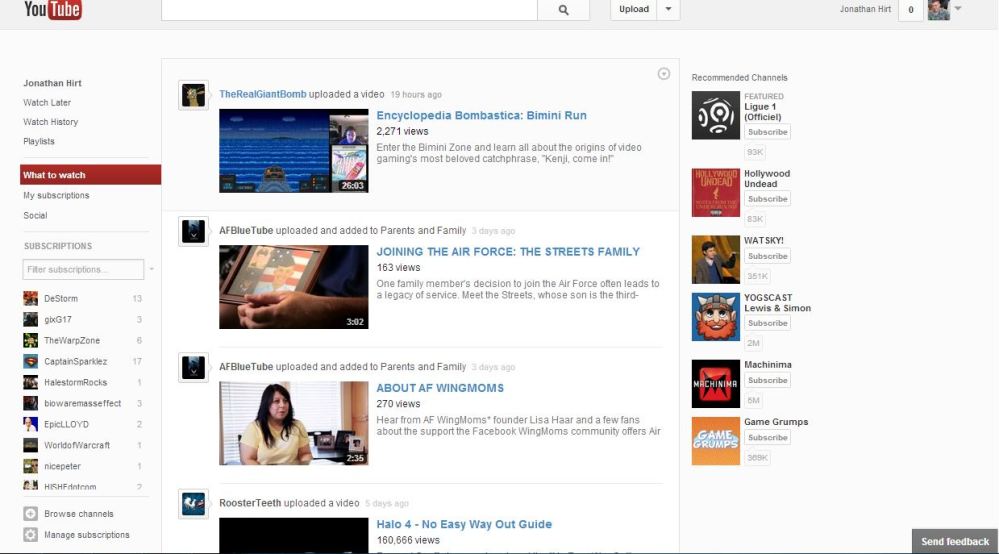
A lot of people have been upset about the new redesign of YouTube that rolled out last week. I wasn’t really bothered by it, however now I’ve found myself having some difficulties. I used to enjoy browsing ‘trending’ videos, however I can’t seem to find that feature / page anywhere on the new YouTube. Is it gone? Even clicking on a category under ‘browse channels’ only shows channels, not specific videos related to those categories. I find this a little bothersome because now it’s harder to find new content outside of channels you already subscribe to. Unless you’re searching for something specific I can’t see how you’ll be able to discover new content.

Capture

Am I just totally missing a trending / what’s new page, or is there really no such thing? How do you feel about the YouTube redesign?


iTunes 11 is here!

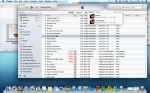
If CNET is correct, we’ll be seeing a revamped iTunes sometime today. Steven Musil notes that this will be the first major update to iTunes since iTunes 10 released in 2010, and it will have a revamped user interface with social networking integration.

I love iTunes and look forward to playing around with the new version as soon as I’m able to download it. The lack of social networking interaction is one of the only things I’ve felt iTunes has lacked. I’d love the ability to share songs I’m listening to (like Pandora allows) and maybe even share purchases and playlists. We’ll see what exactly Apple includes in less than 24 hours!


Remember these?


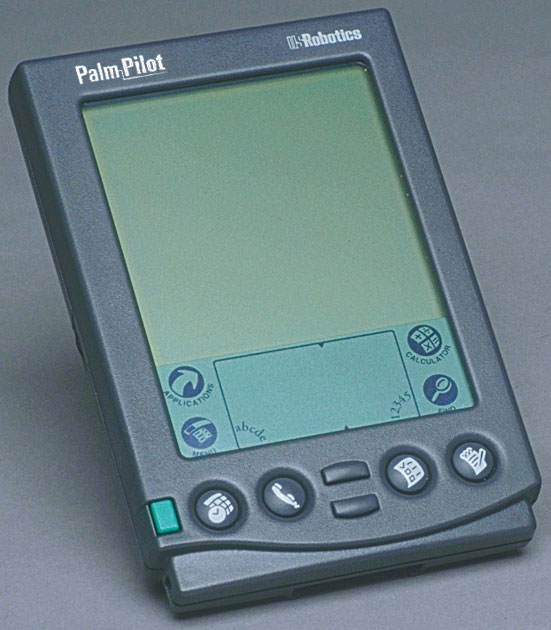
How many of you reading this can actually say you’ve owned a PDA (personal digital assistant) or Palm Pilot? When I first saw them while I was in middle school I knew I had to have one someday. Think about it, your own computer in the palm of your hand! You could update a calendar, write notes, send an e-mail maybe. I did end up getting a youth PDA and I used it to play such amazing black and white games like hangman.

The PDA has gone the way of the pager, replaced and made to look archaic by the cell phone and ultimately the smart phone and tablet computer. There are still people who use Palm / PDA devices today, but really how useful could one be? I would think the closest thing to a PDA today is the iPod Touch, but at least that doubles as a MP3 / digital media player.

Do you still have a dedicated calendar / organizer device? Why?

Final Fantasy Dimensions….let me get this straight

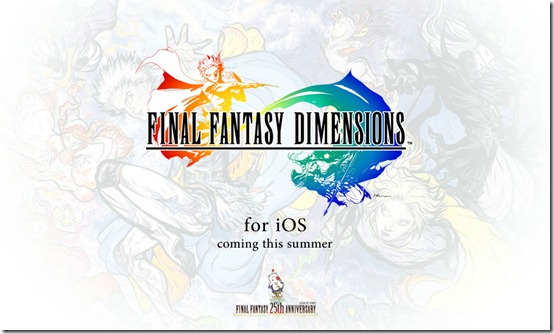
So I’ve been debating whether to pick up Final Fantasy III on my Kindle Fire HD or Final Fantasy Dimensions on my iPhone. Last night I was checking out Dimensions and the reviews in iTunes seriously annoyed me. The game is listed as free because you can download it and play the prologue for free and then purchase the other chapters as you progress (or all at once). Chapter 1 is $2.99, while chapters 2, 3 and 4 are $9.99 each ($33 purchased separately). There’s also the option to purchase the chapters as a set for $28.99.

Yet so many users have given the game a one star review simply because they feel it’s ‘false advertising’ or a ‘complete ripoff’ to spend $29 on a mobile game (some even fail horribly at math and claim it’s $40 somehow). Have any of these people never purchased a GameBoy game? A DS or PSP game? This is a full Final Fantasy game with every bit of quality as a full retail game, so why are people so surprised? What’s the deal? They want this game to be $0.99 like Angry Birds, but do they not get that this is not your typical phone based mobile game, but rather an all out video game experience?

Final Fantasy III (and the other ports) are $15.99 but these are older games ported to mobile devices. Dimensions is a brand new game, a brand new experience that is supposed to play like the older games (in other words it has a retro style).

The IGN review calls the price ‘fully justified’ and notes the game includes at least 40 hours of gameplay. When you consider console games such as Homefront offer less than 6 hours of gameplay for $60, I’d have to say this alone justifies the price.

What do you think? Have you played Dimensions? Is it worth $29? How about Final Fantasy III?