September LootCrate: 8-bit
My first Loot Crate arrived in the mail today and opening it and discovering the goods inside was quite a bit of fun. The items will definitely liven up my desk 🙂
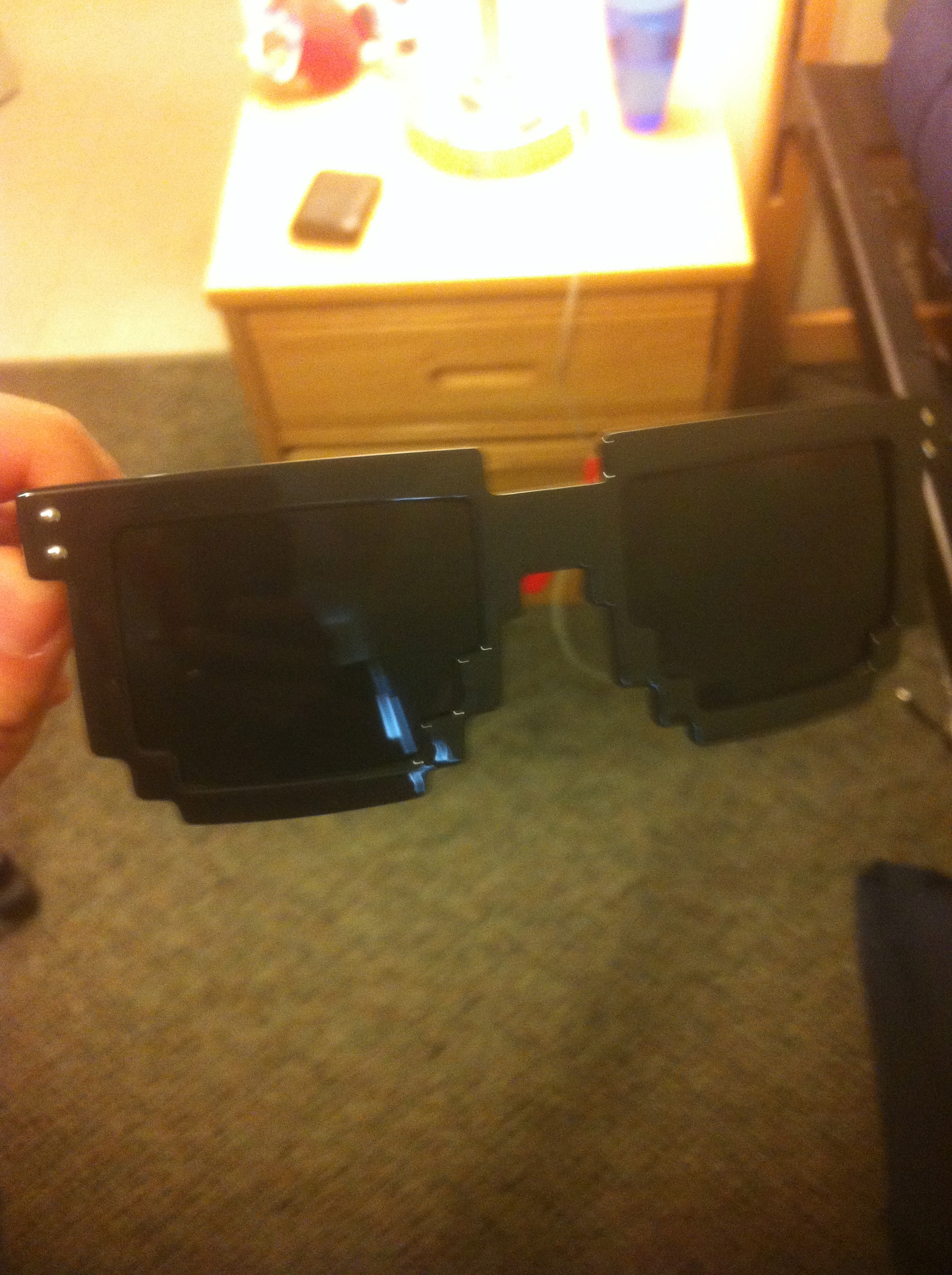

My first Loot Crate arrived in the mail today and opening it and discovering the goods inside was quite a bit of fun. The items will definitely liven up my desk 🙂
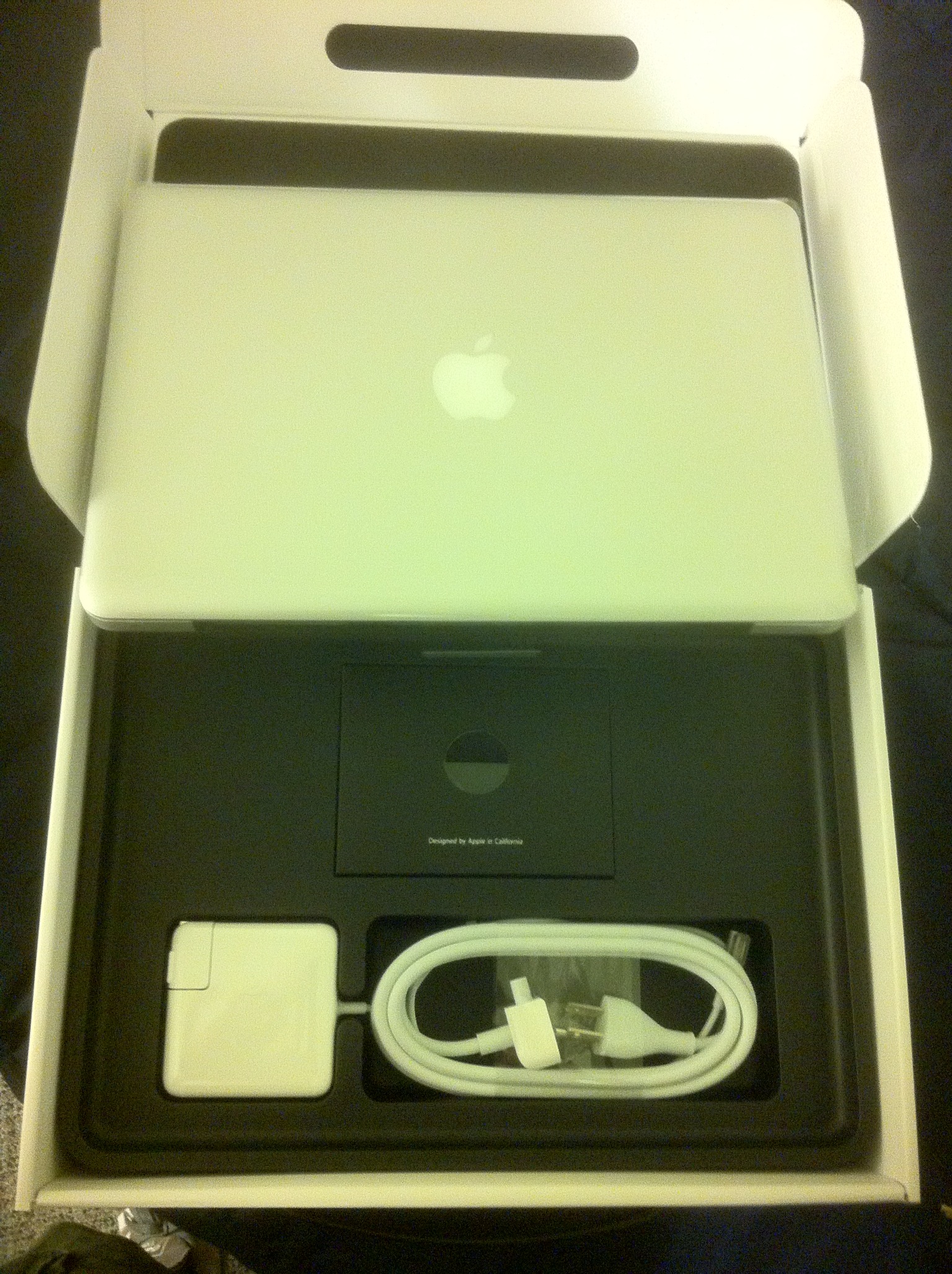
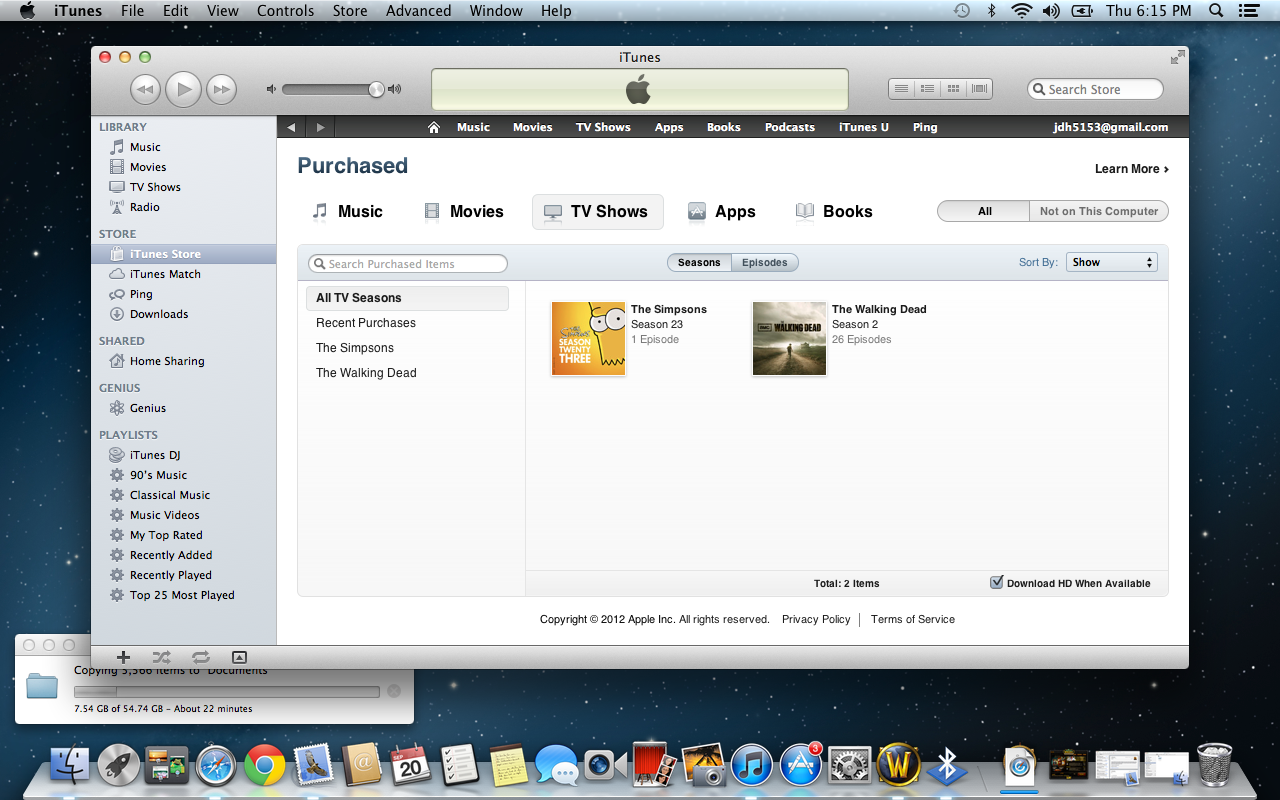
My 13″ MacBook Pro (also my first Mac ever) arrived after work yesterday and for the last 24 hours I’ve been in love with this beautiful machine. I intend to post some more detailed thoughts as I get to know the machine better, but for now I’ll leave you with a few (awkward) photos 🙂
13″ MacBook Pro
2.5ghz Intel i5
8GB RAM
500 GB hard drive


One of my all time favorite tech geeks, Chris Pirillo, unboxed his iPhone 5 live on YouTube today and it’s definitely worth a watch if you’re interested in the iPhone. The live stream is still going, but you’ll be able to watch the recorded version soon after it ends. At the moment the video is just over an hour, so there’s plenty of detail within.
Check it out:
If you don’t know what the ‘Humble Bundle‘ is, let me briefly explain. It’s a bundle of indie games where YOU decide what you pay for a bundle of 5 quality games and the money goes to charity (EFF and Child’s Play) and the game developers. Not only do you decide what you pay, you also decide how much of what you pay goes to charity and how much goes to the developers.
The Humble Bundle is always a great deal, but Humble Bundle 6 looks to be one of the best yet, mainly because it includes Torchlight. When Torchlight first came out on the PC it was $20 for early supporters and something like $30 after that (I believe). It also sold for $15 on Xbox Live Arcade and was well worth it. Torchlight is a single player game that’s very similar to Diablo and Diablo II and is actually developed by a lot of guys who worked on Diablo.
In addition to Torchlight you get 4 other games with any contribution. The titles are Rochard, Shatter, S.P.A.Z., and Vessel. However if you pay more than the average contribution (currently $5.71) you get a 6th title, Dustforce.
The games are DRM free, multiplatform, and are also available through Steam (with a contribution of at least $1).
You also get the soundtracks for 5 of the games with your contribution.
Check out the trailer for Humble Bundle 6 below:
So I’ve been a Windows PC user for my entire life. The only time I ever used a Mac was in Elementary school computer classes (ancient Macintosh machines) and typing class in middle school (colorful iMacs). I had always admired Macs, Apple and the wonderful story of Steve Jobs’ rise, fall and rise again (Pirates of Silicon Valley has long been one of my favorite movies, and Walter Isaacson’s biography is a wonderful read. I also enjoy Wozniak’s iWoz). The first Apple product I ever owned was an iPod video which I received in 2005, and it totally changed my life…Sort of. I mean I had been using a portable CD player all through high school and had to carry around a bulky CD holder filled with discs I’d burn just about every week as my musical tastes fluctuated.
The second Apple product I’ve purchased was an iPhone 4 which I bought the day I graduated basic training while on base liberty (October 2011). I had previously used a ‘dumb’ phone (Motorola Razr) and an almost smart phone (have no clue what it was, but it had a slide out keyboard and internet access at least). The iPod completely revolutionized how I listened to music, and likewise the iPhone totally changed the way I used a cell phone. I love the iOS and it’s simplicity. My iPhone is going to look just like anyone else’s iPhone. I can operate and navigate any other iPhone just as easily as I can my own, and what’s available on anyone else’s iPhone is available on mine as well through the well maintained app store.
I’ve always admired Macs, ever since the first Justin Long “I’m a Mac” commercials. Likewise I think seeing Macs used by all the tech savvy and ‘cultured’ characters on TV shows and movies has planted a desire to own a Mac in my head as well. However I think what really triggered the desire to purchase a Mac has been reading Isaacson’s biography of Steve Jobs. I’ve always idolized Jobs, and the story of Apple fascinates me so much that it almost feels like it’s my duty to purchase and use a Mac.
There’s really nothing special about a Windows PC. There’s no standard model. You can purchase a PC from a wide variety of manufacturers and what you get will be completely different (in a sense) than what the next person gets. For many this is a good thing, however I always find myself with something less desirable, less solid, less functional than what everyone else has. I think the fact that there are really only a handful of models of Macs is appealing. I know exactly what I’m getting and I’m not going to end up with an incredibly inferior product (which I consider the Samusng RV520 laptop that I type this on to be).
Long story short, last Friday I ordered a 13″, 2.5ghz i5, 8gb RAM, 500gb hard drive MacBook Pro and it should arrive in the mail by the end of this week. I’m incredibly excited to learn a new operating system and to see just how well the computer will perform. I’ll be sure to post my thoughts as I acclimate myself to the world of Macintosh and OS X. Thanks for reading 🙂
I learned about LootCrate from a Chris Pirillo video and it seems like it’s pretty cool. You can watch him unbox his lootcrate below (The unboxing starts at 28:29. Tried to link to that time but it didn’t seem to work):
For just under $20 a month they’ll send you a variety of random geeky products worth up to $40 a box according to their website. I think the idea is pretty neat and hope the service thrives. Right now they have less than 500 subscribers, and the first 500 subscribers are entered to win a Google Nexus Tablet! You can use the coupon code LOCKERGNOME (via Chris Pirillo) to receive a discount on your subscription as well. I look forward to receiving my first loot crate.
Love Chris Pirillo’s videos and I’m excited about Windows 8 so I figured this would be an interesting watch. I haven’t posted much lately, but hopefully I’ll think of something over the upcoming 4 day weekend 🙂 Thanks for stopping by.
So a lot of people at work have been playing Family Feud & Friends on their phone and it seemed like a fun time. It’s certainly fun to battle it out with strangers and come up with “good answer”(s). However after downloading the free app myself I’ve run into nothing but problems.
First off, the game requires coins to play, and each game of Family Feud costs 2 coins. You start out with 10 coins and get 2 coins for leveling up (you level up by earning money). However after no more than 20 minutes I was zero balance on my coins. So I have the option of paying anywhere from $1.99-$99.99 for additional coins. $1.99 will net you a total of FIVE games of Family Feud, or 15 minutes or so of fun. Most definitely not worth it. And anyone who spends $99.99 on an iPhone game (or even thinks about it for that matter) needs some help.
Every day you get to spin a slot machine to earn more coins, but most often you’ll only get 2 or 3 coins. So you can play one game a day if you don’t shell out cash.
What’s worse is the fact that the app itself never works. Most of the time I open the app I get a never ending connecting to server and an error saying the app failed to retrieve information from the server, try again later. Great so I can’t even get my daily spin to earn free coins so I can actually play the game.
This in app purchase model is not a winning model. I would rather pay $2-5 for the app then have to continuously dump $2-5 a day into it. Even if you bought the $99 coin package I doubt that would last a person a year. What a shame, the game is fun, but it apparently doesn’t want to be played.


I’ve recently gotten addicted to “attending” college courses via iTunes U. With iTunes U you can watch or listen to lectures from various colleges around the world, and some courses are even supplemented with assignments and notes. My favorite so far is Harvard’s CS50 (video from YouTube below. This isn’t the same lecture as the one on iTunes U). The professor is a great speaker and is quite entertaining.
iTunes U is useful in many ways. You can use it simply to sate your own curiosity, or maybe you want to preview a subject before taking an actual course on the subject. It also may be useful to watch a lecture or two on a subject you’re struggling in to see if a different approach will help you understand it better.
The best part about iTunes U is that it’s free (both the app and lectures featured in the app). So get out there and learn something!
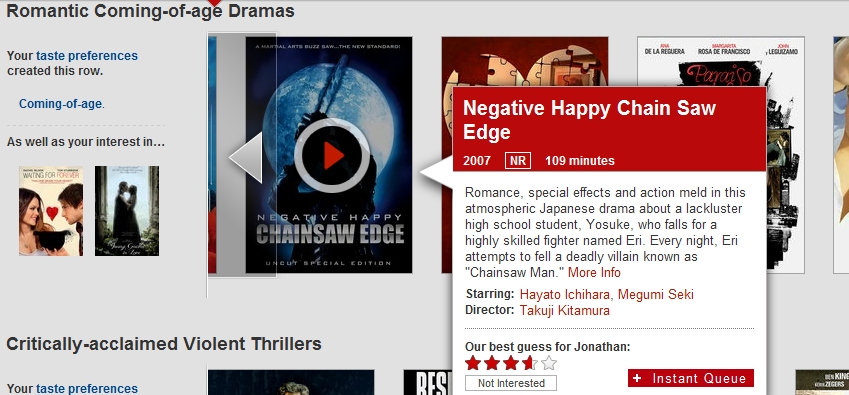
Say what? I’m confused. A romantic drama titled “Negative Happy Chainsaw Edge”. Think I should watch it? lol.
 Gumballs Plays Games