Kindle Fire Apps: MLB.tv and Flipboard

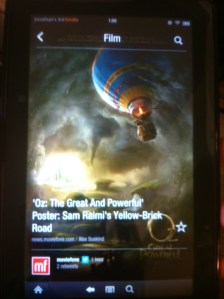
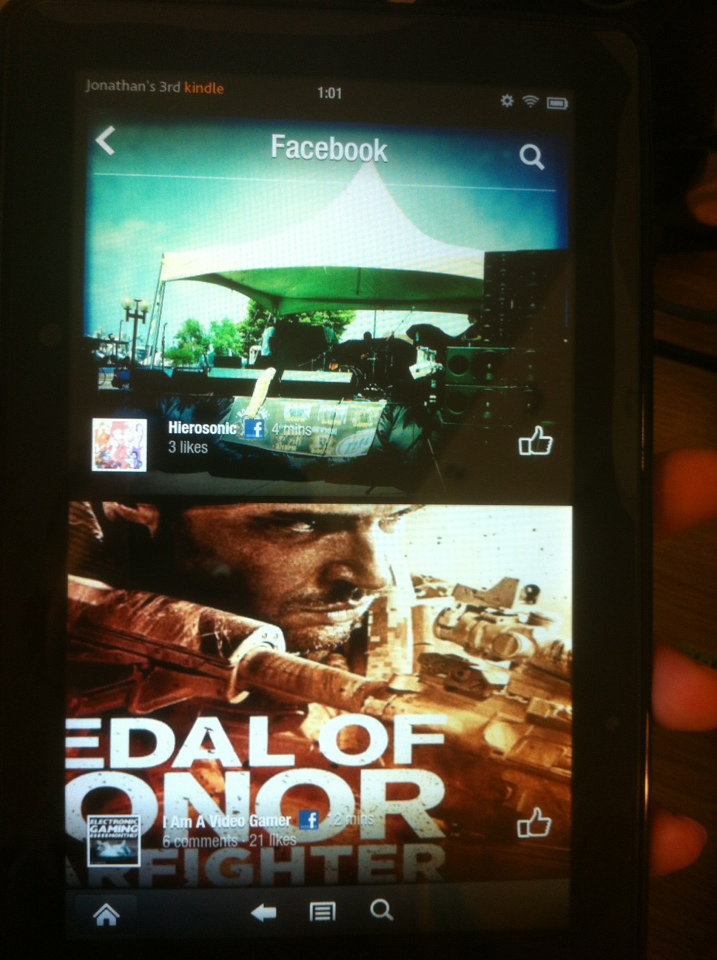
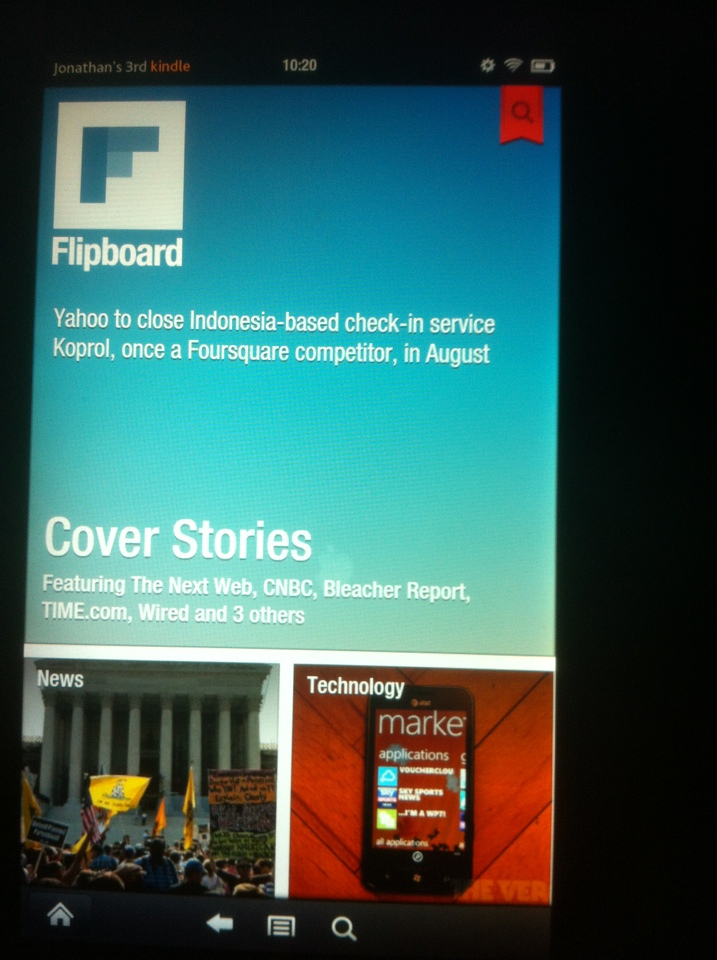
I thought I’d share a few Kindle Fire apps that I’ve enjoyed lately. Flipboard has been around for awhile but just recently made its way to the Kindle Fire and I absolutely love it. The app presents news stories in a beautiful and convenient format in which you flip through categories and stories that are presented visually. You can also view your Facebook and Twitter timelines in the same format which is kind of neat.

The MLB.tv app is a great companion app for MLB.tv subscribers (if you’re a subscriber you want the ‘Lite’ free app. The $15 app is for non-subscribers and doesn’t allow you to watch streaming games). The app features various pages including a scoreboard, standings and news. You can view a visual play by play report of a game, listen to live game day audio, or watch games live. It’s nice to check in on games with the Kindle when I’m away from my TV. I can be watching a game using the Xbox app and if I have to walk away I can stream the game on the Kindle in another room. Love it.

Sony Streaming Player

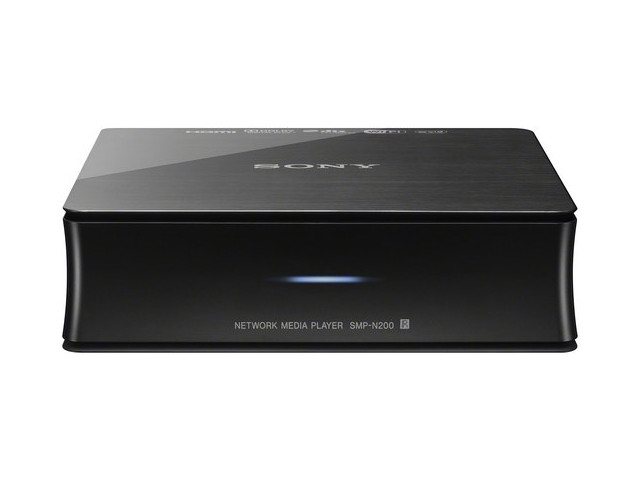
Last week I picked up a Sony Streaming Player (the n200) for $79.99 at the Bx (you can find it cheaper on the internet). 
The box is pretty small and lightweight but it can do so much. When you turn it on (after initial setup) you’re greeted with a clean and simple menu with a variety of content providers available including Netflix, Hulu, Amazon, Crackle, Vudu and Pandora radio (there are many more but these are the ones I use). I previously used my Xbox as a media player and it worked, but one problem I had is that if I wanted to go from Netflix to Hulu it was time consuming to switch apps. The Sony streaming player loads pretty quickly and if you leave it in standby mode it powers on quite quickly as well.

The video quality is great (via HDMI) and I haven’t had any hiccups at all. Nothing ever gets blurry or slows down to load (this probably depends on your internet connection, but when I use Netflix on my Xbox at times it seems to be loading and will go blurry. It doesn’t do this on the Sony player).

Since purchasing this box I’ve discovered Vudu which was a service I hadn’t previously used. It allows you to rent and purchase movies, just like Amazon’s store, however Vudu claims to have the most HD options of any service and so far this seems true. It also has an HDX option which is even closer to blu ray quality than standard HD (and in some cases HDX and HD are the same price, so it’s really up to how much bandwidth you want to use). HDX looks awesome, I’m not a huge video or audio buff so I can’t really tell the difference between HDX and blu ray.

What’s also cool about Vudu is that it has some movies from independent studios available to rent BEFORE the movies are even in theaters (for example I rented Take This Waltz which hits theaters later this month for about $11 in HD for a 48 hour rental. The movie stars Seth Rogen and was very good, one of my favorite movies of the year already). It also has some movies that are currently in theaters (again usually from independent studios).

You can buy movies and stream them at any time which I enjoy. I’ll probably make a separate post about it, but I hate physical media, I’m in love with digital and cloud storage media.

In the end I’m very happy with my purchase. Sure my Xbox could already do most of what the Sony player does, but I find the Sony streaming player to be faster and more convenient.

 

Kindle Fire $139 today only

Amazon’s Kindle Fire is on sale for $139 (refurbished but with a one year warranty included). The regular refurbished price is $169 (which it will return to tomorrow) and a new Fire is $199.

The Fire is an incredibly capable tablet that is affordable and can do a lot of what a $600 iPad can do. The Fire is great for reading books, but it does so much more than that. The Amazon video store is convenient and affordable. Most new release movies can be rented for a 48 hour period for $3.99 (or $4.99 in HD which looks amazing on the Fire). When you rent a movie you can choose to stream it or download it to your device, and the rental period starts when you begin watching it. If you choose to stream it you can start on the Kindle and continue on your PC or vice versa. It should be noted that there are plenty of movies available for $2.99 and under as well.

The Fire has plenty of apps available as well including Netflix and Hulu which also work great on the device. Android apps can be purchased for the Kindle through the Amazon app store and most will work on the Kindle (all that I have tried have worked so far) however there are certain apps that are optimized for the Fire (which will say so in their names) such as Angry Birds Space HD. These optimized / HD apps look great and function smoothly on the Kindle Fire.

The Fire’s web browser functions well and it has one advantage over Apple devices as it can play Flash video.

I’ve had a Fire for about two weeks and have no regrets. I’ve enjoyed reading books and magazines on it and watching movies both through Amazon’s video store and Netflix. Definitely worth the purchase and it’s hard to pass it up for $139.

Online backup

I’ve been realizing lately just how much of my life lives on this laptop. Music, videos, pictures, documents, all valuable data some of which is unique and might not be able to be recovered should something happen to my laptop. I never worried a lot about losing data when I used a desktop PC because I figured should my PC fail I could always pull the hard drive and install it into a new PC. Of course the hard drive could fail, but most of the times when my computers went up in smoke the hard drives survived.

A laptop, however, is a different story. Should this thing fail I wouldn’t know where to begin in an attempt to recover its hard drive and the data stored on it. I’m sure it can be done, but I’m certain it wouldn’t be as easy as it is on a desktop PC. So this has gotten me to ponder whether I should subscribe to an online backup service.

The advantages: My data can be backed up in a remote location where it can be recovered should my hardware fail or get stolen. The data should remain there for as long as I need it (and continue to pay the subscription fee) and the data should be secure. If I buy a new laptop I should be able to download all of my data onto it (I continue to use the word ‘should’ because I can’t say I’m 100% sure on how all this works and how reliable these services are).

My important and valuable data will be backed up automatically without me having to put forth any effort. This will lead to peace of mind as I’ll know that if something were to go wrong I wont one day have a sick feeling in my stomach as I realize all of the data I’ve lost permanently. Music can mostly be downloaded again (especially with iCloud) and most of my pictures exist in various locations across the web (Facebook, Instagram, Flickr) but trying to gather all of this might prove challenging. I might be able to get most of it back, but what about the stuff I don’t even know I have now? I’m sure there’s some long forgotten pictures, videos or files of some sort lost somewhere on my laptop that I haven’t seen in years. I might not miss it now, but maybe some day I’d really wish I had these files.

I must apologize for the random spewing of thoughts above. I’m tired and opened this box and just started typing. Anyway, I’m going to be setting up Carbonite to give it a 15 day trial and might consider purchasing the $59/yr plan (which offers unlimited storage space, there are more expensive plans with more extensive benefits). I’m not sure what I’ll learn from this trial as I hope my laptop doesn’t fail in the next 15 days causing me to need to recover all of my files, but if the software is easy to use and efficient I’ll probably end up subscribing so I can stop worrying about having to one day try to rebuild my entire digital life.