Go Seahawks!
I’m a Ravens fan, but my girlfriend is a Seahawks fan, so.. Go Hawks!
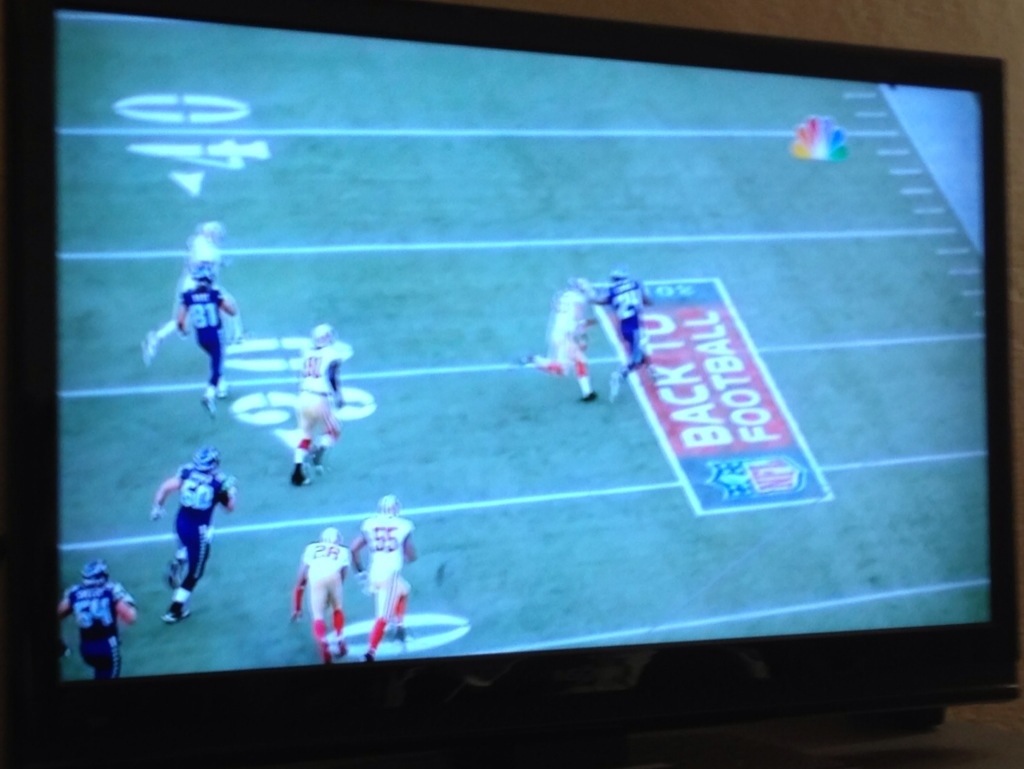
I’m a Ravens fan, but my girlfriend is a Seahawks fan, so.. Go Hawks!
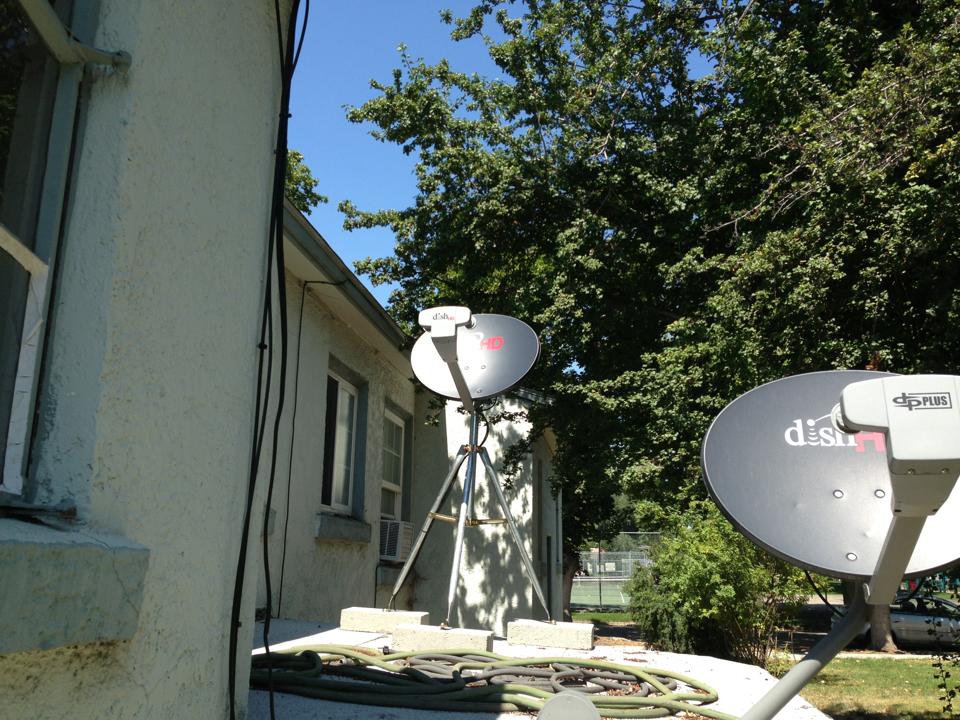
Many people are proud to call themselves “cable cutters” and as time goes by it seems more and more are cutting cable. Netflix, Hulu and Crackle are great services but for awhile now Vanessa and I have been wanting to get cable. Sure there was plenty to watch on Netflix, but it was always a chore deciding what to watch. It would be nice to be able to throw something on, or channel surf.
We started looking into DISH and it seemed like the best option. So far it seems like we’ve made a great choice. We got the Hopper in the living room and the Joey receiver in the bedroom. The Hopper features three tuners, so we can live TV in the living room and the bedroom while DVR’ing one show, or watch live TV in one room while DVR’ing two concurrent shows. It also has the Primetime Anytime feature which only uses one tuner to DVR ABC, CBS, NBC and FOX all at once during primetime.
One of the most important features of DISH for me is the Dish Anywhere feature via the Hopper with Sling. With the hopper connected to our WiFi I can login to my account from anywhere and watch live TV or any show we’ve DVR’ed. It’s pretty cool to be able to login and watch anything when you’re on the go, or even over at a friends house.
The video is kind of low quality right now…Will have a 720p version up soon.
Below are some pictures and brief overviews of some of Dish’s features.
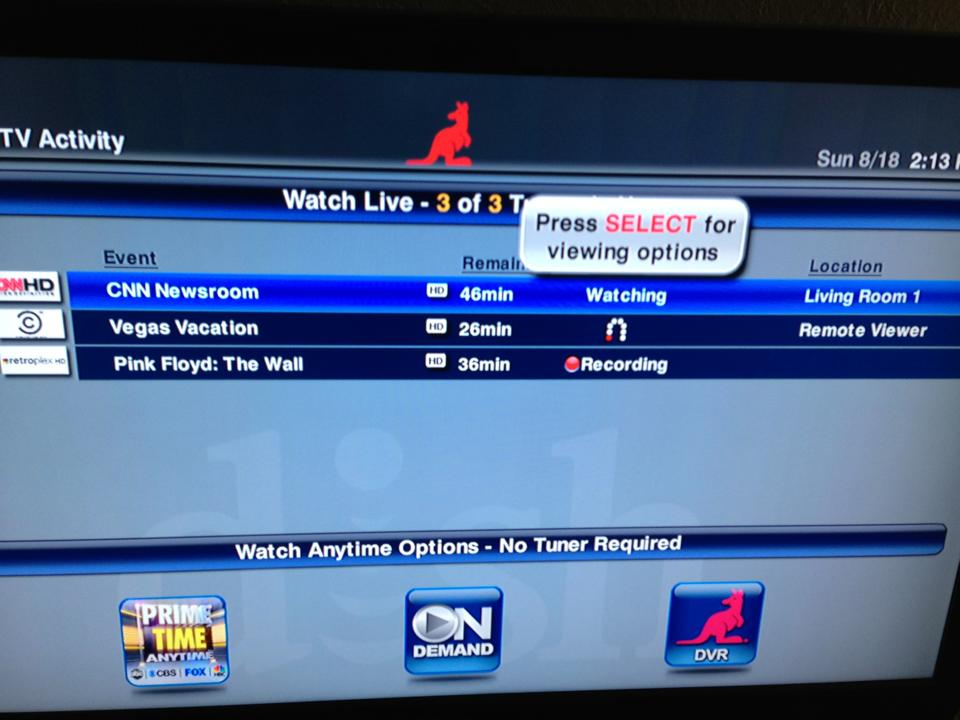
A look at the three tuners, watching CNN on the living room TV, Comedy Central on my iPad and recording Pink Floyd: The Wall.
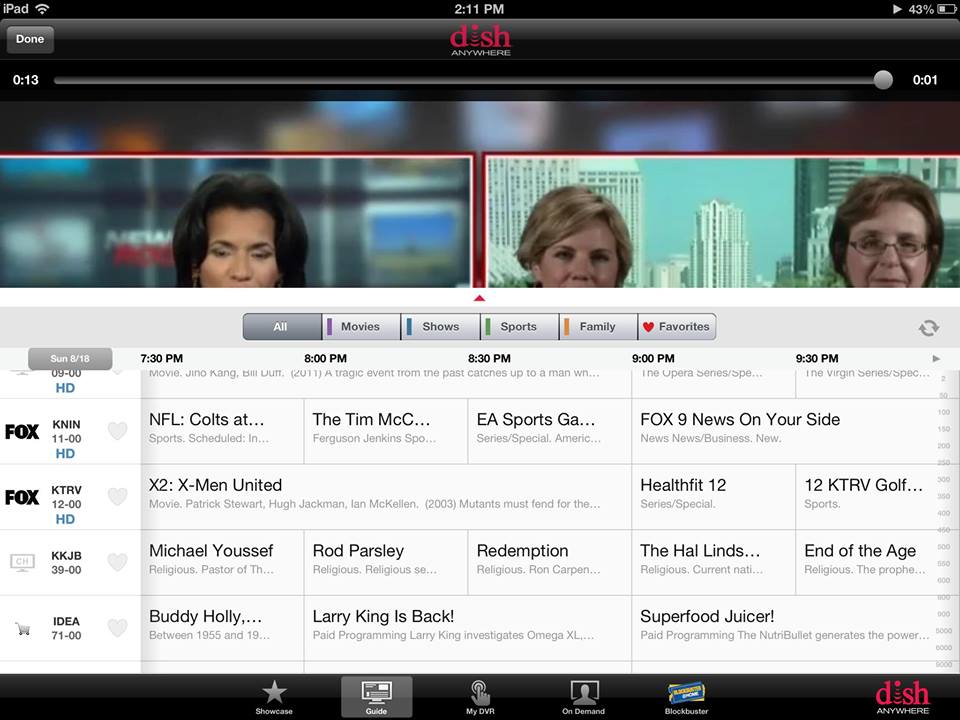
With the Dish Anywhere app for the iPad you can watch any channel live and even program your DVR, from anywhere.
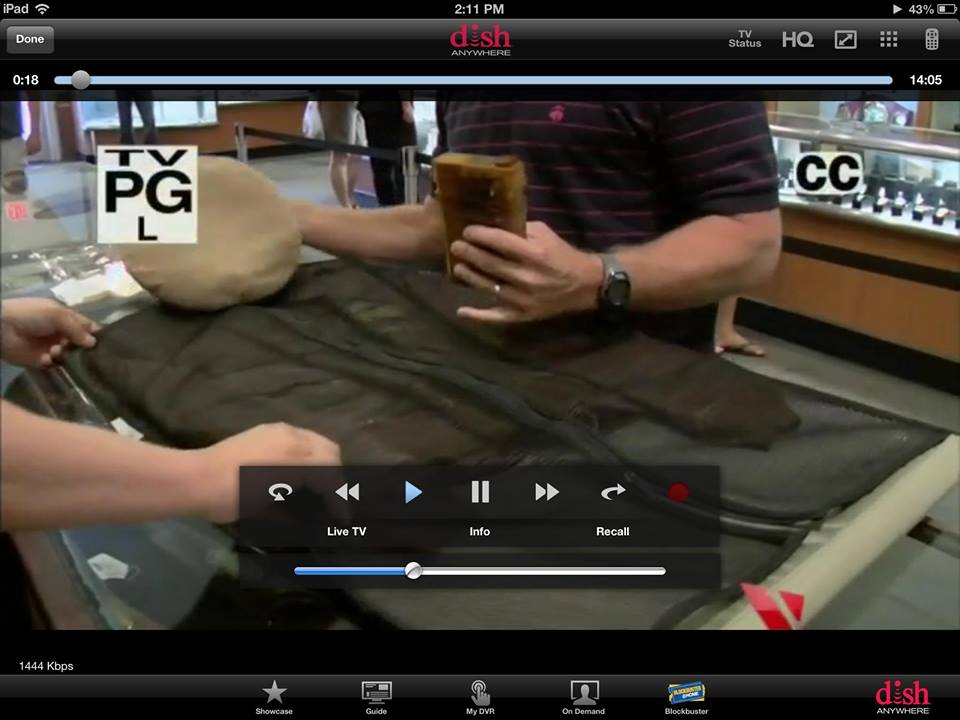
Watching a show from our DVR on the iPad

The Dish explorer app is another great iPad app which is essentially a TV guide app that’s socially connected. As you can see from the Facebook icon it will display shows your Facebook friends like (the number next to the icon shows how many friends like the given show).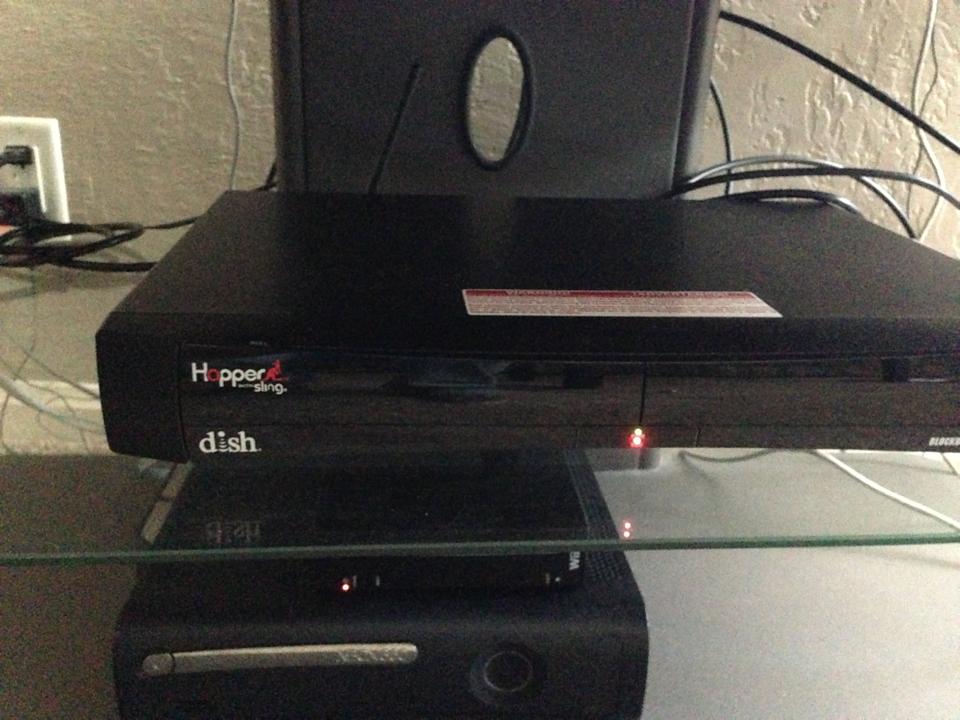
The Hopper with Sling.
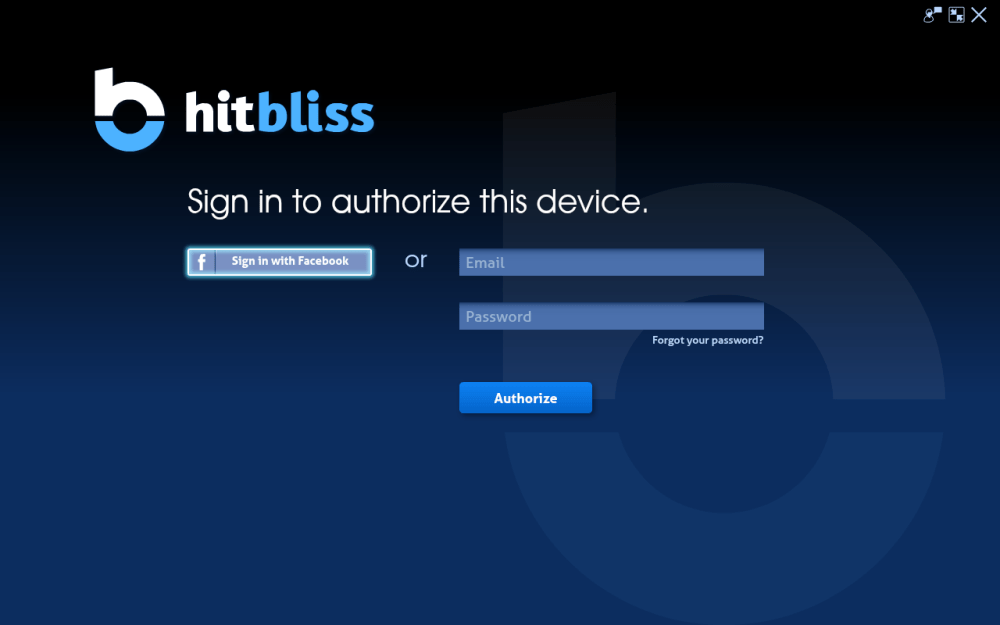
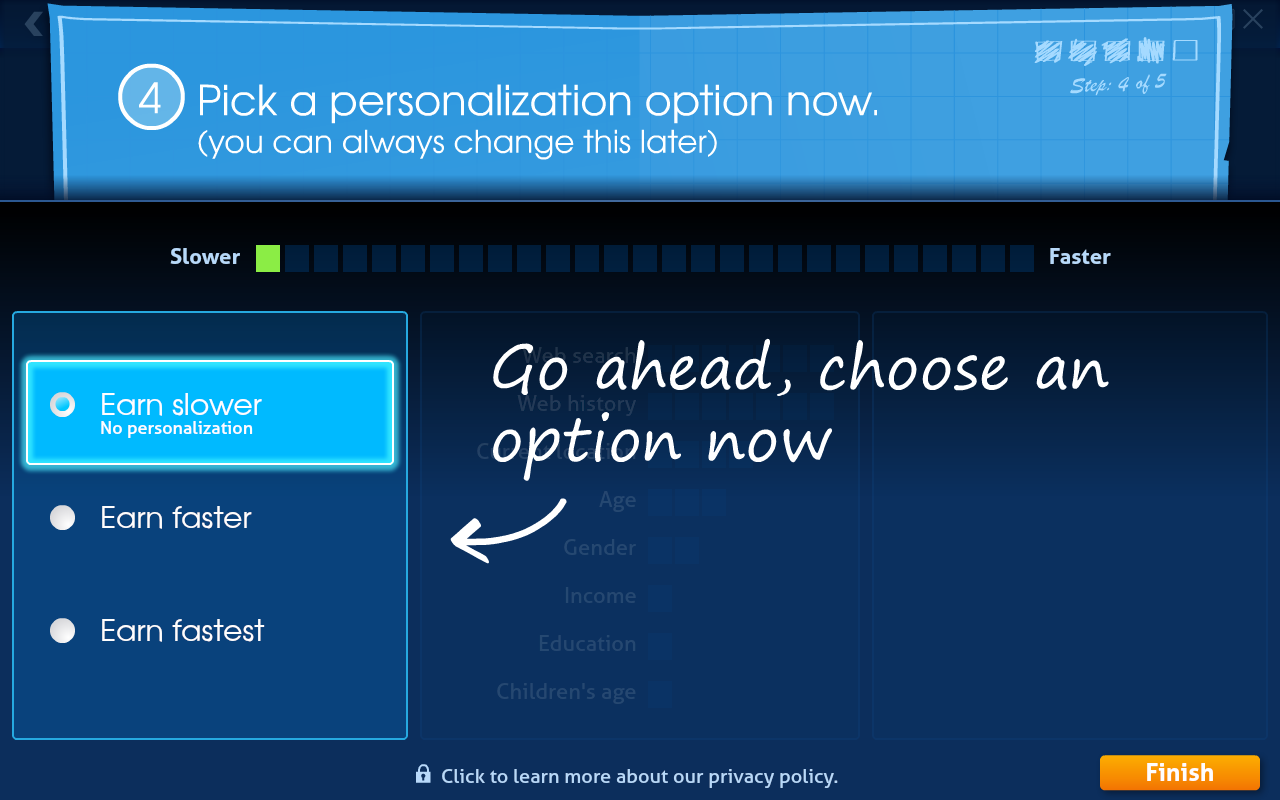
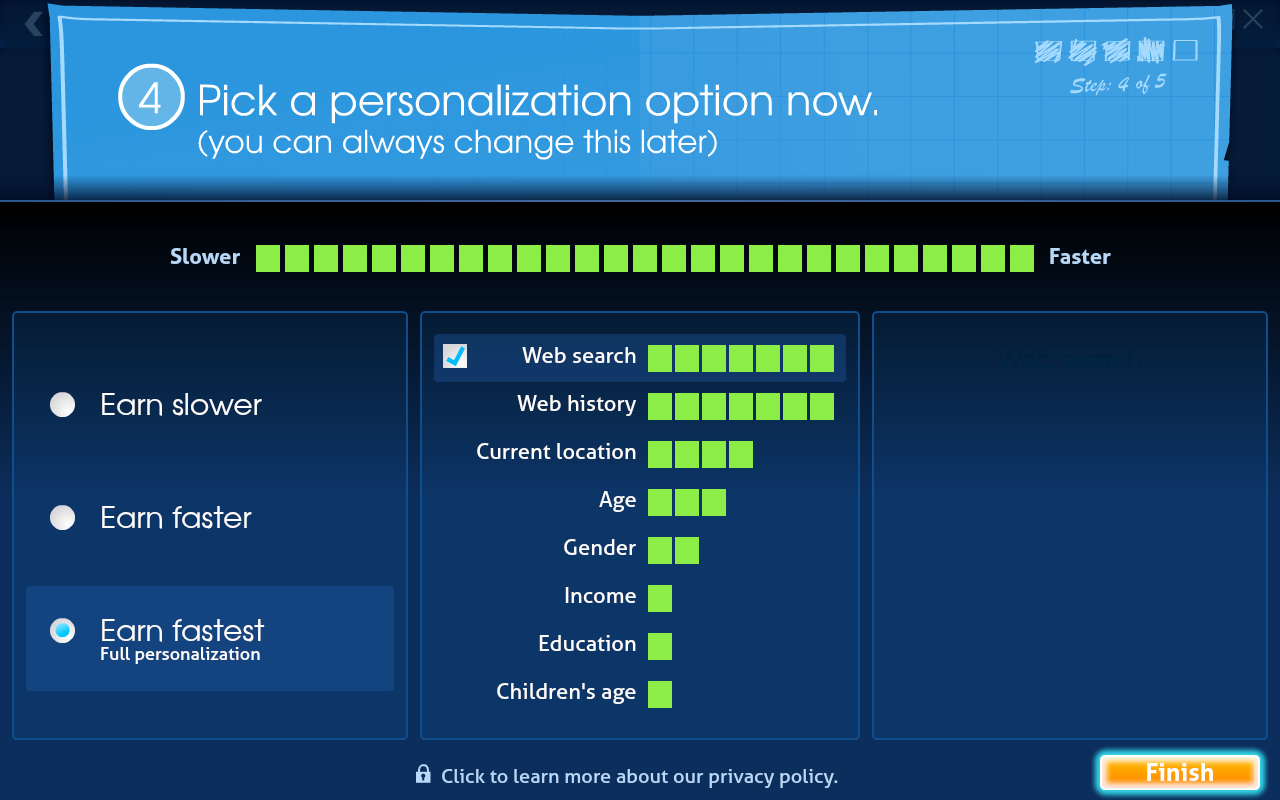
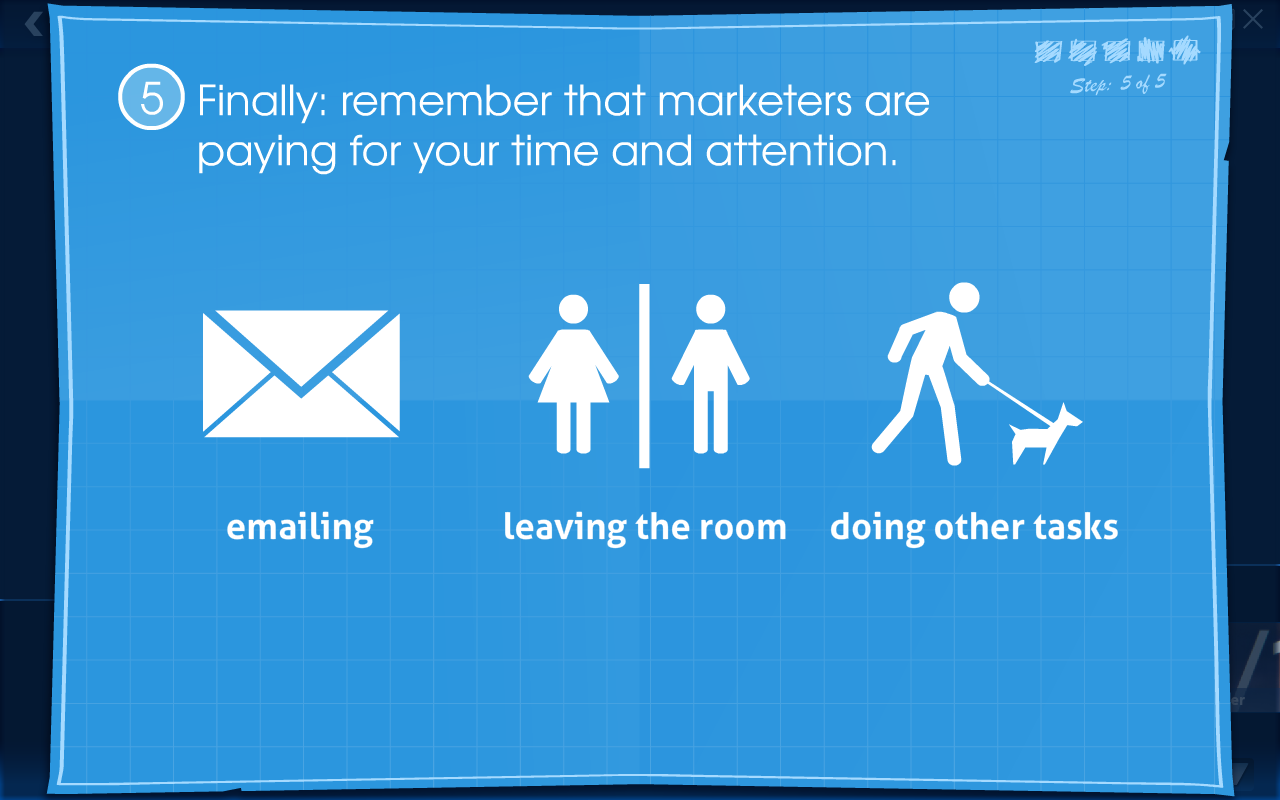
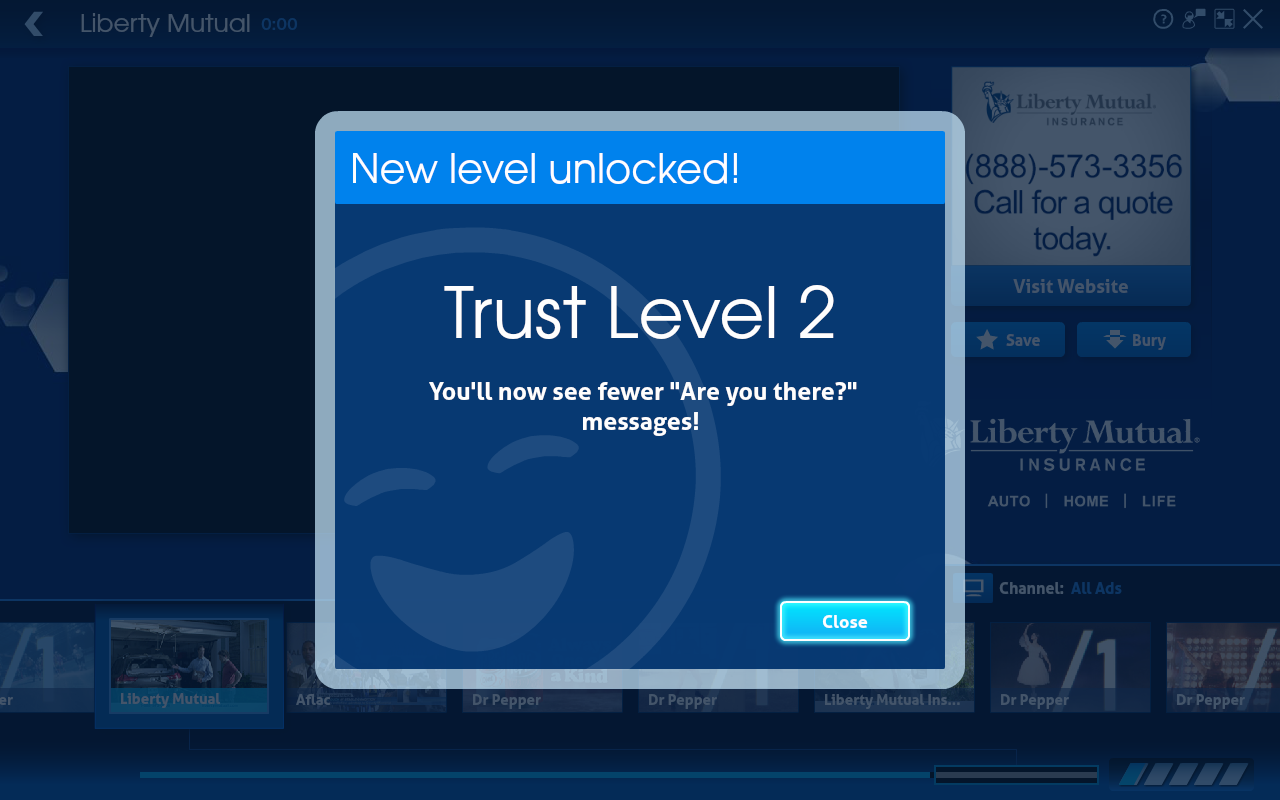
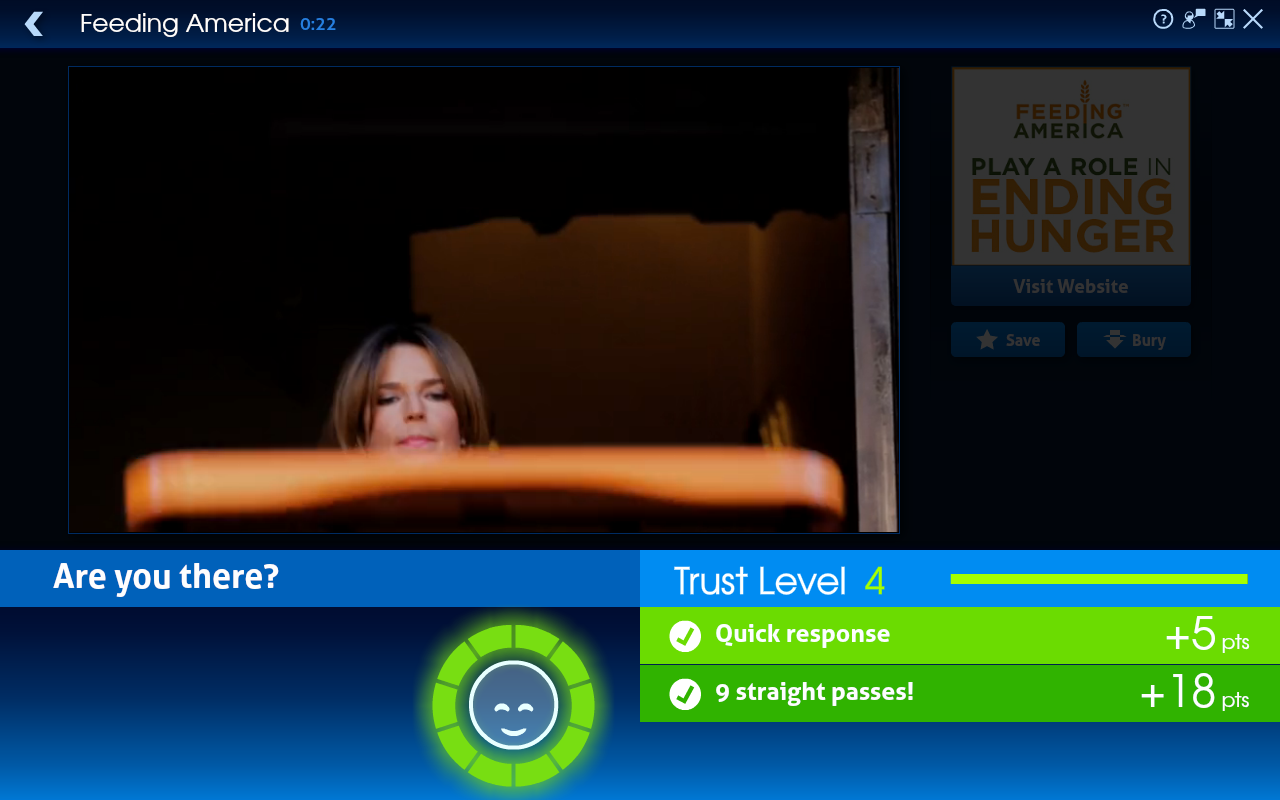
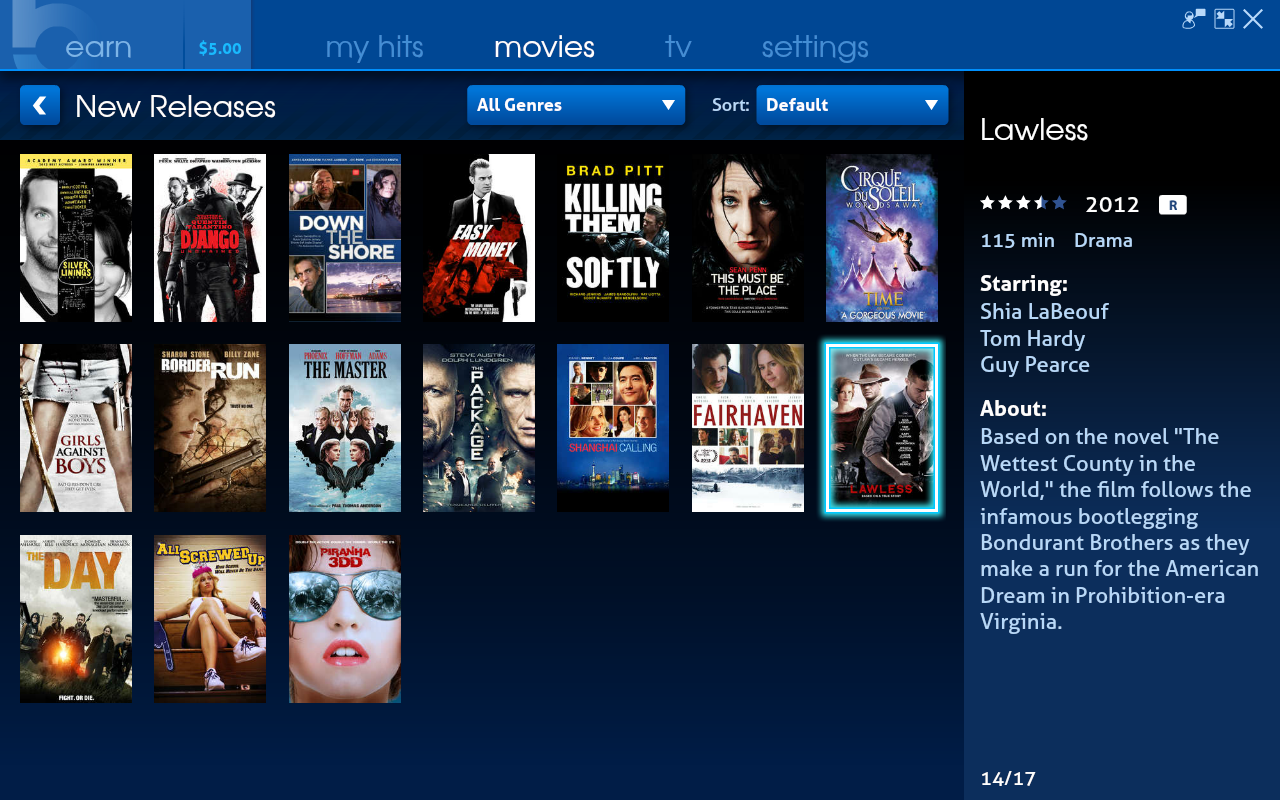
HitBliss is a program currently in BETA which pays you to watch advertisements and allows you to use the money you’ve earned to rent movies or TV shows from the service. Once you download and install the app and set up your profile you can start earning money simply by watching the ads. The app will occasionally prompt you to click a button or press enter to ensure you are actually at the computer watching the ads, and if you respond quickly, or respond to the prompts a number of times in a row you “level up” and start earning money even faster.
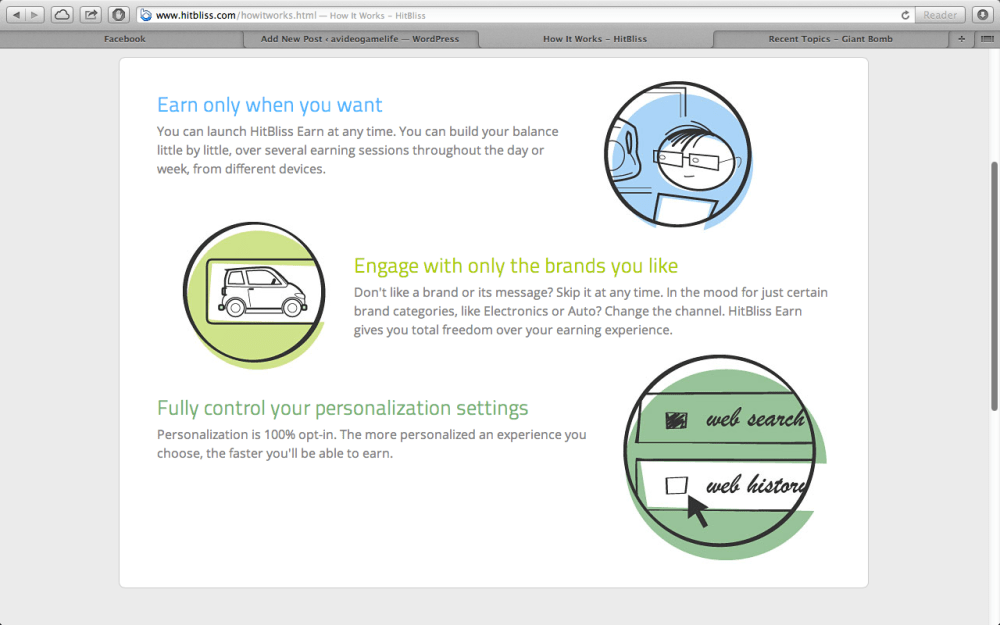
You can also choose to share your web search history and Facebook and Twitter profiles to earn money quicker as well.
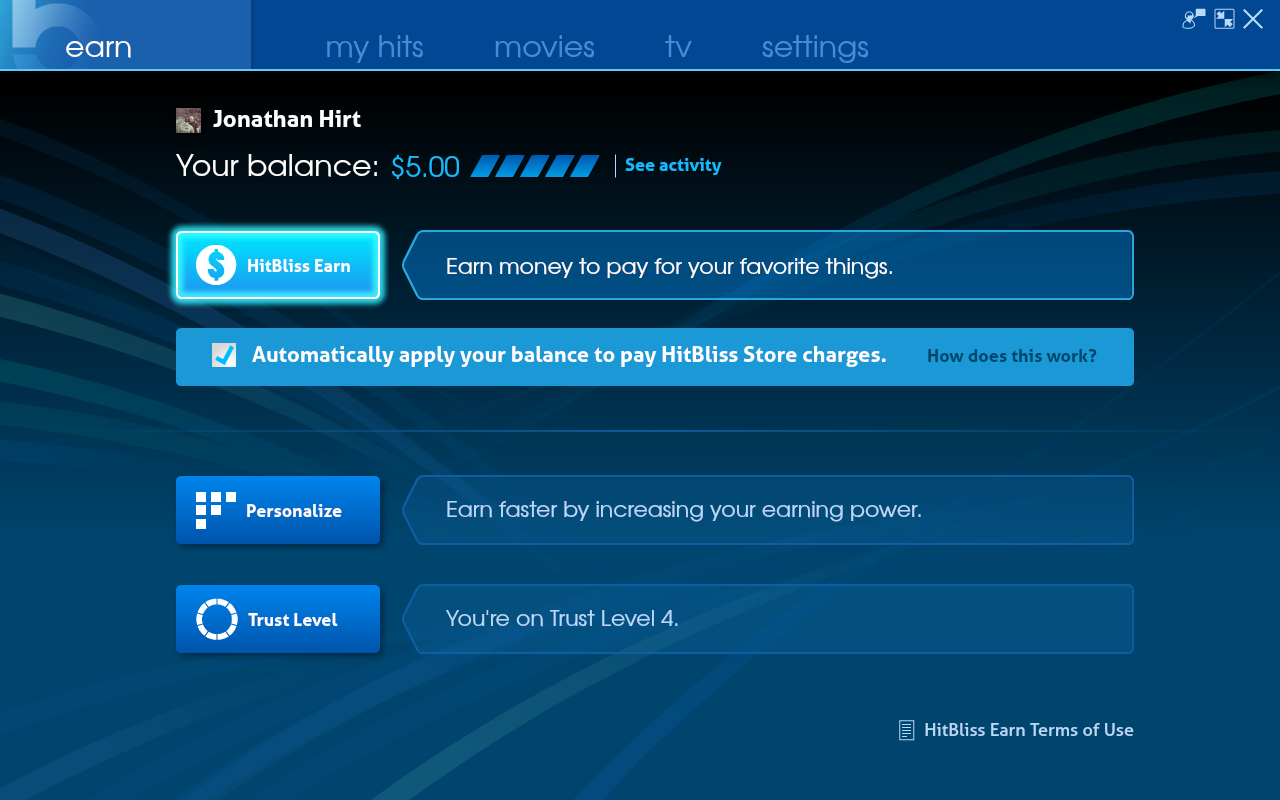
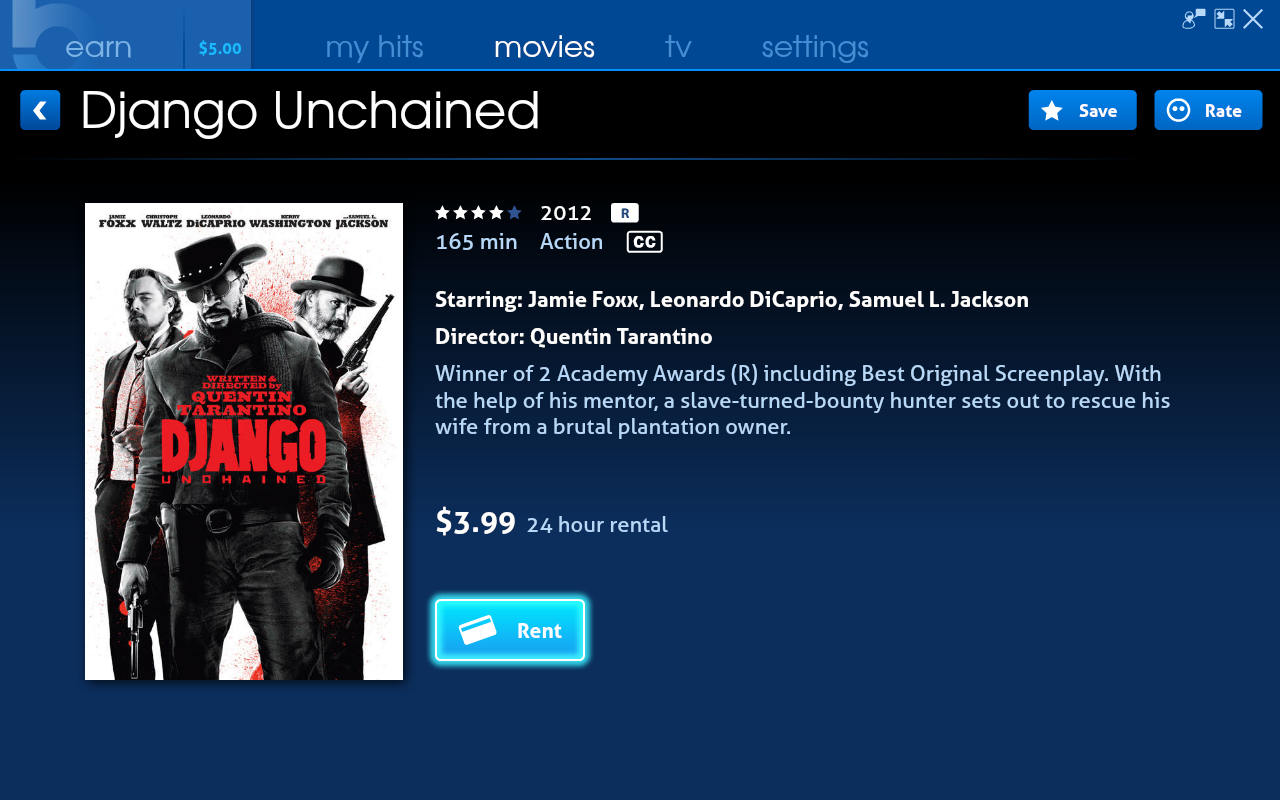
I just signed up for the BETA this afternoon and after watching and responding to about 10 ads I already had $5 to use toward any movies in their library (just over 300 movies in the library right now). There are some new release and hit movies (such as Django Unchained and Saving Private Ryan) and then quite a few movies already available through Netflix.
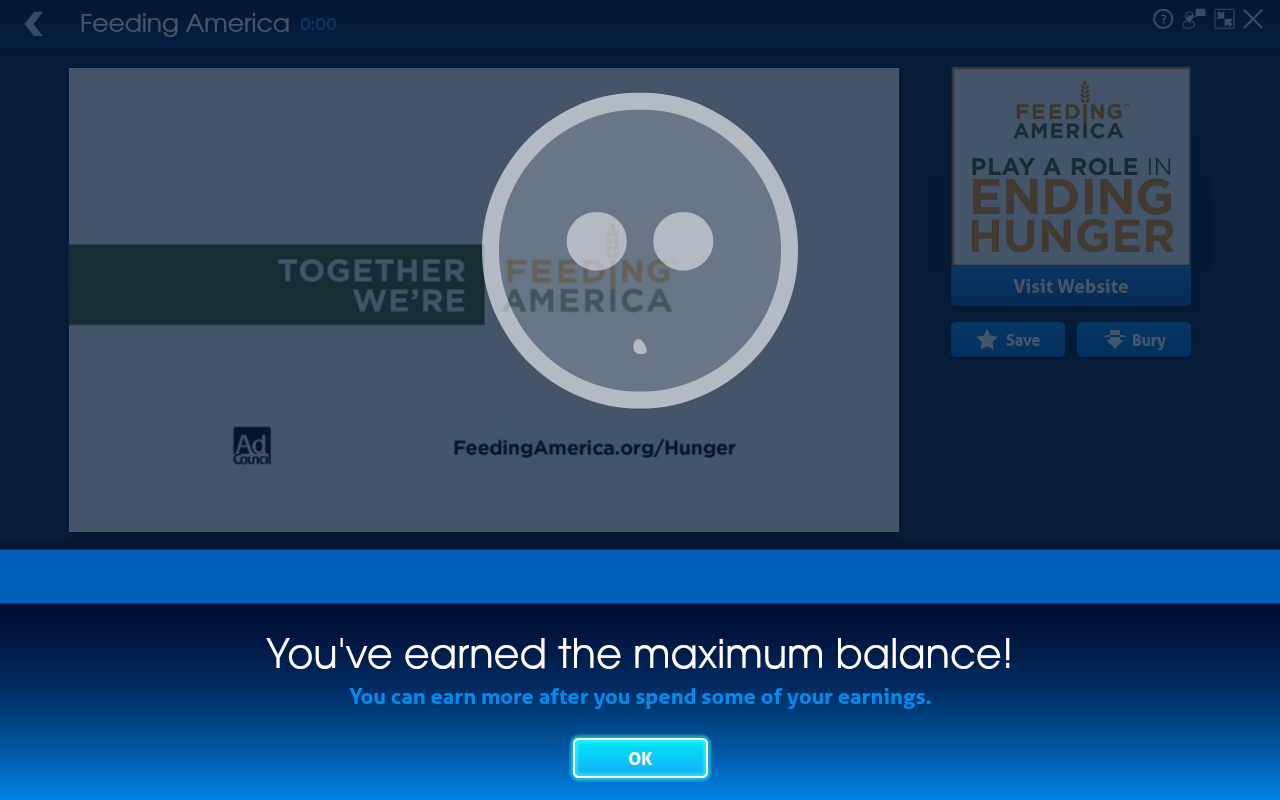
Once you earn $5 you can no longer earn additional credit until you spend some of that on rentals. It seems like your earnings will always be capped at $5 to prevent you from stockpiling money and never watching ads again. I imagine when HitBliss is out of BETA it won’t be as easy to earn money, I feel like I got over paid, earning $0.50 per minute long ad I watched. Don’t get me wrong, it’s nice to make so much money watching advertisements, I just feel like they’ll probably scale it down to something like $0.10 per ad. I’m no expert, that’s just my opinion.
The app looks nice and works smoothly and is available for Windows or Mac (I’m running the Mac version).
I hadn’t heard of HitBliss until I stumbled across WordPress user zabelieth’s blog post.
Some screenshots of HitBliss in action:

Like most I was at first excited about the new Star Trek video game but quickly lost interest once reviews and quick looks started rolling in. Currently the game (360 version) has a 43/100 critic rating on MetaCritic and a 2.5/10 user score. Pretty bad. Despite knowing better, I rented the game from Red Box anyway. $2 a day isn’t that bad, and if it turned out to be terrible I’d cut my losses early.
I’ve invested $6 in the game so far (three days) and I have to say it’s not as bad as I imagined it would be. I started out playing co-op with my girlfriend and the level design and gameplay is ugly right from the start. The game makes it very clunky to get into and out of cover and for someone who isn’t well versed in video game mechanics is guaranteed to have a very difficult time early on. If that weren’t bad enough, oftentimes the game will react in strange ways to your inputs. You can push to jump in one direction and your character will jump off a cliff to his death for no good reason.
There’s a sequence early on where you have to run as a series of explosions chases you. This is a point in the game where I really wanted to put down the controller and take the game back to Red Box. For some reason every time the game starts you off with the camera backward and your character facing in the wrong direction and you have to quickly reorient yourself and get running in the right direction or you’ll die. This was more inconvenient than difficult for me as I quickly realized the game was trying to kill me. For my girlfriend, however, it was incredibly frustrating. When the game isn’t being helpful at all it’s much more difficult for someone who doesn’t play video games often to get oriented and do what you’re supposed to do. What’s worse is doing what you’re supposed to do can get you killed as often as not in this game because of bugs and bad design.
I started playing solo after the first level (with AI controlling Spock) and for awhile this was less frustrating. Until I ran into climbing sequences where it’s almost completely unpredictable where your character is going to jump even if you’re pressing in the right direction. Several times Captain Kirk simply jumped to his death for no good reason. I guess I’d want to end it all too if I were stuck in this horrible game.
Once the action picks up the game plays a little better. Of course I’m playing on easy so I can run and gun, because if I had to rely on the clunky cover system my blood pressure would rise even further than it already does while playing this game. There’s a moderate variety of weapons you can pick up as you go, and it’s satisfying to kill the Gorn enemies. As a Starfeet Captain you’re “supposed” to ‘set phasers to stun’ when facing possessed human enemies, however I find it more enjoyable to simply kill them (not to mention easier). You can only fire off two “stun” shots before your weapon has to recharge and when you’re facing a large number of enemies it’s not practical to stun them all. Furthermore a stunned enemy only remains so for a few seconds and you have to run up to them and melee them to knock them out or they’ll return to shooting at you. Interestingly the achievements reward you for getting X number of kills with each weapon, so again it’s more beneficial to just kill everything.

Like the movies, there’s lots of lens flare here.
One thing I like about playing with an AI partner is that you can have them perform all of the hacking and unlocking in the game. The mini-games are excessively long and get annoying so it’s nice to just have Spock do everything for me. The co-op doors get incredibly annoying and boring, however. Why can’t I just open the damn door?
The game has been a decent experience so far. It would be nice to actually be able to pilot the Enterprise rather than just play a sort of Space Invaders game where you fend off attacking ships with the Enterprise’s weapons. It’s an okay section, but they could’ve done more with the Enterprise. There are several sections of the game that encourage stealth, however it’s more of a pain in the ass to try to pass by stealthily than it is to simply kill the enemies. There’s also an upgrade system where you can spend XP in order to improve certain equipment, but as far as I can tell the upgrades make barely any impact on gameplay and I’ve stopped bothering even opening the menu.
Lastly, and probably least important, the names of the achievements in the game are lazy and this bothers me. “Beat Helios-1”, “Beat New Vulcan”… They could’ve at least had better names for the story completion achievements. This has no impact on the game, it just really stood out to me.
In the end I would say you should not purchase Star Trek at its retail $60 price tag. I wouldn’t even recommend buying it used until it drops below $20. You’re best off renting the game at Red Box and you could probably complete it in a night if you wanted. I’d say I’m about four hours in and more than half way through the game, I only have three missions left. Overall the game has been decent, but at times it can only be described as terrible. There are just enough good sections to make the bad parts bearable. The voice acting is pretty good (the characters are voiced by the actors in the movies) but at times the dialogue is either repetitive or poorly written. The story isn’t as good as an average Star Trek episode, but it’s not the worst in the world. The game is passable, not memorable, but not as horrible as some people would have you believe.
So my buddy called WWE today to complain about the fact that although he paid $60 to watch the PPV streaming via WWE.com he couldn’t watch any of it due to the fact that the server apparently crashed. Well the customer service response he received was that they will not be issuing any refunds for anyone affected, but rather they extended access through the rest of the week.
Are you kidding me? You pay $60 to watch a live event and you can’t watch it due to the servers being down and all you get is the ability to watch it the rest of the week? First of all the results are already out, second of all it’s already on The Pirate Bay, and thirdly we already watched an illegal live stream of the event.
So will we be buying a WWE PPV again? No. It seems you’re better off streaming it illegally or pirating it.
Also, this guy exactly sums up my thoughts on the PPV:
Please note there will be SPOILERS ahead.
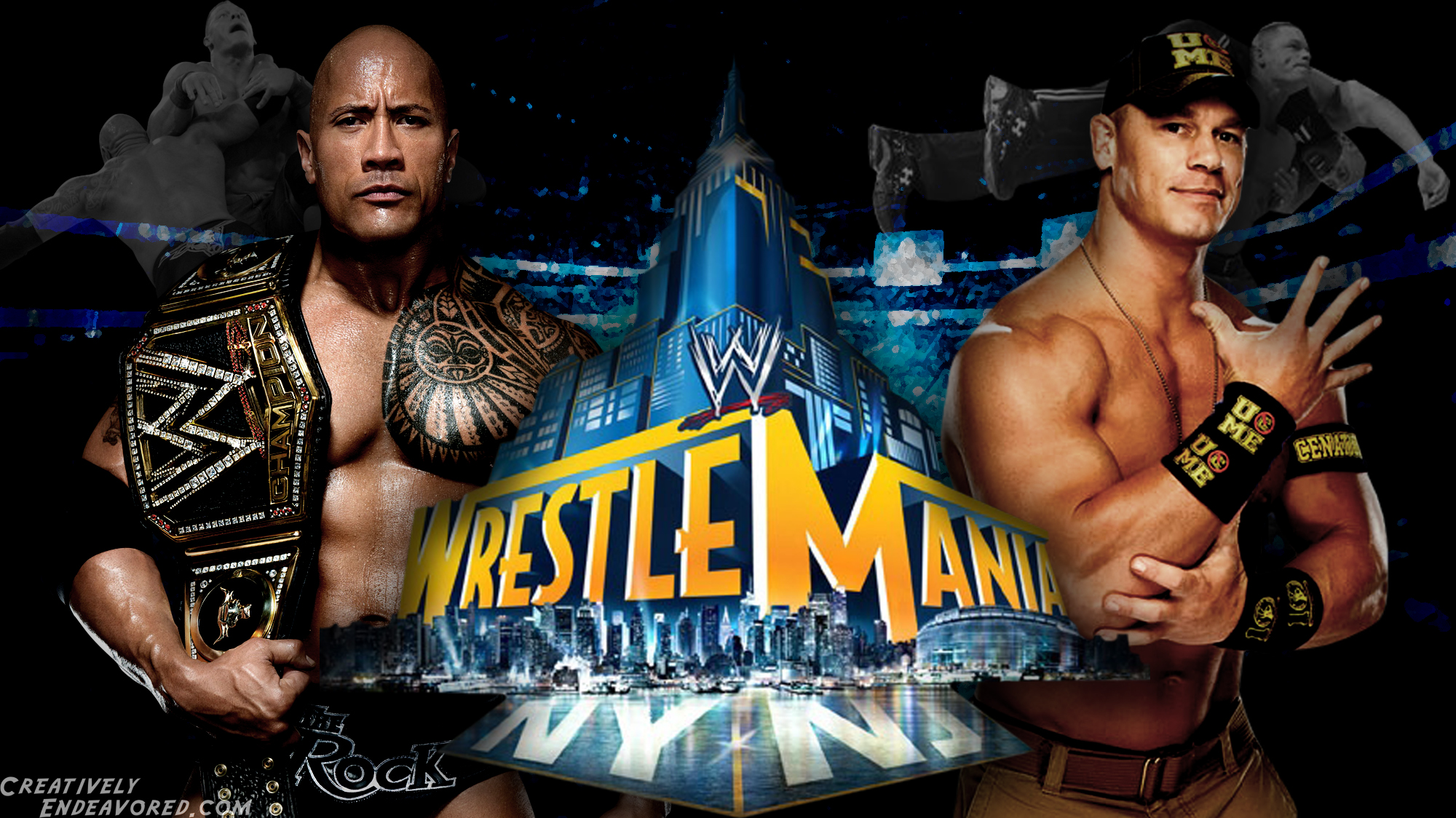
So I can’t describe myself as the hugest wrestling fan on the planet, but rather an occasional watcher and friend of a few more hardcore fans, but I have to say Wrestlemania 29 was a bit of a disappointment, especially after all of the buildup.
There wasn’t a whole lot of drama, especially not in the main event. When compared to the match between The Rock and CM Punk at the last pay per view, the match between The Rock and John Cena was nowhere near as electrifying. It really just seemed like them going through the motions with The Rock handing over the title and walking away back to his film career….once again. And the hug and handshake at the end? Really?
The most exciting match of the night was easily the one between Undertaker and CM Punk, but even that seemed like it could’ve had just a little more to it.
On a side note, WWE.com really dropped the ball on this one. My buddy purchased the PPV stream via WWE.com and after about ten minutes of watching the server crashed and for the rest of the night simply said the service was unavailable. We tried to call the 1-800 number several times, however it only rang and rang with no answer. We had to end up streaming the PPV illegally which of course was a big sacrifice on quality. We weren’t the only ones with this problem either, there were plenty of other users complaining via Twitter about being unable to stream the PPV they purchased. I can only hope the refund process is painless for those affected.
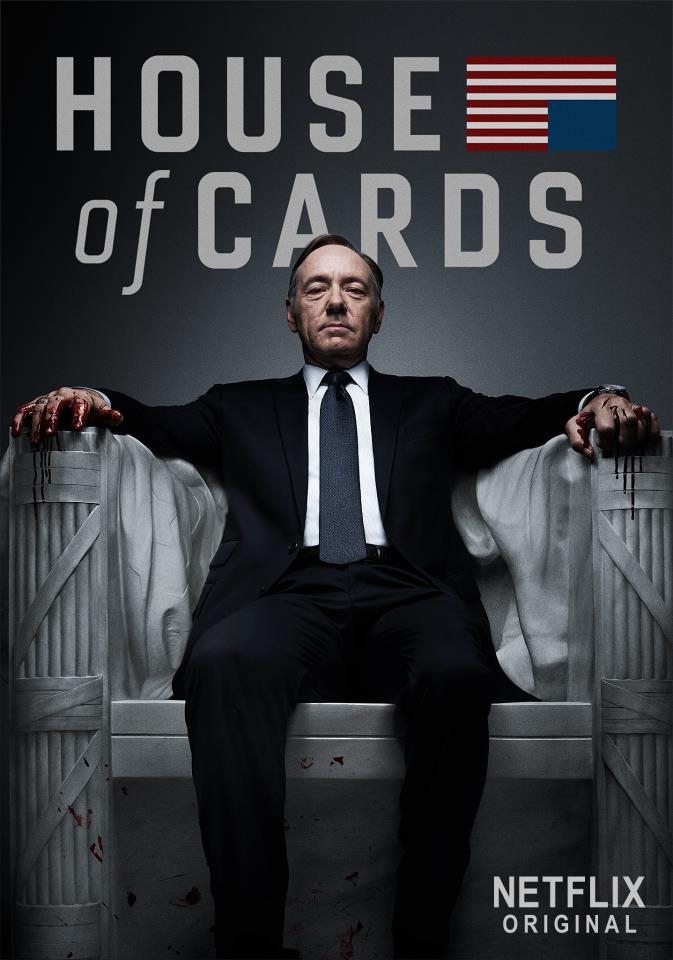
I finished the first two episodes of the new Netflix original series House of Cards, and I have to say I’m quite impressed. The show portrays the inner workings of the Washington political and press scene along with all the dirt and sleaze. This is what makes the show interesting, you’re constantly wondering what scheme is going to play out next and if it’ll work or backfire in the faces of the people behind it. Kevin Spacey’s monologues (I don’t believe I’m using the right word here, but hey it’s 2 in the morning) in which he breaks the fourth wall work great and add a special flavor to the show.
Netflix has made the first episode of House of Cards available for free in hopes that it’ll hook viewers who will then shell out $7.99 to have access to the remaining 12 episodes (which are all available to watch right up front, no waiting!). I’ve been a Netflix subscriber for years, so for me House of Cards is just a nice bonus. I hope it ends up being a success for Netflix and maybe we’ll get a second season and more original content in the future.
Netflix is getting more and more into original programming with the return of Arrested Development and the Lilyhammer series. Today its newest original series, House of Cards, debuted with all 13 episodes of season one available on day one.
House of Cards stars Kevin Spacey and its list of producers include David Fincher (Fight Club, The Social Network), Kevin Spacey and Eric Roth (Forrest Gump, Extremely Loud and Incredibly Close) among others.
I haven’t watched it yet, but the show looks quite interesting. I’m definitely looking forward to watching it. Many people are discussing just how they’ll go about watching the series. Would you try to watch the entire season at once, or one episode a week? The nice thing about Netflix’s distribution method is it’s entirely up to you to decide. It’s “on demand” in a sense. This seems like it’d take away from the social aspect of watching a series. For example every Monday you might hear people at work talking about the previous night’s episode of The Walking Dead. With House of Cards some of your friends may watch the entire series by the time you’re only on the second or third episode.
With its original programming, Netflix hopes to change the way television works. Reed Hastings has said:
Imagine if books were always released one chapter per week, and were only briefly available to read at 8pm on Thursday. And then someone flipped a switch, suddenly allowing people to enjoy an entire book, all at their own pace. That is the change we are bringing about. That is the future of television. That is Internet TV. [CNET]
I certainly look forward to the future of Netflix programming, and agree entirely with Hastings’ statement that the viewer should be in charge of how they consume their content. I look forward to checking out House of Cards this weekend, and will be sure to return with my thoughts on the series.
So this weekend I brought my Sony digital media player to my girlfriend’s house so that we could watch some movies (because who rents DVDs anymore, really?) However I forgot to throw the remote in my bag. No problem I thought, there’s an iPhone app that lets you control the device. I download the app and it tells me I need to turn the streaming player on first to set it up….Ok… The problem is, there is NO on/off button on the device at all. I’m not sure if Rokus and Apple TV devices are the same, but there is literally NO way to power on the device without the included remote.
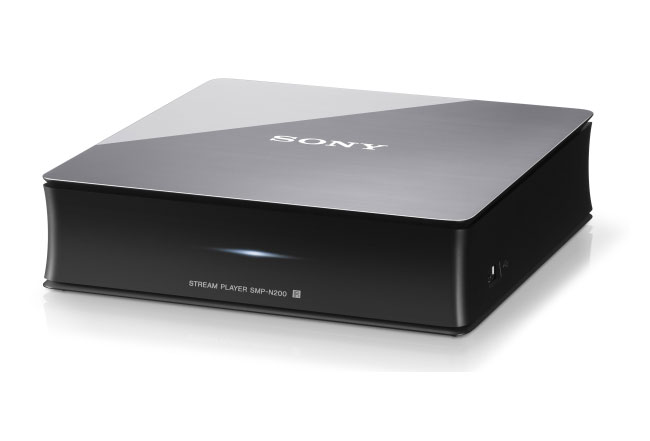
I tried unplugging the device and plugging it back in which causes it to power on and display SONY on the TV, but it immediately goes into off / standby after it powers up. I tried pushing the reset button on the device which did the exact same thing as cycling the power.
I even bought a cheap universal remote thinking I could program it to turn on the Sony streaming player. False. None of the Sony codes would work with the device. Lastly I called Sony tech support only to be told that indeed there is no way to turn on the device without the remote, and I could order a new one for $45. Forty-five dollars? Are you kidding? The streaming player itself was $99, who would pay half that price for a new, cheap remote (pictured below). I asked them if there was a way to program a universal remote only to be told they can’t help me unless I have a Sony universal remote and I’d have to call Phillips to see if they could help.
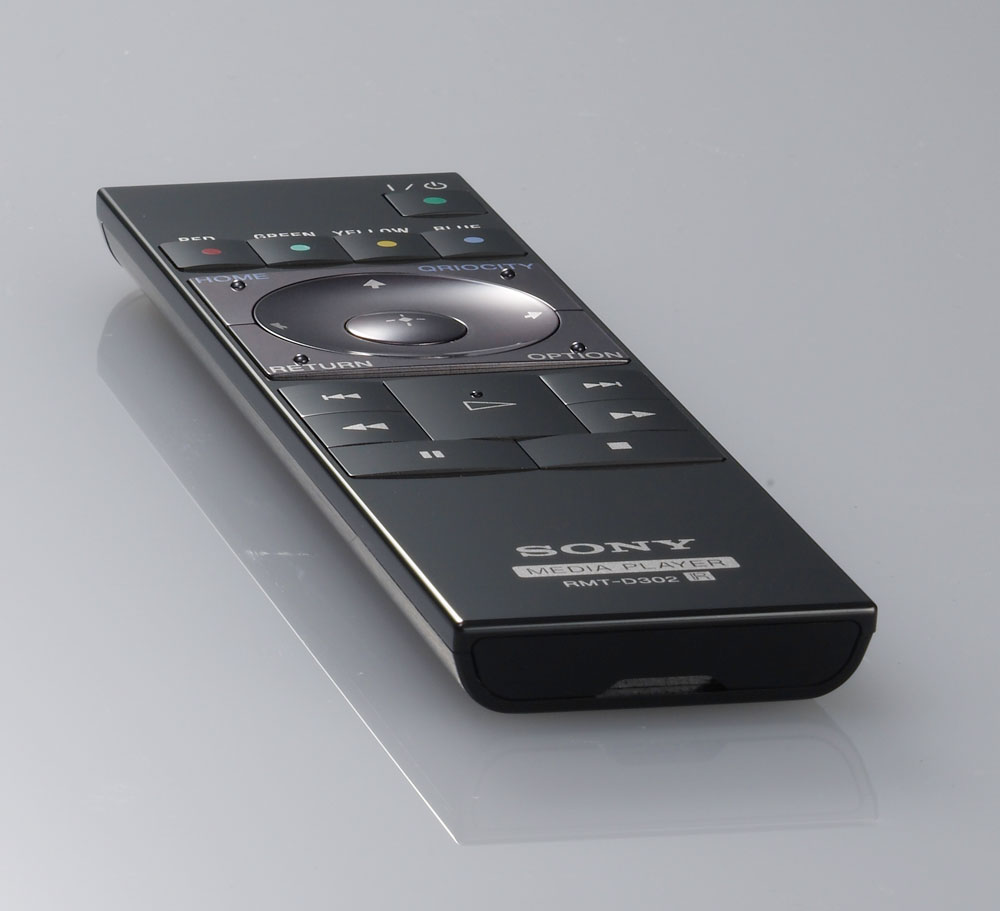
What a mess… I find it hard to believe that the ONLY way to turn the device on is with a cheaply made $45 remote you can only get through Sony. Not cool. I think I’ll be selling this device and getting an Apple TV.
 Gumballs Plays Games