Friday Morning Football in Korea, Destiny with Bungie
10421968_10107259811551344_5105411845953597165_n

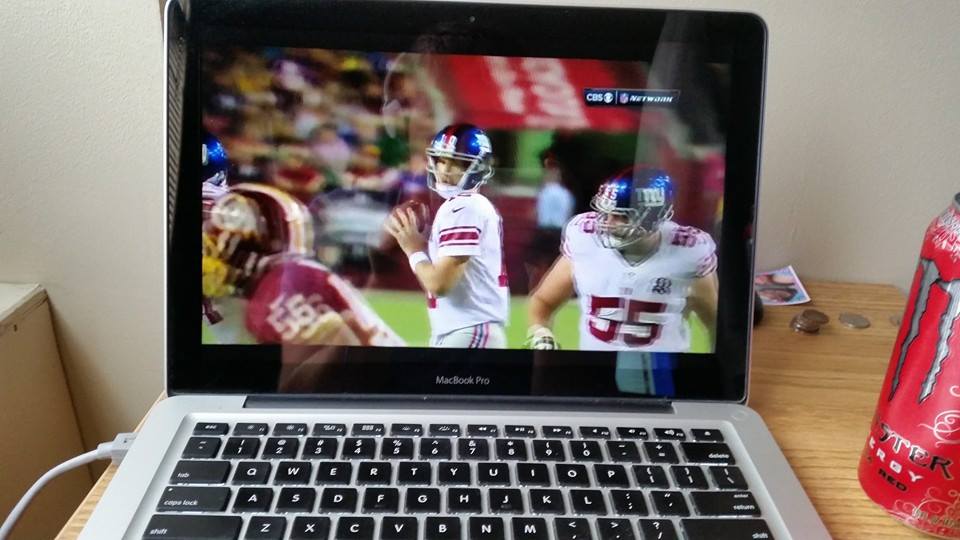
I’m enjoying some Friday Morning Football here in Korea thanks to Dish Anywhere (which allows you to stream anything from your receiver via Slingbox). I’m a Ravens fan rooting for the Giants. I really love the Manning brothers as players and as all around nice people so I always tend to root for them.

In about 40 minutes Bungie employees will be playing Destiny Skirmish matches in the Crucible (on Xbox One) so I’m going to jump on and try my luck getting a game in with one of them as I continue checking in on the game via the Dish Anywhere iPad app.

You’ll be able to watch the action via Bungie’s Twitch stream.
 

Need for Speed Rivals is now free via EA Access

EA Access on Xbox One continues to more than pay for itself with a growing library of free games available in the Vault. Need for Speed Rivals joins Battlefield 4, Madden 25, FIFA 14 and Peggle 2 as the games you’ll get for free with your $5 a month subscription.

I haven’t played a Need for Speed game in ages, and I didn’t expect to have much fun with Rivals, but it’s not too bad of an experience. I tend to prefer simulation racers (Forza) and have never enjoyed arcadey racers like Burnout, but Rivals isn’t too bad. Sure the “story” is laughable and should be skipped outright, but the gameplay is enjoyable. It reminds me a lot of Forza Horizon in that you’re put into a world with other racers and basically mark various events and races on your map and drive to them to start them. You’ll be able to engage in head to head races on the way if you choose and may also get pursued by the police. Any money you earn during your session needs to be banked by heading into a safe house, otherwise if you get busted you’ll lose everything you earned (however, mission progress is not reset).

The only thing I can say I dislike about the game is the load times. Stopping by a safe house to bank earnings is a time consuming process and the load screens involved have kept me from playing more of Rivals. I definitely recommend picking up EA Access and giving Need for Speed Rivals a shot though. You’ll definitely get $5 worth of fun out of it.

How to open your Destiny fireteam to the public (Xbox One)

Edited on January 25, 2015. Added video instructions.

As of right now, every time you boot up Destiny your Fireteam is automatically set to private. In order to open it up to the public (which everyone should do if not playing with friends) you have to complete a few steps. Every single time you decide to play. That’s right, every time you quit out of Destiny your Fireteam settings default back to private.

These instructions are written assuming you’re not using a Kinect (I didn’t bring mine with me overseas). I would assume you’d be able to cut out a few steps using Kinect voice commands, but I’m sure you can figure that out.

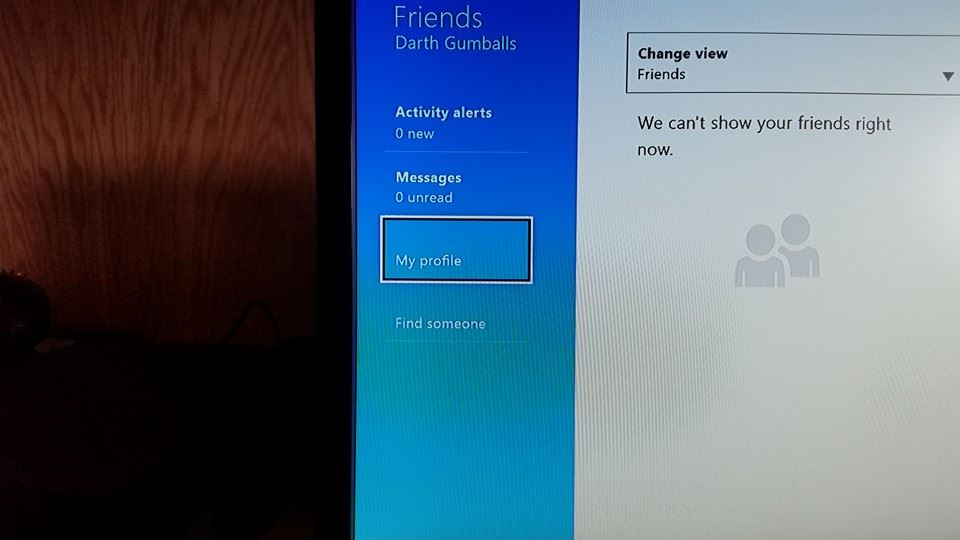
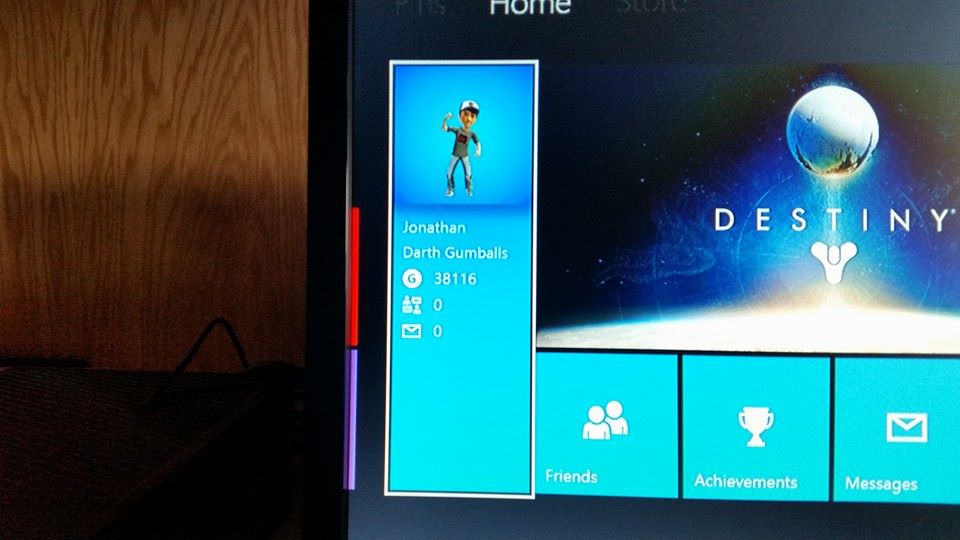
So the first thing you want to do is hit the Home button.10338222_10107186814198624_2771587405740673597_n

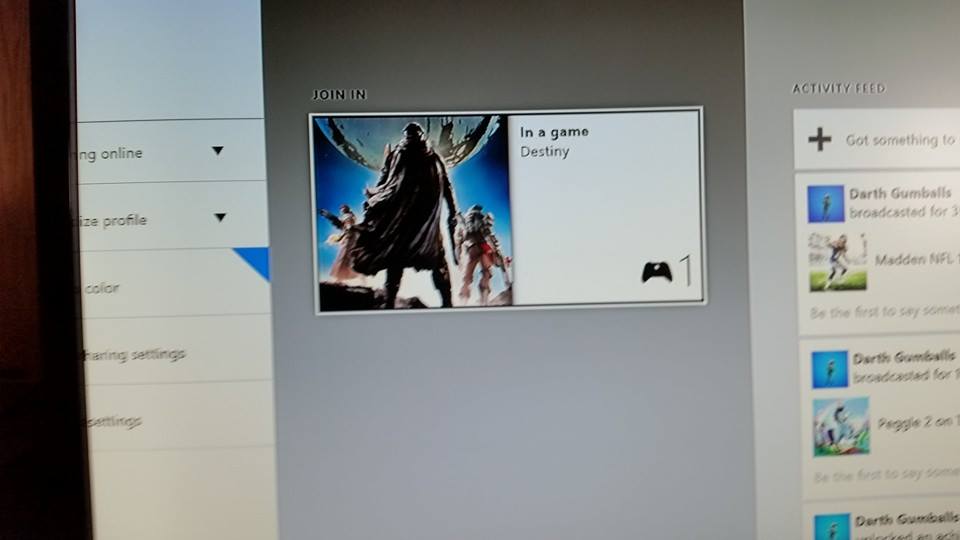
Next you’ll want to select the panel shown above.

10416568_10107186814308404_5216048745173500850_n

Then select My Profile.

10511332_10107186814473074_1032383969573465173_n

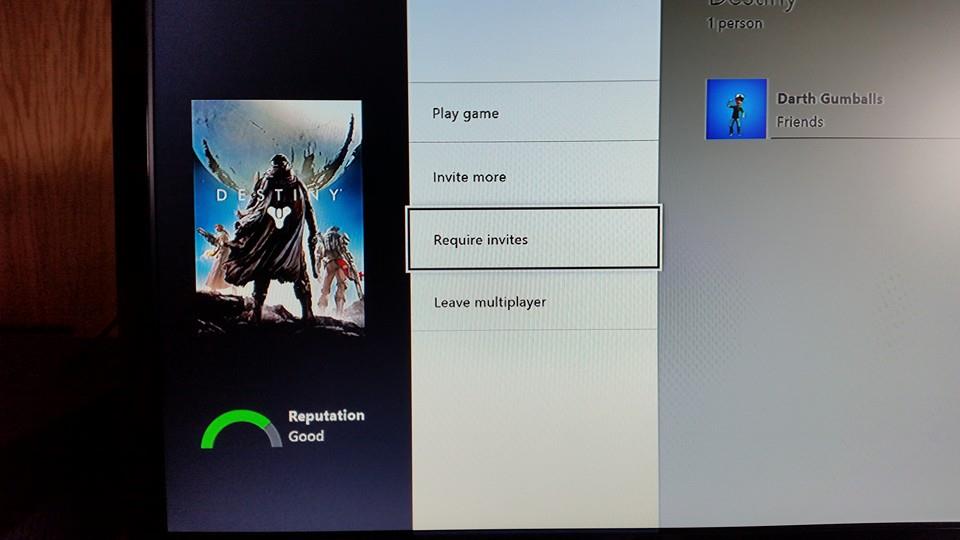
Select Destiny (off to the right assuming you’re currently in game).

10373674_10107186814642734_6056667040032735070_n

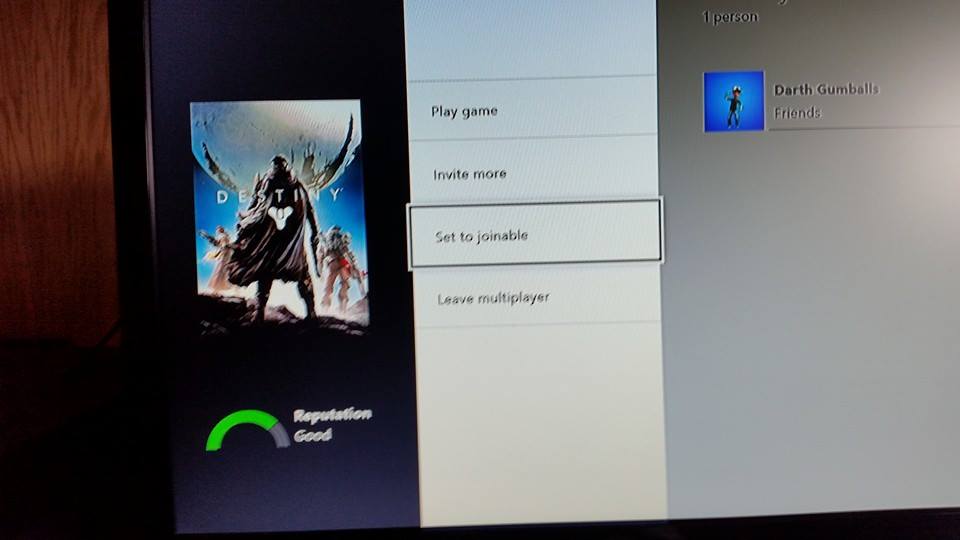
This is what you’ll see before you change the setting. Select ‘Requires invites’ to change it to ‘Set to joinable’ and you’re good to go.

10665848_10107186814887244_4800289519138612898_n

Hour 2 of Destiny (Xbox One): Why is there no social?

So I played through another hour and a half of Destiny last night and there are a few things I’m not quite liking. There definitely needs to be some sort of fire team matchmaking implemented, where other people on the same mission can jump into a random fire team as opposed to completing the mission alone (which is an absolutely boring and overly difficult way to play the game). I’ve tried randomly spamming fire team invites to everyone I see in the world and no one ever accepts. And there’s no way to chat with anyone in the game, so there’s no way to ask anyone if they even want to party up for a mission.

Why the heck did Bungie create a game that relies on working together and socializing in the world, and limit all social interaction to three buttons (point, wave and dance). You cannot voice or text chat with anyone in the world… So why even have other people show up at the Tower (which in any other game would be the main social hub of the game).

The shooting in Destiny is solid, but all of what should make Destiny a unique experience is severely underdeveloped.

My first hour with Destiny (Xbox One)

I’ve been back and forth on whether not to buy Destiny leading up to its release this week. When I played the beta I most certainly enjoyed the shooter elements of the game, and it felt solid and a lot like Bungie (Halo) which was (is) a good thing. Yet one thing that really bothered me was the MMO-ness of it. The missions and enemies just sort of feel like filler with very little reward from mission to mission. At least in Halo you get some pretty sweet cut scenes (the ones in Destiny are not on par) that tie together a compelling story (is there even a story in Destiny?). I disliked the way each and every enemy takes seemingly too long to kill (have to sit there and drain its health), all acting as ‘trash’ or filler leading up to a boss and the completion of a mission. This takes out all of the speed and ‘bad assness’ you get from a Halo game. So far you always feel overly weak and helpless in Destiny.

My first hour with Destiny’s full release has been no different than my first hour with the beta release. I’m still not convinced I’m going to enjoy Destiny in the long run, and I’m not convinced the audience is going to stay tuned long enough for Bungie to do everything they wanted with the game. I tried out Defiance about a year ago and it was empty, cold, desolate, abandoned. I’m not so sure Destiny will be any better 8 or 9 months from now.

Regardless, I’ll continue to play on and hopefully find some more things to like about Destiny. You can check out my first hour of gameplay below (once it’s finished processing shortly). I’ll be streaming to my Twitch channel in the future, so be sure to stop by if you’re interested in how my Destiny journey is coming along.

This is why I should never play platformers

Today I decided to try out Mario 64 (I played it back on the N64 but sucked at it and never got very far into the game). I played for about an hour while streaming to my Twitch channel and I got further into the game than I ever have before. Not without some major frustrations however, as you can see in the video below. I apologize for the music, I didn’t realize I streamed the entire time without recording desktop sound so I threw in some YouTube approved music. There’s also no commentary because my roommate was sleeping and no one was in my channel anyway.

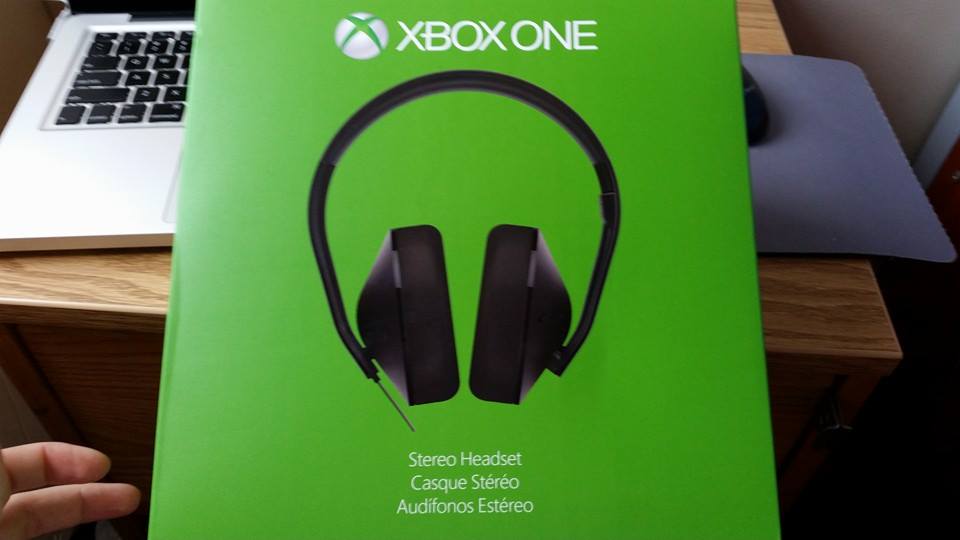
Xbox One Stereo Headset

Xbox One stereo headset

The other night I picked up the Xbox One Stereo Headset. I had been wondering if the Xbox One headset adapter would allow me to plug headphones directly into the controller as opposed to the TV (you can), however the BX was out of adapters and only had headsets so I figured what the heck.

I’m glad I made the purchase. The headphones deliver pretty good sound (I’ll stick to my Bose SoundTrue for movies) and are more comfortable than the Turtle Beaches I used to have (again the Bose are still more comfortable in the long run). The main thing I like about them is that they get game sound from the controller, there’s no need to plug anything into the console or TV (something I hated about the Turtle Beaches).

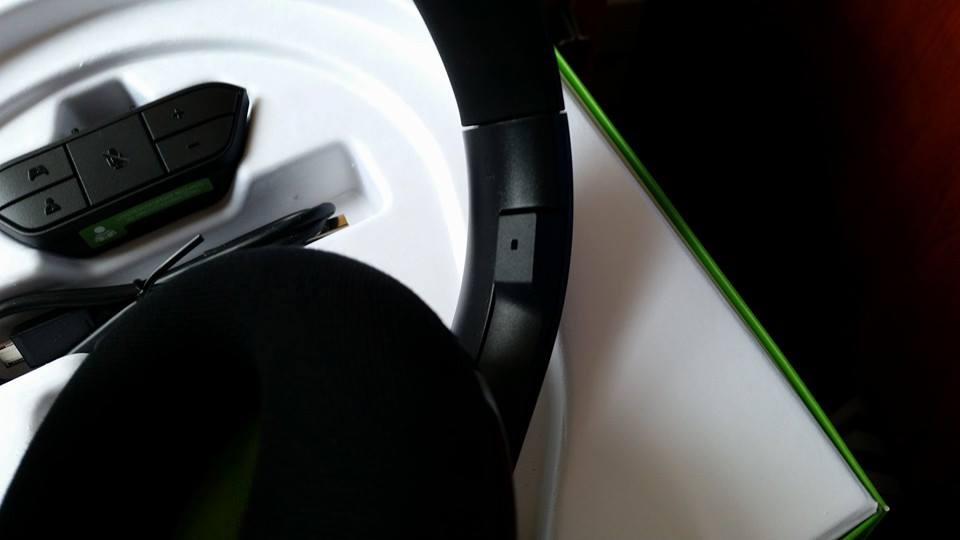
They seem to be designed quite well, and I like how the microphone tucks into the headset when not in use, as you can see below.

10646794_10107122662593954_8201484060325845211_n

I also like the flat design of the wire which keeps it from tangling.

For around $80 (they were on sale for $50 on Amazon last I checked) they’re definitely a worthwhile purchase if you don’t already have a headset (if you do, pick up the standalone adapter for $25).

Lastly, I enjoyed the box design, as silly as it seems. Check out the unboxing gallery below.

This slideshow requires JavaScript.

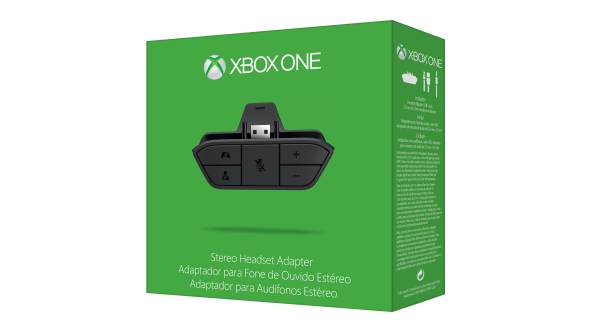
Can you use regular headphones with Xbox One headset adapter?

xbox headset adapter

The other night I had a bit of trouble finding a definitive answer to this question, so I figured I’d answer it for anyone else wondering the same. Yes, just about any set of headphones will work with the Xbox One headset adapter (for game / chat sound at least).

Since I’m ‘deployed’ and have a roommate I had been previously plugging my Bose headphones into the TV so that I could game without bothering anyone, however being able to plug my headphones directly into the controller (via the adapter) has made things much more convenient. You can receive game and chat audio wirelessly via the controller, though not all headsets will work for chat (it would seem inline microphones won’t work).