Finally got a Vita!

Playstation Vita Borderlands bundle

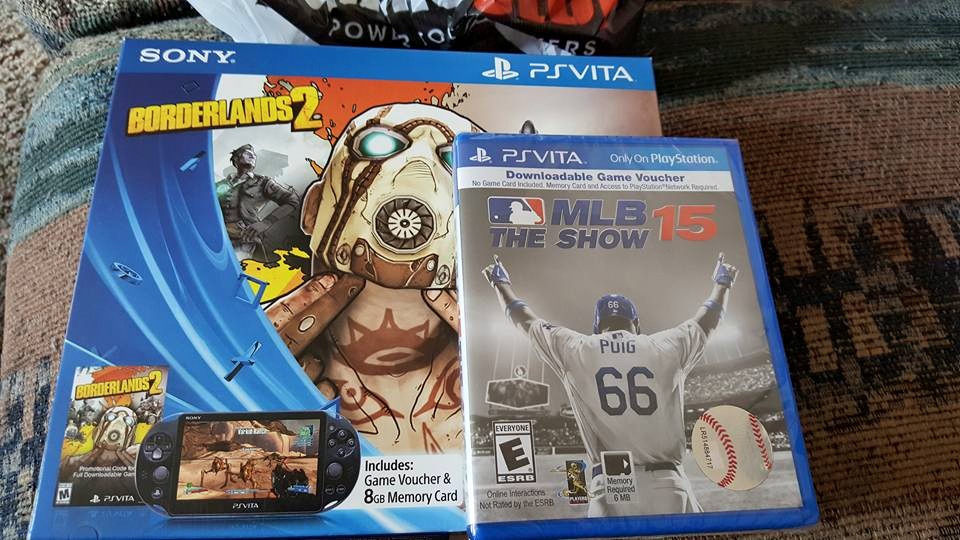
This weekend I finally got around to picking up a Playstation Vita. I had been thinking about it for awhile, especially after I bought a PS TV and started playing Final Fantasy X HD and Persona 4 Golden on it. I felt like those games would play much better in a mobile environment as I never really had the motivation to boot up the PS TV. I finally took the plunge and picked up the Borderlands 2 bundle for $199 at GameStop (they accept Google Wallet by the way!).
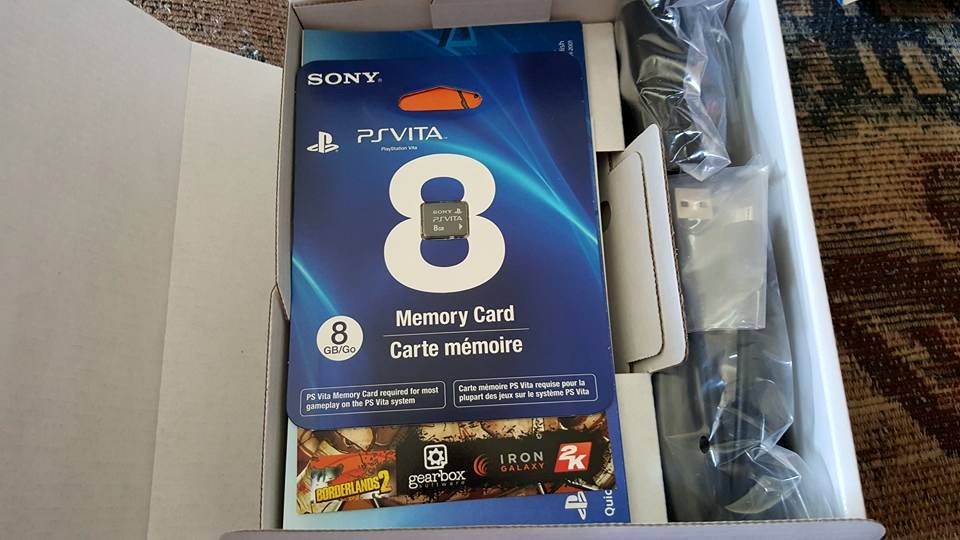
Playstation vita borderlands bundle contents

The bundle comes with a voucher for Borderlands 2 (and its DLC) and an 8GB Vita memory card. 8GB isn’t very much, especially if you’re going to be downloading games, but my PS TV also came with a 8GB card so for now I’m using that and will throw in the new card when I want to download more games.

So far I’m enjoying using the Vita. It feels good in the hands, it’s not too heavy and the screen looks pretty darn good! The system also produces a decent amount of sound and it sounds pretty good when using the speakers.
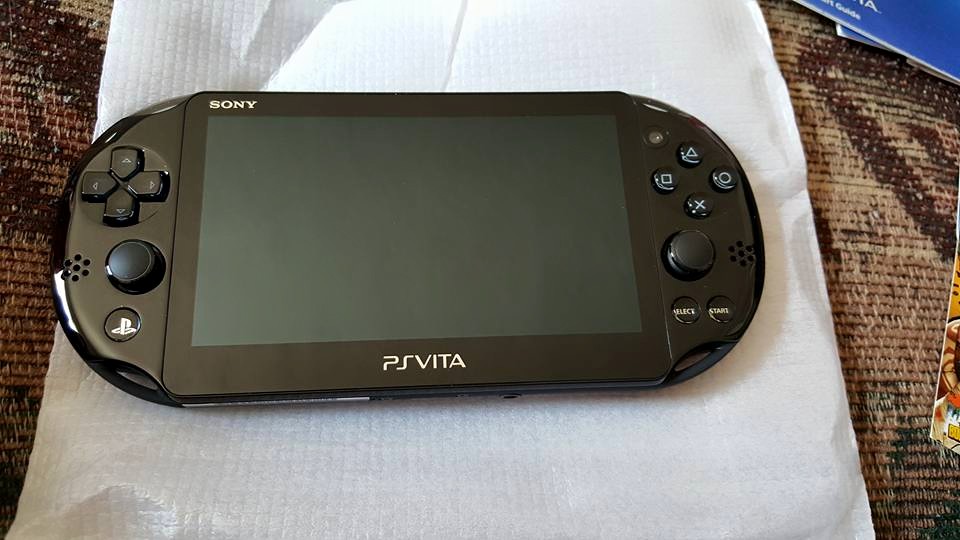
Playstation Vita

The UI definitely navigates better using the touch screen when compared to navigating it on the PS TV, so that’s a plus, but I still think the Playstation UI is pretty ugly.

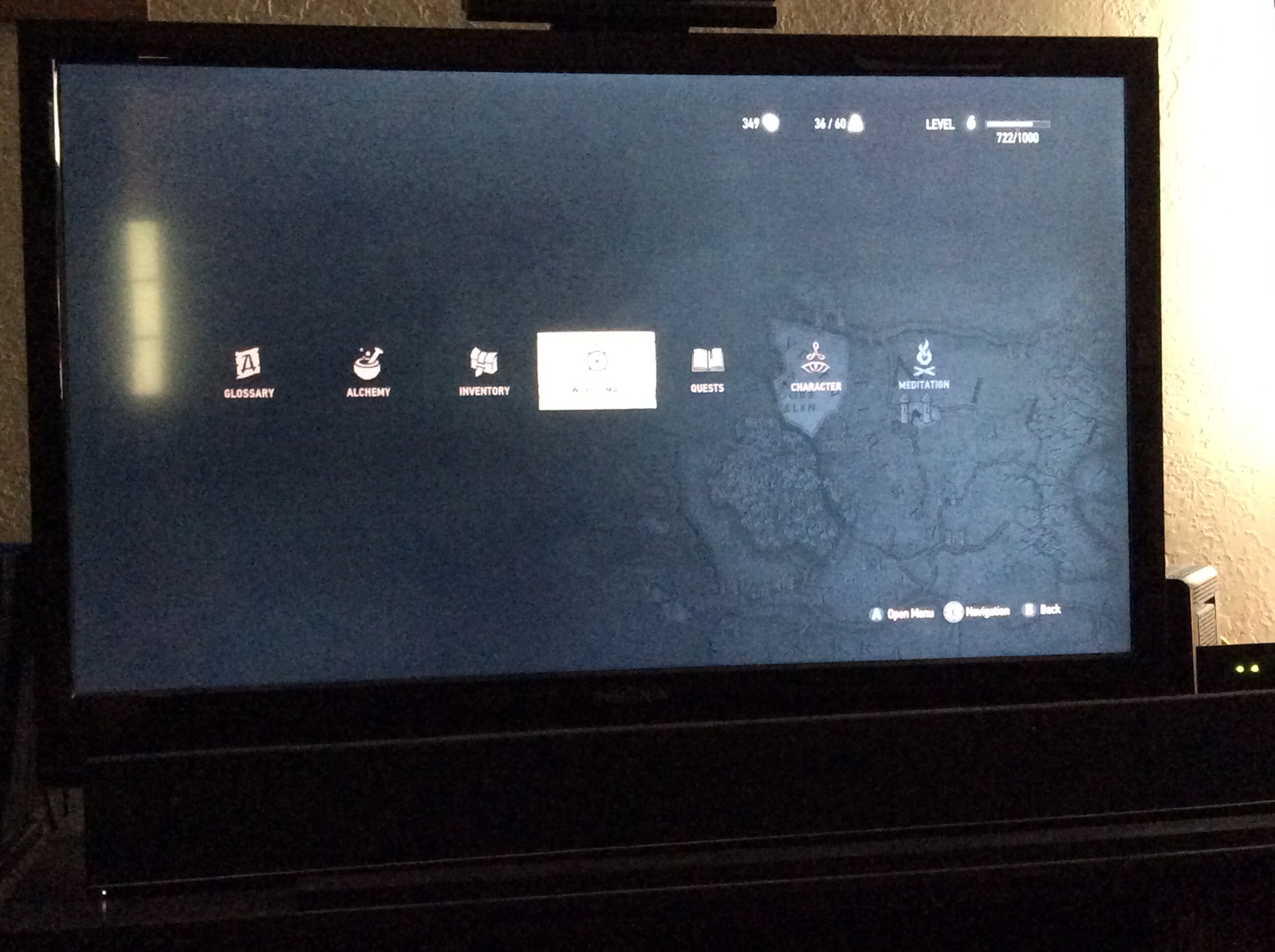
As of right now I own Final Fantasy X/X-2 HD, Persona 4 Golden, Borderlands 2 and MLB The Show 15 (which I bought in the store as a redeemable voucher only because it was $19.99 at GameStop and $40 on the Playstation store). The only game I’ve played so far is Final Fantasy X, but it plays great on the Vita. It’s nice to pick up and play for a bit here and there and will be great for my bus trip next week.
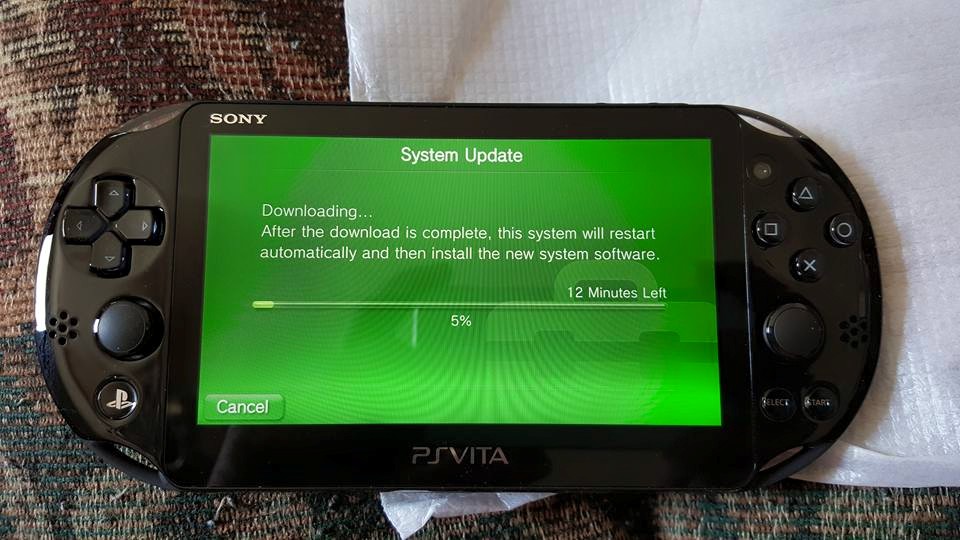
Playstation Vita update

I’ve been browsing the store and nothing else is really popping out at me. I had often heard that Vita support is pretty subpar, but hopefully I’ll find some more things to check out. I’m thinking about picking up Metal Gear Solid HD collection as the only MGS game I’ve actually finished is MGS2 on the 360. Do these games play well on the Vita?

Do you have any recommendations for must own Vita / classic games? Let me know please!

Pokemon X: Finally finished Santalune City gym

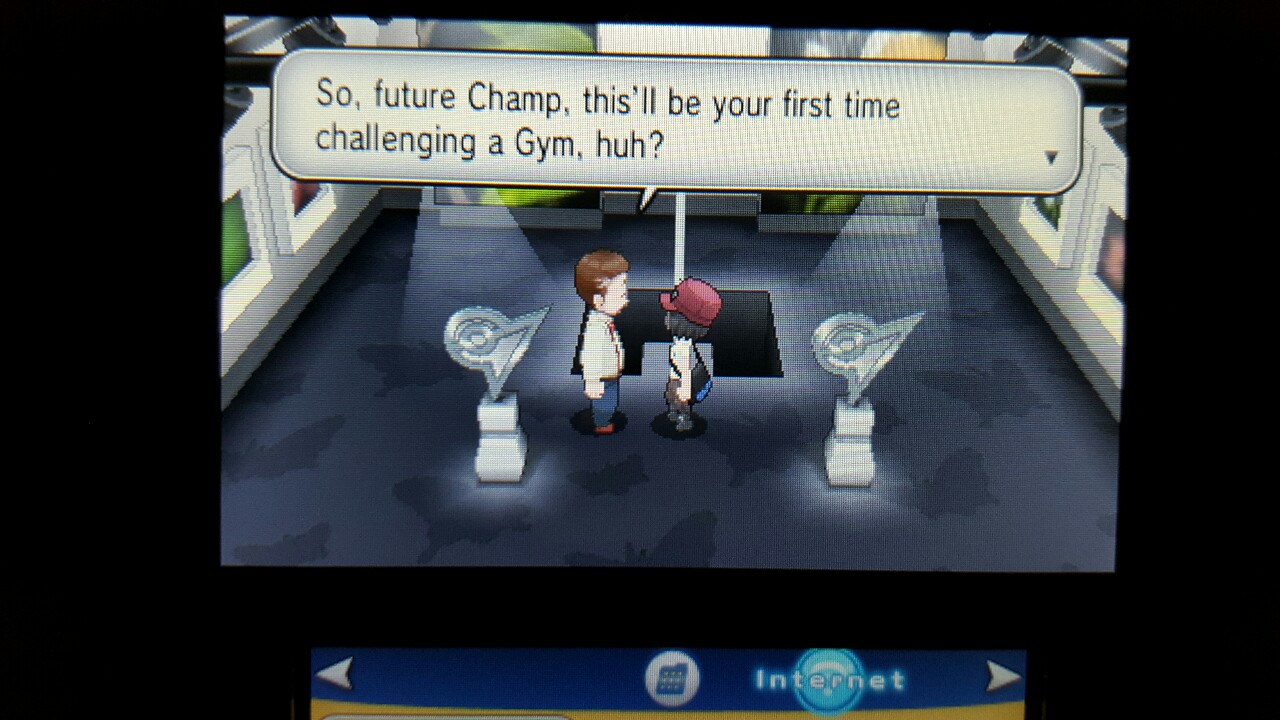
Santalune City gym

So last night I finally made it to the first gym in Pokemon X, the Santalune City gym led by Viola. I’ve played the game very little since Vanessa got me a 2DS for Christmas this year, but I’ve been curious about the appeal of Pokemon.

The only other Pokemon game I’ve played is Pokemon Red, back in middle school when I played on an original Game Boy with no color. I remember enjoying the game, however I would often get lost and have no clue where I was supposed to go (especially after not playing for awhile) and at one point I got stuck and never returned to the game.

I jumped into Pokemon X last December and began exploring the world, slowly leveling up my various Pokemon. I not only played the game casually (two hours over six months) but also inattentively. I know very little about the Pokemon universe and have little patience to learn how to efficiently play the game. I honestly barely know what the different abilities do, and it often seems like in each fight I’m just going through the motions without much thought.

As I approached the first Pokemon gym I expected to be met with a challenge.

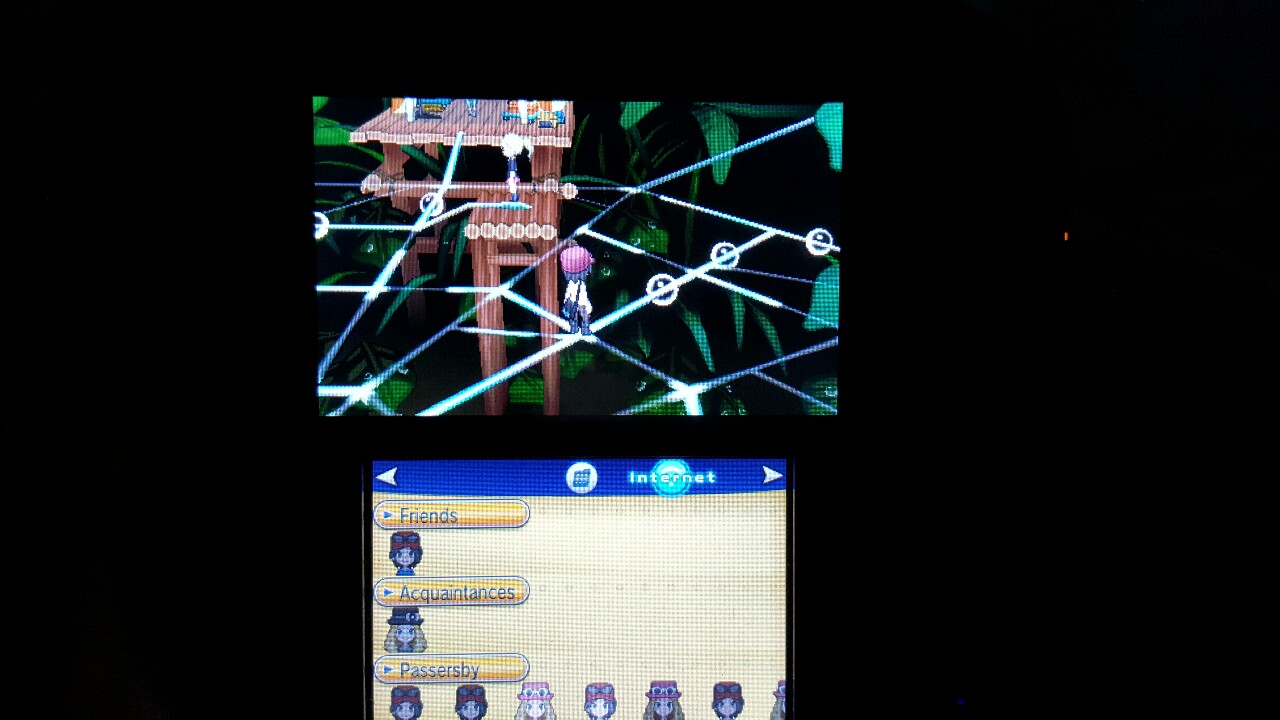
tumblr_nqq0wkKj7s1uyqapao2_1280

The puzzle like navigation over the spider web was interesting, and certainly different from how I remember the Pokemon gyms being. It seemed cool at first, but overall I think navigating the web just ended up being a hassle.

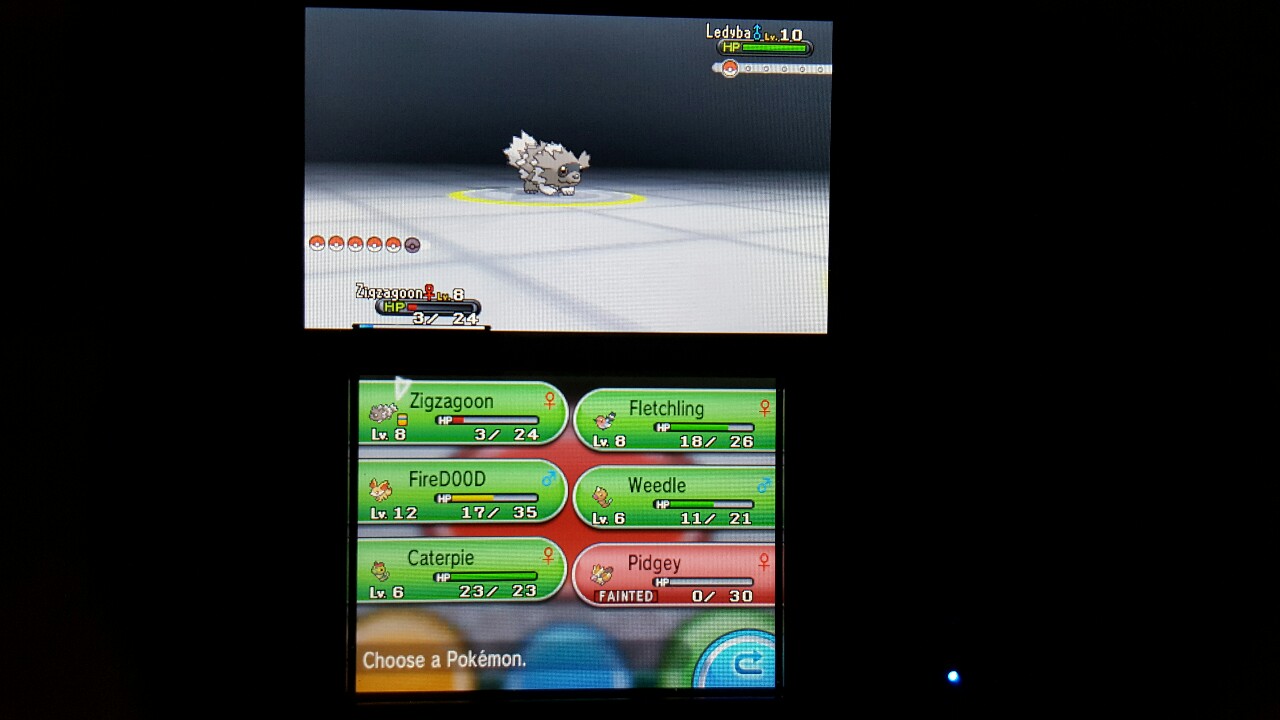
Pokemon X screenshot

I made the mistake of not healing my Pokemon before entering the gym (I didn’t realize they were hurt as the last time I played was months ago) and I thought this might doom me. However, I made it through the first battle without any trouble and used some potions to heal up the rest of my Pokemon (minus Pidgey of course. Poor Pidgey!). I then finished out the gym quite easily and Weedle and Caterpie evolved along the way.

I’m sure there will be more challenges to come and I’m hoping I can get myself more into the game. I have a long bus trip coming up next week so hopefully I’ll make some progress during that.

Do you have any advice for a Pokemon newbie? Is Pokemon X a good entry point into the series?

Streaming Xbox One to Windows 10 is awesome!

This weekend I finally got around to checking out the Xbox One Preview program and that means I finally got my hands on my most anticipated Xbox One feature: streaming to Windows 10.

With the new Xbox One software and Windows 10 you’ll be able to stream games to your Windows 10 PC via your in home WiFi or Ethernet. This feature introduces a plethora of exciting possibilities as all of a sudden you can access your Xbox anywhere in your house.

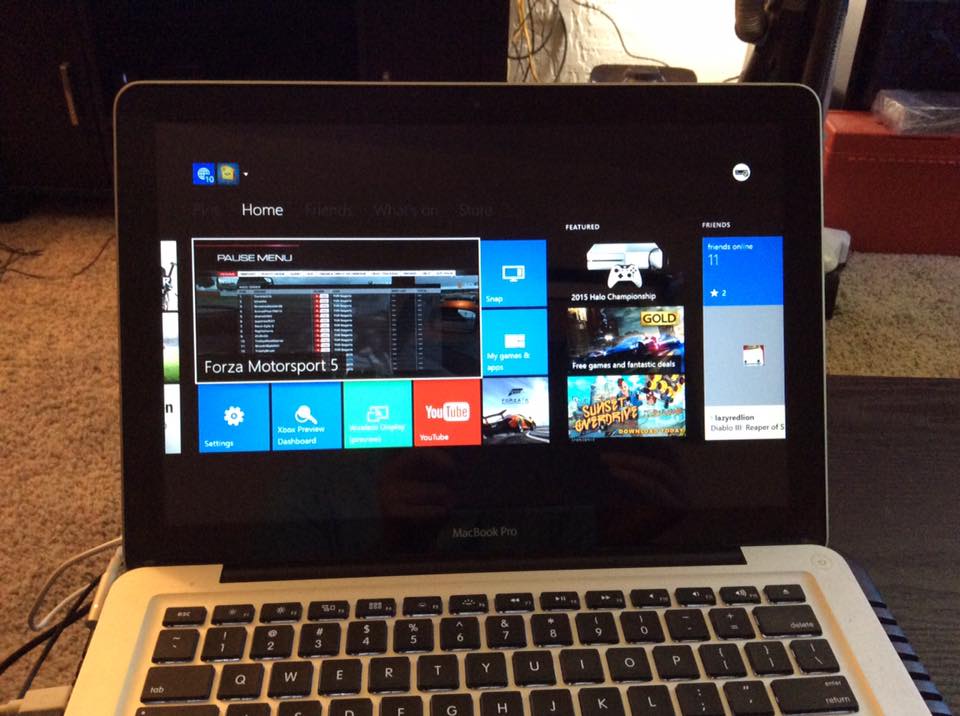
I’ve already found it incredibly useful to stream my Xbox One to my MacBook (running Windows 10 Preview via Boot Camp) while our living room TV is in use (i.e. Vanessa is watching Lifetime movies). It works incredibly well, with absolutely no noticeable lag (over my 5GHz WiFi) or hiccups. The best part is it doesn’t just stream the game to your PC, it streams the entire Xbox One dashboard experience. Therefore you can check in on friends, or swap between games by heading to the home screen, just as you would when playing through a TV.

xbox one streaming Windows 10

You can connect your Xbox One controller to your PC and play that way, however I’ve found when doing so the home button on the controller doesn’t work (instead there’s a home button in the Xbox App UI you can use), so I’ve left my controller connected to my console and haven’t had any issues. It even reaches into the bedroom (which admittedly isn’t too far from the console) which is nice because I can plug a headset into the controller and game in bed if I want. You can also use HDMI out on your laptop or PC and play your Xbox on a different TV without having to move your console.

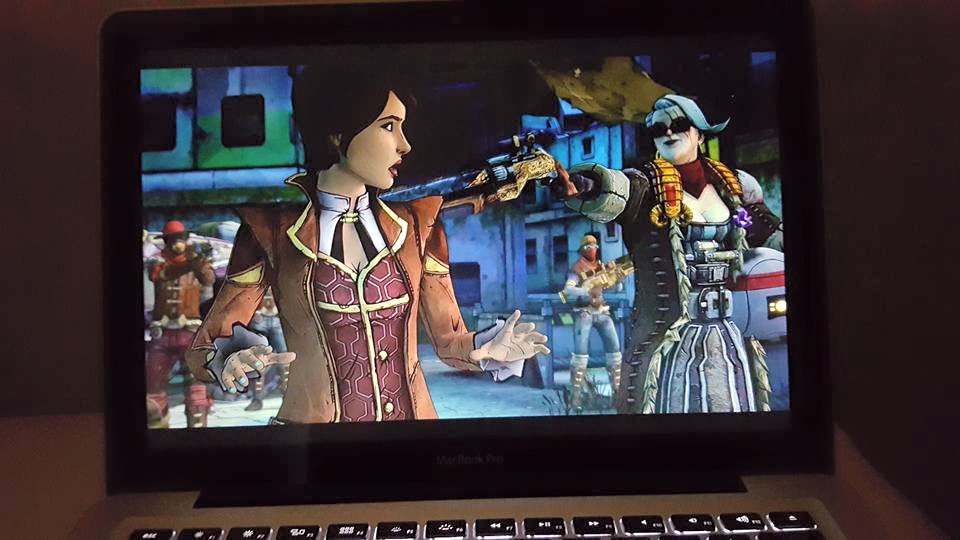
tales from the borderlands streaming to windows 10

This weekend I was playing Tales From the Borderlands in the bedroom while Vanessa slept (headphones plugged into the controller).

The experience has been absolutely wonderful so far, but there are even more possibilities that I haven’t even tried yet. For example, you can play multiplayer where one person uses the TV and the other a laptop. Now both screens will be a mirror of each other, but you may end up with a better viewing angle using the second screen.

I’m absolutely in love with the streaming to Windows 10 feature, and I can’t wait to check out some more Xbox One / Windows 10 features!

Worth Watching: The DUFF

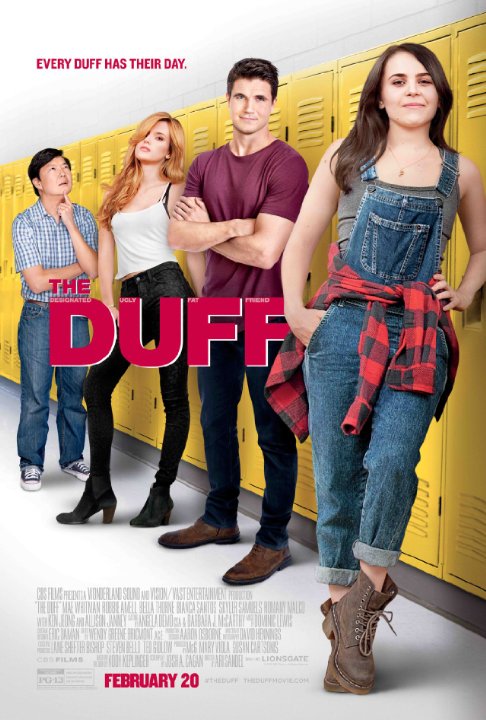
The DUFF

Last night we rented The DUFF on Xbox Video. I have a tendency to enjoy these types of movies (Easy A is one of my favorite movies) so I figured this would be enjoyable. It turns out my hunch was right. A lot of people have seen trailers for this movie and laughed it off as a silly premise and assumed the movie would be terrible. I’m here to assure you that that is not the case with this movie.

Mae Whitman plays the socially awkward character Bianca perfectly and is enjoyable to watch (just as she was in The Perks of Being a Wallflower). Her chemistry with Robbie Amell’s character, Wes, is great throughout and even as their unlikely romance is predictable it’s still great to watch it unfold.

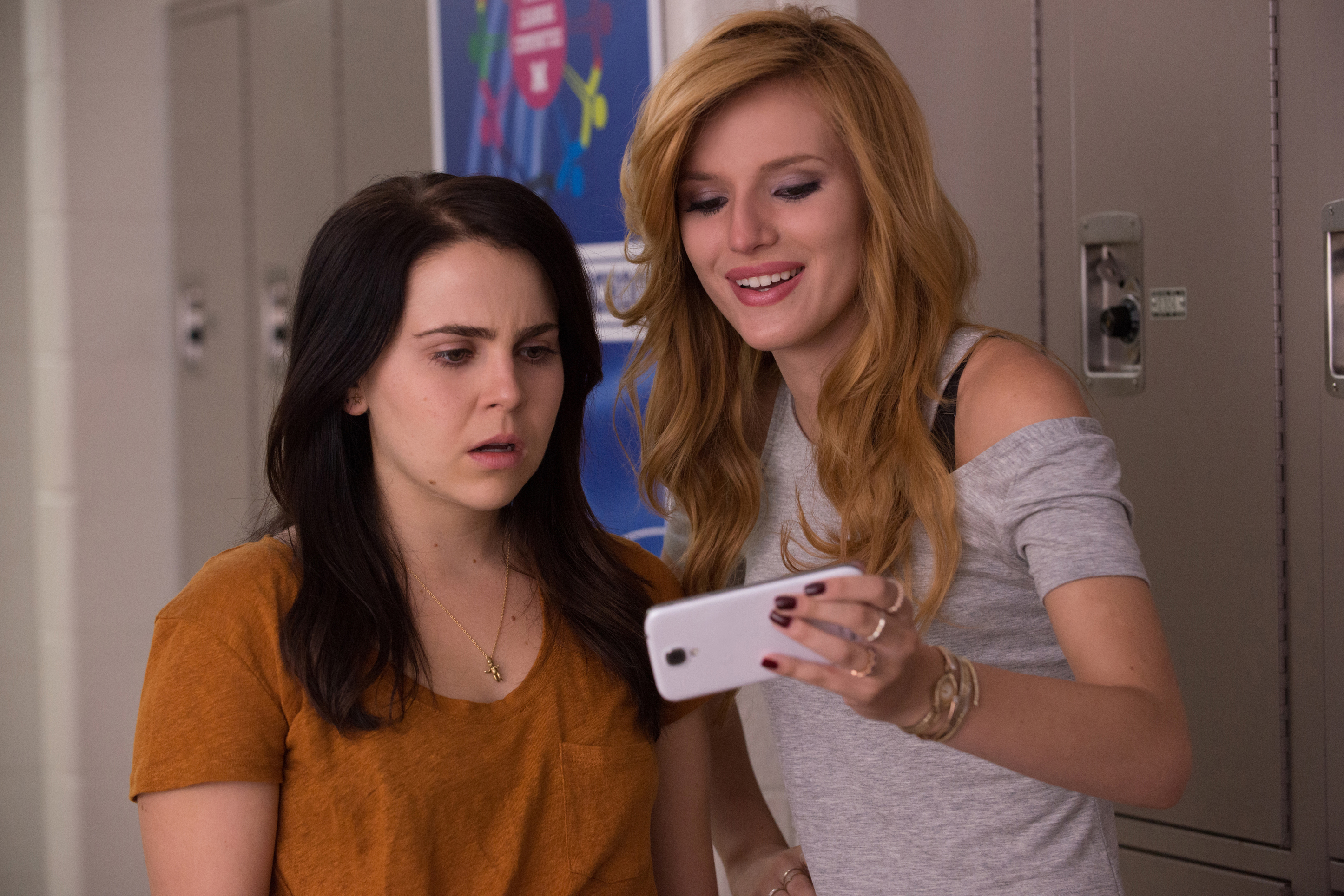
THE DUFF cyberbullying

The DUFF deals with many issues that plague high school life, but one of the primary issues it addresses is cyberbullying. A video taken of Bianca as she loosens up and enjoys herself for once is edited by her peers who attempt to humiliate her and the video goes viral over the course of a single day. The damage that can be done by this type of cyberbullying is briefly addressed, however the way that Bianca overcomes this bullying is heartwarming to watch, even if the entire situation isn’t entirely realistic.

Overall I enjoyed The DUFF from beginning to end, and am not ashamed to admit it. I definitely recommend checking it out, especially if you’ve enjoyed other films such as Easy A.

Bethesda Publisher sale on Xbox One / Xbox 360

Bethesda Publisher sale xbox 360

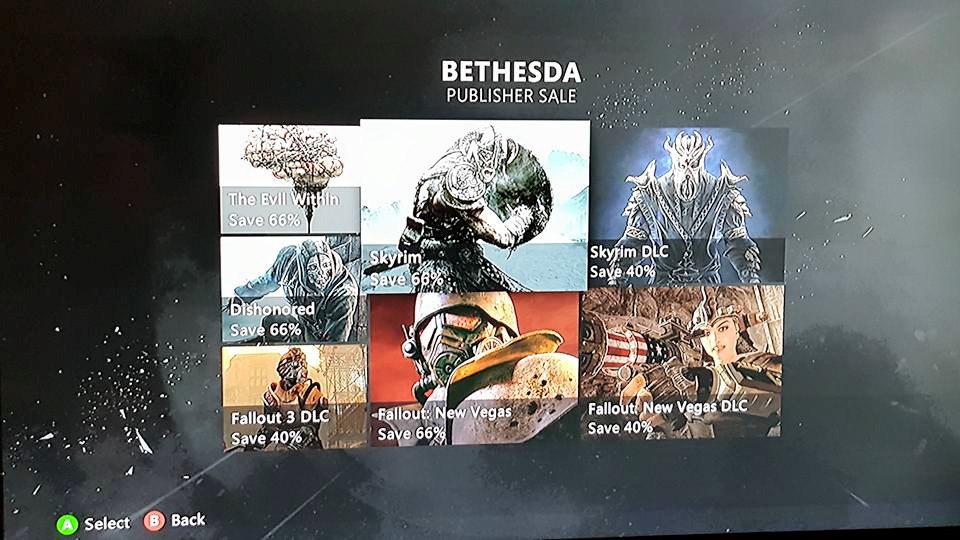
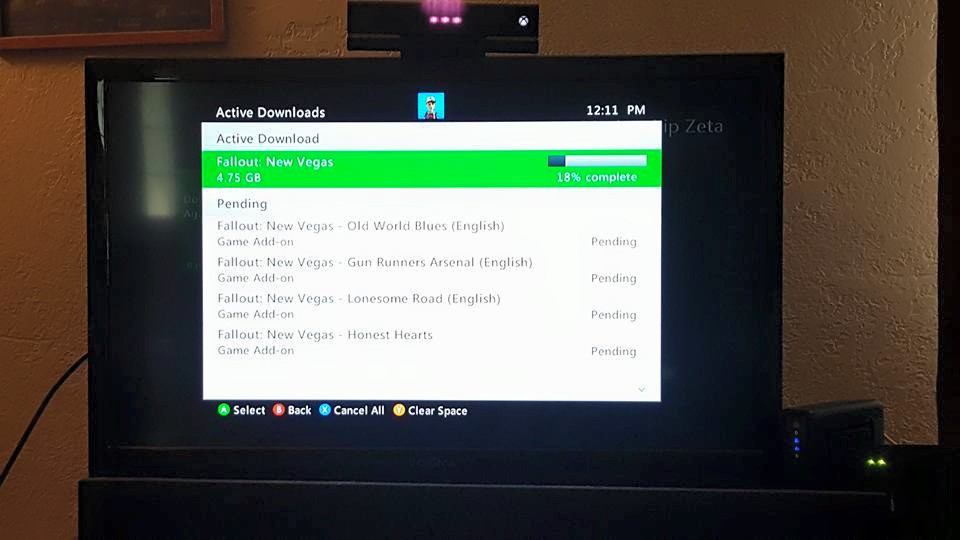
Hey there, just thought I’d let you know about the Bethesda Publisher sale currently happening on the Xbox One and Xbox 360. I used it to pick up Fallout: New Vegas, Fallout 3 and all their DLC’s. Fallout 3’s DLC is on sale, but the game isn’t for some reason and is priced at $14.99. Now I know it would have been cheaper to buy the GOTY editions of both games ($14.99 / $19.99 each), however I’m not a fan of disc games. I used to own both games on disc (but not the DLC’s) years ago, so I’m glad to have digital copies now. I do have both GOTY versions on PC, but it’ll be much easier to play through them on the 360 (by easier, I mean less of a hassle I suppose).

Fallout Xbox 360 downloads

I’m looking forward to playing through both Fallout games and finally getting around to checking out the DLC!


Considering Project CARS

Project Cars Xbox One cover

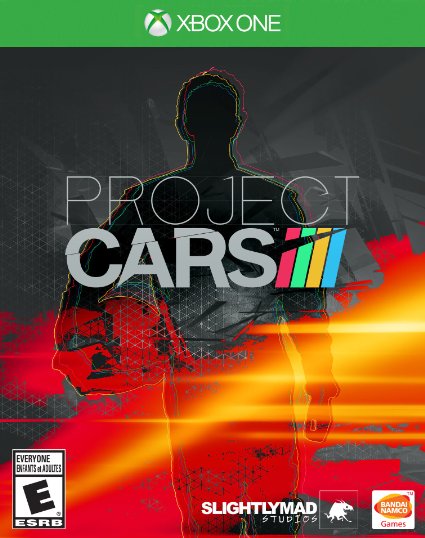
I’ve found myself more and more tempted lately to pick up Project CARS, the hyper realistic racing simulator by Slightly Mad Studios that released last month on current gen consoles and PC. I always love realistic racing games (arcade style racers just don’t do it for me) and the Forza games are some of my favorites. I enjoyed Forza 5, and probably should go back to playing it as I barely scratched the surface of that game in the first place, but I can’t help wanting to see what Project CARS brings to the table.

ProjectCARS_PC-4-wm

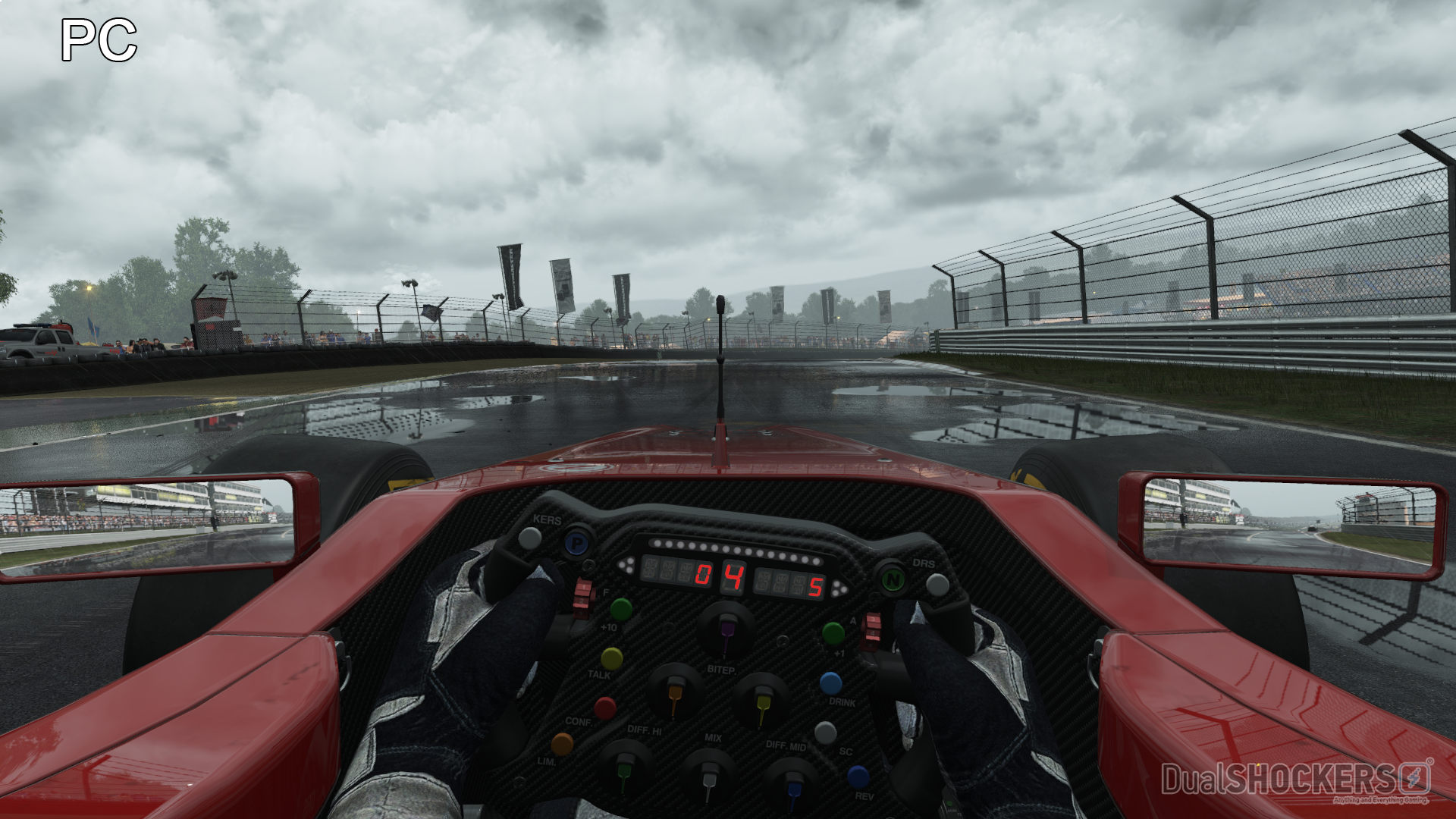
The game’s incredible graphics cause me to salivate, and while I’m it’s certainly not as crisp on the Xbox One I’m sure it still looks great. One thing that might frustrate me, however, is the lack of a rewind button. I used to get so angry when I’d screw up on the last corner of a tight race in the early Gran Turismo games and oftentimes would find myself tempted to smash my Playstation controller into a million pieces. The rewind feature of the Forza games made racing much more enjoyable, though I’ll admit I’ve never lost a race since I could rewind anytime I was passed (so maybe not having a rewind will make things more interesting).

Project CARS is certainly a welcome addition to the realistic racing genre, and its first sequel was just revealed this week so I’m even more tempted to get into the series early to see what all the fuss is about.

Have you played Project CARS? Do you recommend it, or should I just boot up Forza 5 again?

Trying out Google Wallet

google wallet

This morning I finally figured out how to use Google Wallet on my Galaxy S6 to check out at the gas station. They’ve had signs saying they now accept Google Wallet and Apple Pay for about a month or so, but the few times I’ve tried to use it I couldn’t get it to work and the cashiers didn’t quite know how it was supposed to work.

This morning the older gentleman in front of me was mentioning something about how difficult it was to use the card reader, and the lady mentioned how these days people are just using their phones to check out (this certainly didn’t appeal to the older man). I asked her about it when I got up to pay and she assured me it should work, so sure enough I pulled out my phone, tapped the Google Wallet icon, entered my pin and tapped it to the touchscreen part of the card reader.

The card reader then displayed the transaction amount and asked me to hit yes or no, and that was it. Much faster than pulling out my debit card, swiping it and entering my pin on the card reader (followed by ‘cash back yes/no’ ‘amount ok yes/no’). The transaction also immediately showed in my Google Wallet history and I was on my way.

Google Wallet Galaxy S6


Pretty neat! Unfortunately, not too many places take phone payments, or if they do they’re not advertising it. I feel weird trying to tap my phone on card readers wherever I go, so I haven’t been trying it at many places unless they have signs posted or the tap to pay symbol. Interestingly, this gas station’s card readers don’t display the tap to pay symbol, but tapping your phone on the screen is all you need to do.

contactless

Hopefully more stores will open up to Google Wallet and Apple Pay in the near future! I’ve already almost completely stopped using paper money and now I’m ready to ditch the plastic as well!