How to open your Destiny fireteam to the public
Here’s a video that explains the steps I posted last year on how to open your Destiny fireteam to the public. Hope it helps!
Here’s a video that explains the steps I posted last year on how to open your Destiny fireteam to the public. Hope it helps!
Edited on January 25, 2015. Added video instructions.
As of right now, every time you boot up Destiny your Fireteam is automatically set to private. In order to open it up to the public (which everyone should do if not playing with friends) you have to complete a few steps. Every single time you decide to play. That’s right, every time you quit out of Destiny your Fireteam settings default back to private.
These instructions are written assuming you’re not using a Kinect (I didn’t bring mine with me overseas). I would assume you’d be able to cut out a few steps using Kinect voice commands, but I’m sure you can figure that out.
So the first thing you want to do is hit the Home button.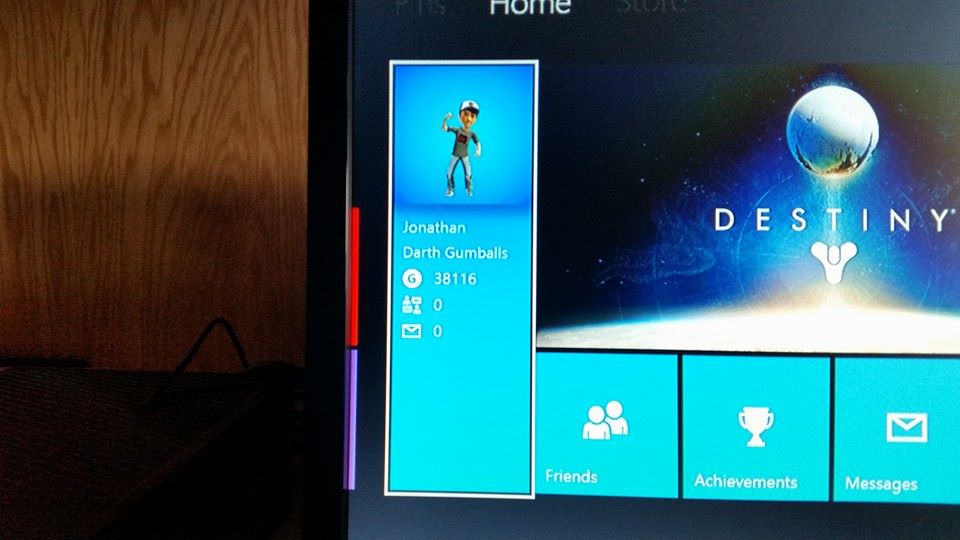
Next you’ll want to select the panel shown above.
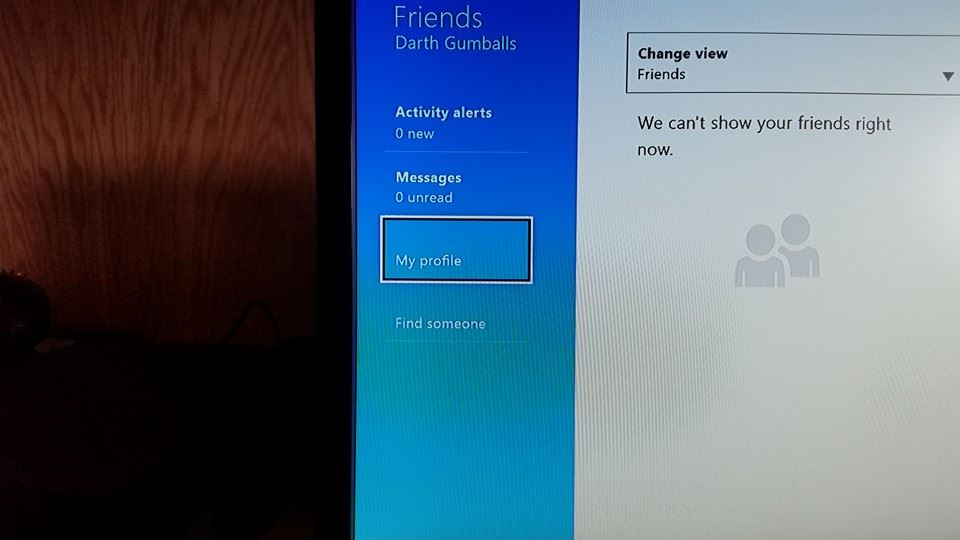
Then select My Profile.
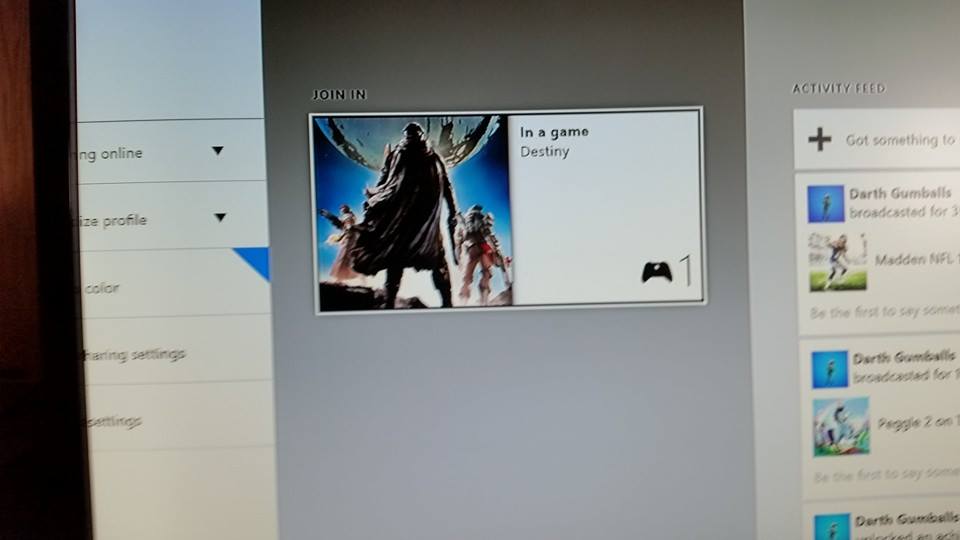
Select Destiny (off to the right assuming you’re currently in game).
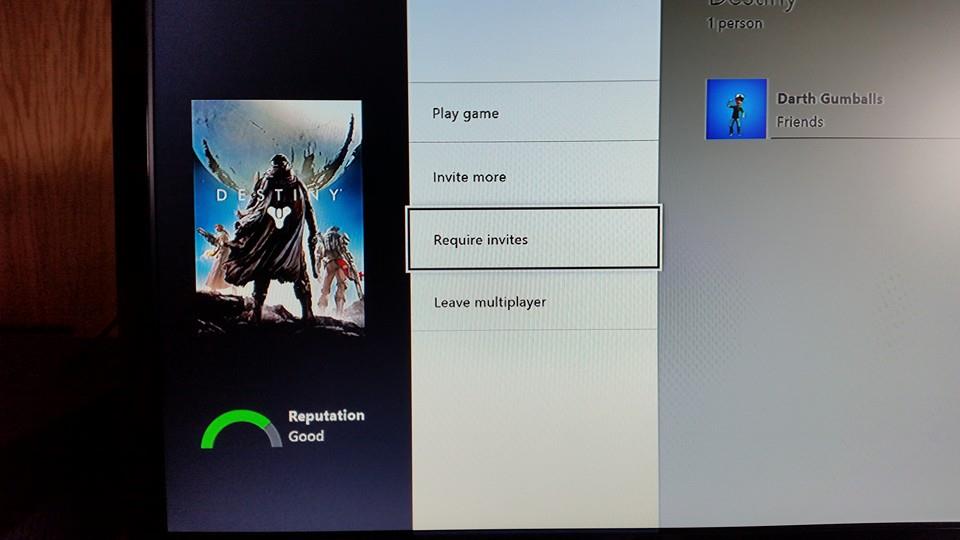
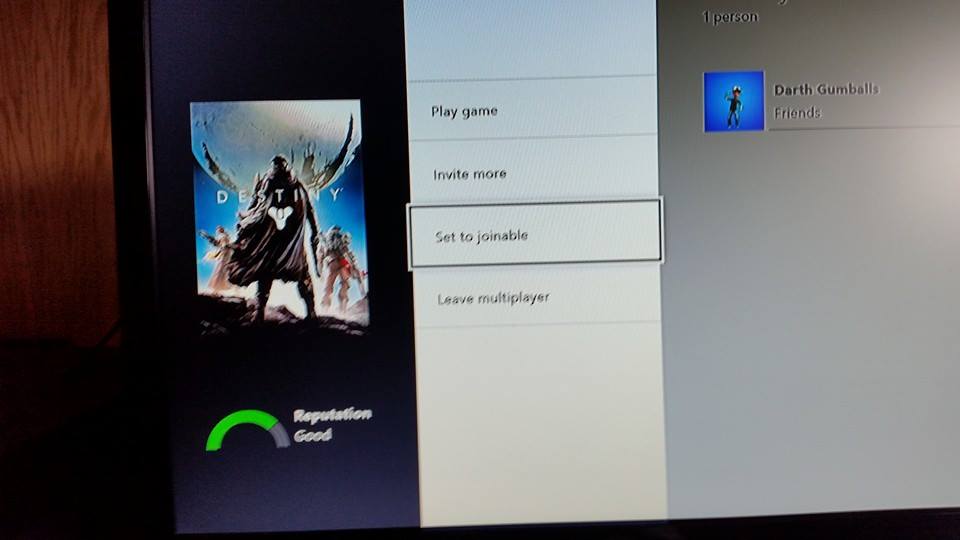
This is what you’ll see before you change the setting. Select ‘Requires invites’ to change it to ‘Set to joinable’ and you’re good to go.
 Gumballs Plays Games