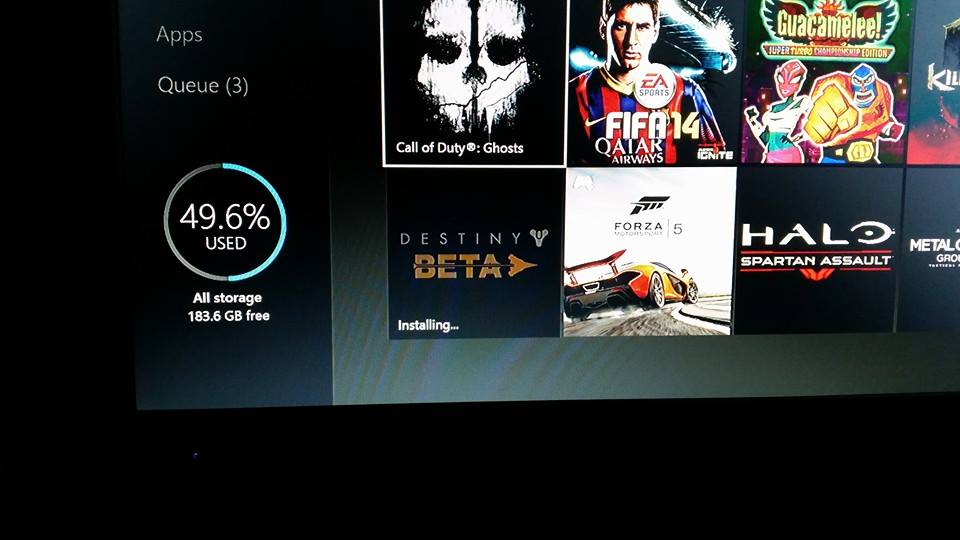
I have two Xbox One Destiny beta codes up for grabs

10492395_10106856221628784_6165719955643407866_n

Hey there, haven’t posted in awhile but I just wanted to stop in and offer up two Destiny beta codes for Xbox One. Just throw your e-mail address in the comments and I’ll give the two codes away (probably sometime tonight).

Hopefully I’ll be able to get into the beta after work tomorrow morning (on night shift) and I’d like to post my thoughts on it if I have the time. Until then, thanks for stopping by.

Twitch broadcasting from an Xbox One

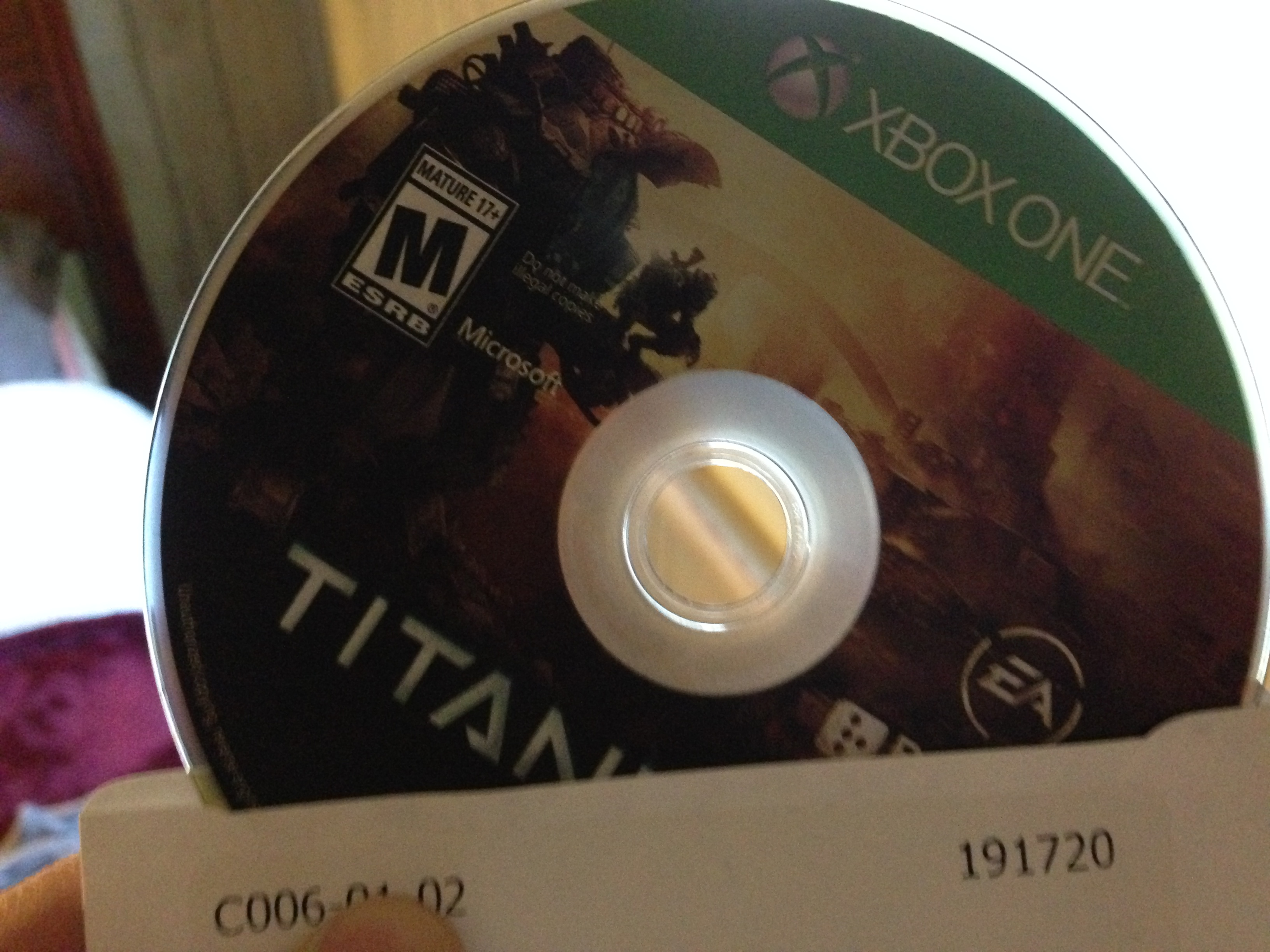
Now that I’m back in Idaho after taking three weeks of leave I have access to broadband internet again. This means I was finally able to use the new Twitch broadcast feature that coincided with the release of Titanfall.

It’s quite easy to use as there are only a handful of settings where you can enable Kinect picture in picture video and adjust microphone volume and stream quality. You simply need to title your broadcast and off you go. You’ll be able to see a preview of the stream in the snap view while your channel chat is displayed underneath. Since you need to have Twitch snapped I recommend you use a large enough TV (or sit closer than usual). I didn’t find it distracting as I played Titanfall.

I’m still not very good at Titanfall, but you can check out what I streamed today below.

Titanfall so far

Titanfall Gamefly


I was lucky enough to be able to get a copy of Titanfall from GameFly at release and so far it’s been quite enjoyable. I played about an hour of the Beta and two classic matches since its release (been busy this week) but it’s been fun. It feels to me like a sort of mix of Call of Duty and Halo which is refreshing. The gameplay is much more fast-paced than Call of Duty and I can’t say there’s much ”camping” to be found in Titanfall. It’s been pretty chaotic and thrilling and there hasn’t been a dull moment yet. Lately in Ghosts matches I can go for what seems like an eternity without seeing an enemy. In Titanfall there’s either a player enemy or an enemy bot at every corner so there’s always something to shoot at.

I haven’t played any of the campaign mode yet (not to be confused with a singleplayer mode) but I look forward to giving it a try this weekend. I’ll be sure to post some more impressions as I spend more time with the game.

Manually installing an Xbox One update

Today the “Titanfall” Xbox One update was released which brings with it a ton of welcome changes (party system updates, friends system updates, twitch live streaming and much more). Since I’m spending a few weeks at my dad’s house on leave I was worried I’d have to scramble and find somewhere to go in order to download the update on my Xbox. He has Hughe’s Net in the house which has a 5gb monthly bandwidth limit and I’ve been using my iPhone as a hotspot to play Call of Duty and Plants vs Zombies: Garden Warfare online.

Xbox One system update

Luckily, I discovered it is possible to manually update your Xbox One using a USB thumb drive. All you have to do is follow the instructions over at the Xbox Support website. Basically you download a zip file, extract it onto a NTFS thumb drive, plug the drive into one of the Xbox One’s USB ports and hold the bind and eject button down for 15 seconds as you turn the console on. After the Xbox makes the power up noise twice you can let go and the update will install.

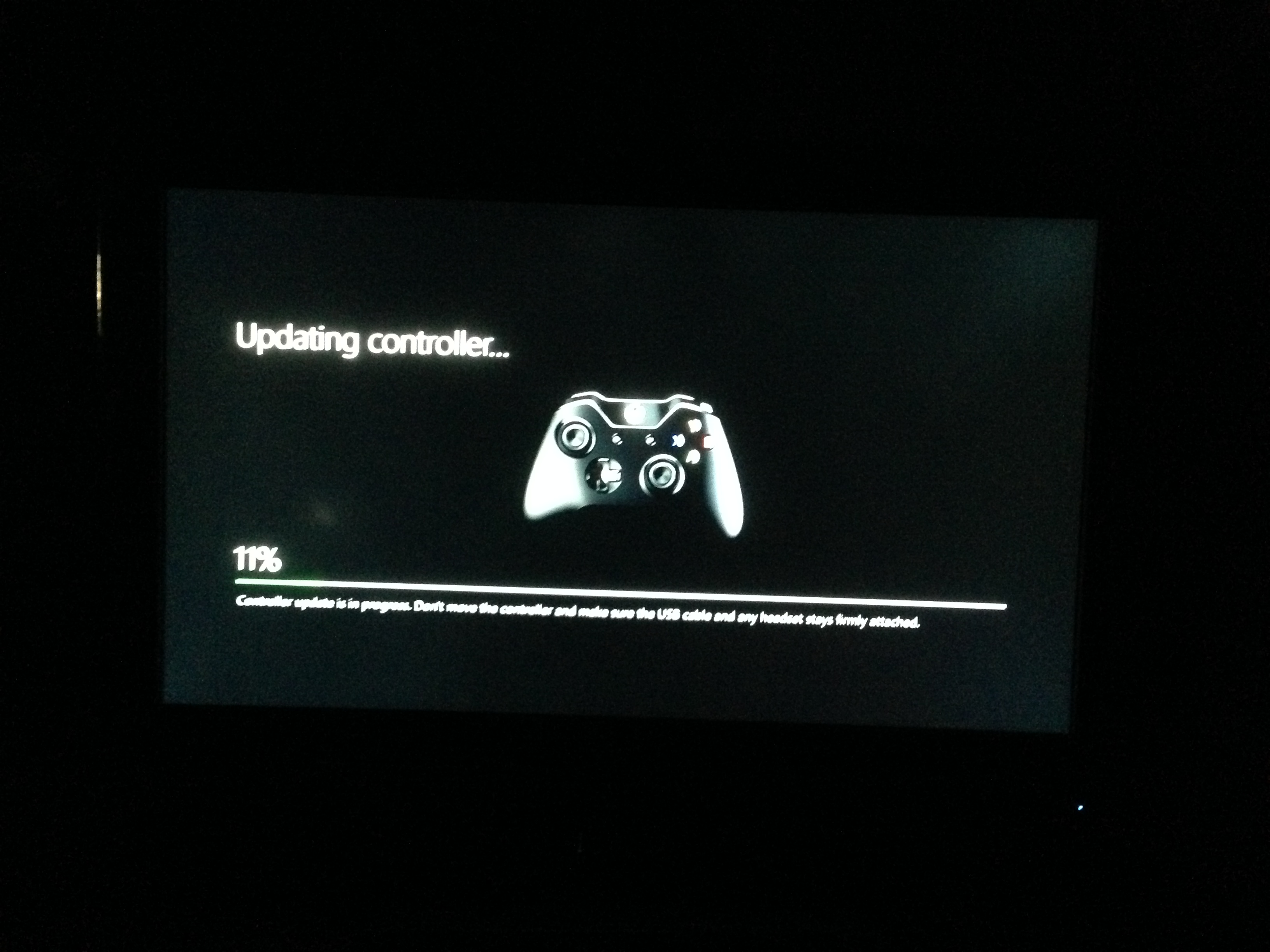
Xbox One controller update

That’s it! Now my console is up to date with 6.2.10698.0 firmware. It was quite easy and painless. I downloaded the firmware at the library and installed it when I got home. For whatever reason Xbox Support does not recommend updating in this manner, but if you have limited access to internet or limited bandwidth I’d say go ahead and update manually. I didn’t run into any issues.

Having a surprisingly good time with PvZ: Garden Warfare

plants vs zombies garden warfare cover

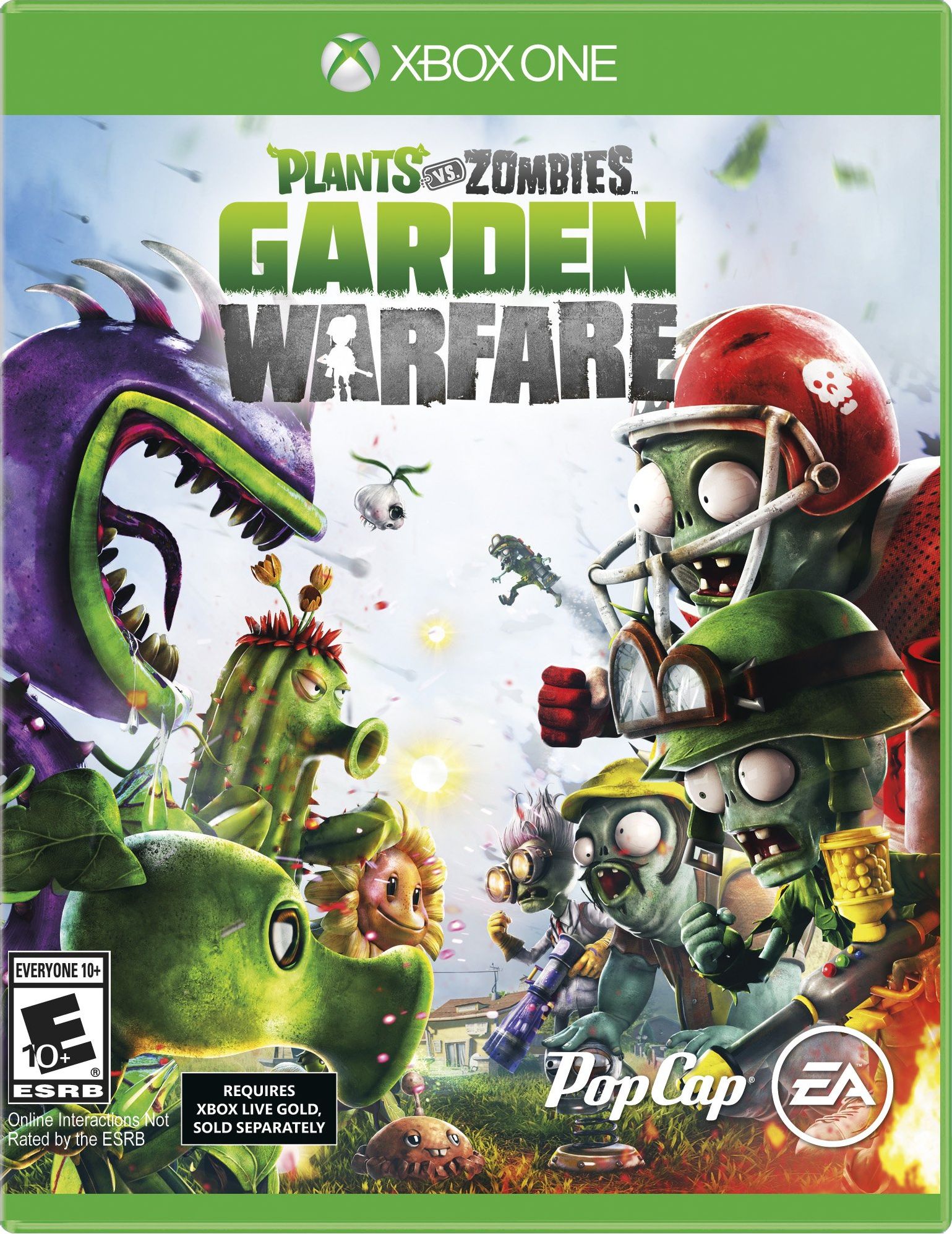
I have to admit I’ve been having more fun with Plants vs Zombies: Garden Warfare on the Xbox One than I thought possible. I’ve enjoyed everything about the mobile games, from the ‘cute’ art style to the addictive gameplay and you’ll find everything you love about PvZ in this third person console shooter. Garden Ops is an addictive blast. Basically you set up a garden and have to defend it against waves of zombies, which is the basic premise of the mobile games. The similarity stops there though. You and up to three other players will have to work together to succeed in surviving the zombie onslaught. There’s a variety of classes to choose from such as the peashooter who is a offensive ranged unit to the sunflower which is the healer class. You’ll want a variety of classes in your party to make survival more likely.

You can also plant consumable plants in pots around the map which will aid in your defense of your garden. There are several different types of plants each with its own advantages. You can strategically plant sunflowers to create healing rally points while you want to place some offensive plants near your garden in case you get pulled away and can’t make it back in time in the event a few zombies make it through your defenses.

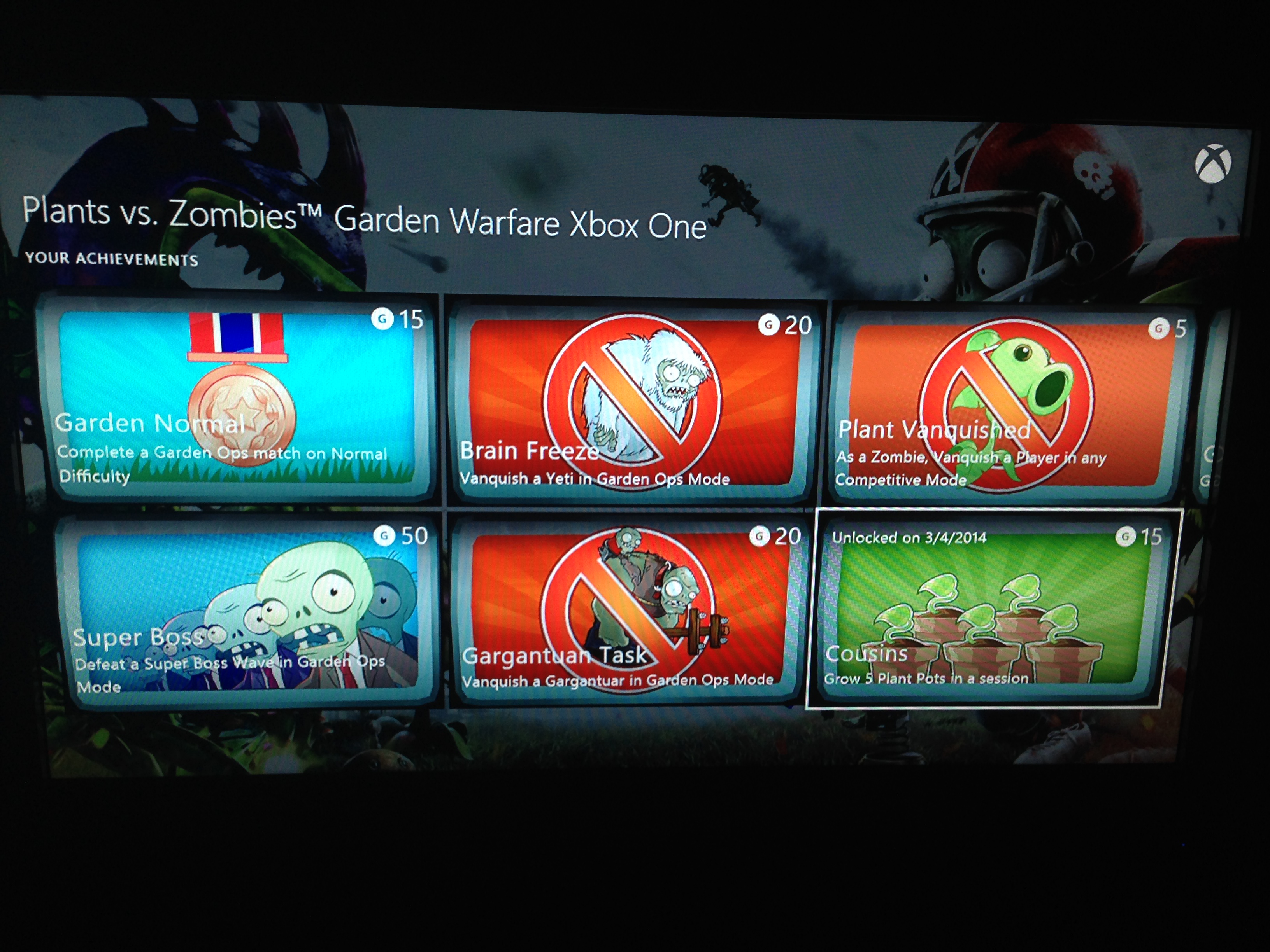
Garden Warfare achievements

The game rewards you with coins for various accomplishments such as getting kills, surviving waves, completing a perfect wave and also for completing challenges it throws at you. During boss waves there’s also a chance you can earn some bonus coins (I just landed a jackpot spin in my last game which awarded a whopping 10,000 coins!). You’ll use your coins to buy packs of cards that vary in value and include consumable items, cosmetic items and more. The more expensive the card pack the better chances you have of nabbing uncommon and rare cards. I’ve enjoyed decking my plants out in the rare loot I’ve gained from card packs (especially the 10,000 coin card pack!).

There’s also a split screen co-op mode which I played a bit of (it’s pretty much the same as Garden Ops mode). The only downside is that both players must have an active Xbox Live Gold account and you must remain connected to Xbox Live at all times. PvZ: Garden Warfare is not an offline game and requires an internet connection at all times.

Lastly, there’s multiplayer which includes team deathmatch and a variety of other modes. I played a few team deathmatches and they were quite enjoyable. The gameplay is colorful and silly but no less competitve than other shooters. I had a lot of fun in deathmatch, but Garden Ops is my favorite mode. It’s worth noting you also gain experience and coins in the competitive multiplayer modes.

A gamer vacationing with limited internet

So I’m 3 days into my 21 days of leave I’m spending back home in Pennsylvania and it’s been nice so far, except in one area: internet. My dad has Hughe’s Net satellite internet since he lives in the middle of nowhere and while it may be faster than dialup I’d hardly consider it usable as a gamer. Sure it’s fine for basic tasks, but there’s a 10gb monthly data limit that makes doing many things impossible. No Netflix streaming. YouTube videos are slow to load anyway, so I doubt Netflix would be enjoyable to use.

Now I know you may be thinking ‘hey you’re on vacation, get off the internet!’ but I’m just home visiting family. If I were on vacation I’d be in Florida or Seattle. Besides most of my friends and family are at work during the week, so it’s not like I could hang out with them anyway. My girlfriend is flying out from Boise on Friday and she’ll be here for a week so that’s when we’ll be going sightseeing in D.C., NYC, Baltimore, etc. since it’ll be her first time on the East Coast.

Anyway. I tried playing Call of Duty Ghosts over Hughes Net and there’s about a 3 second delay between input and response due to the nature of satellite internet, making it entirely unplayable. I’m able to play Forza’s career mode without issue on this connection at least. It has no issue populating my races with drivatars and updating leaderboards, etc.

I was able to connect using my iPhone 5’s mobile hotspot which did make Call of Duty play smoothly over an LTE connection. I used about 400mb of my 5gb data plan after a couple of hours which isn’t ideal, but I think it’ll do for the rest of this week at least. I’m probably going to have to go to a friend’s house to download the March 11 system update that coincide’s with Titanfall’s release (and with any luck Titanfall will probably have a day one update).

Anywho, just figured I’d stop in and update on my trip so far. Winter Storm Titan turned out to be a dud here in southern Pennsylvania as it only dropped about two inches of snow as opposed to the 8″ and up that was predicted. Now I’m just hoping it warms up enough before Vanessa gets out here so we can enjoy some decent weather in D.C. and New York.

I also picked up Plants vs Zombies: Garden Warfare but haven’t gotten to play a whole lot yet. I tried playing Garden Ops over HughesNet and managed to create a game but couldn’t connect with any other people so I only survived one round. I played a few split screen games with my brother which was nice, but we got disconnected from the EA servers a few times which terminated the game. It’s also worth nothing that both players are required to have an Xbox Live Gold account even though you’re playing on the same Xbox. This is weird because no other game on Xbox One has this requirement, only one Xbox Live Gold account is required on the console.

I’m off to make another cup of coffee. See you soon!
My time so far with RYSE

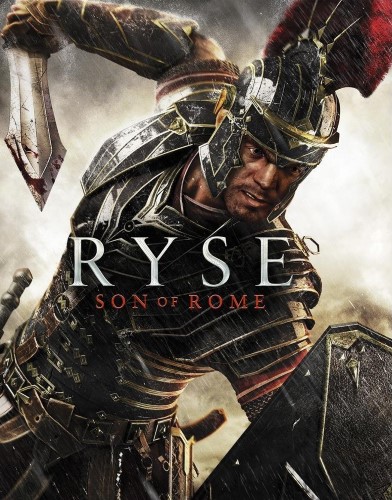
Ryse_box_art

So I’ve spent a couple hours with RYSE: Son of Rome today, and aside from a few technical hiccups it’s been an enjoyable time. For whatever reason the entire first chapter of the game was plagued by flashing white bars that covered my screen during gameplay. Xbox Support on Twitter couldn’t quite figure out what might be causing that issue, but luckily after the first chapter the problem went away. It returned briefly in the fourth chapter but disappeared before the end of the level.

Ryse looks absolutely amazing in both cut scenes and gameplay. It’s not perfect, there are some minor issues here and there that take away from the moment (for example on occasion articles of clothing clip through each other) but for the most part it’s visually stunning.

The gameplay is pretty simplistic and you can mostly button mash through the game on the easiest difficulty setting, but it’s still enjoyable. You have two main attacks with X and Y and when an enemy is weakened enough you can trigger an execution with right trigger. Once triggered the enemy will glow the color of the button you need to press to perfectly execute the combo (blue for X, yellow for Y). For some odd reason even if you don’t push the button the game wants you to push you can still perform the execution, you just don’t get as much XP from it. These executions are quite satisfying no matter how many times you perform them. They’re worth performing because you have a few different abilities that get bonuses from executions. Using the D-Pad you can select one of several abilities such as health restoration, attack bonus, XP bonus or Focus bonus and upon performing an execution you get a boost to the ability you selected. This adds a bit of strategy to the mix because you’ll have to decide whether you want to risk your health in order to get a damage or XP bonus during fights.

You can also push RB to activate the Focus mode which slows down time and makes your attacks incredibly powerful. This is useful when the odds seem overwhelming and it’s quite satisfying to pull of a powerful “sparta kick” with Y that launches your enemy across the screen when it lands.

The story isn’t too compelling, but Ryse sure has some great cut scenes (two of which I highlight in the clip below). I’m about halfway through Ryse and I’m looking forward to finishing it off. It’s worth nothing the story takes only about six hours to complete, but there’s a multiplayer arena mode that I haven’t tried yet. I’d recommend renting Ryse (I got it through GameFly) and giving it a try. If you’ve enjoyed the recent Batman games you’ll likely enjoy Ryse’s gameplay. Before I go, it’s also worth noting the game is completely linear, but that’s not always a bad thing. I’ve enjoyed it.

Ready for player 2

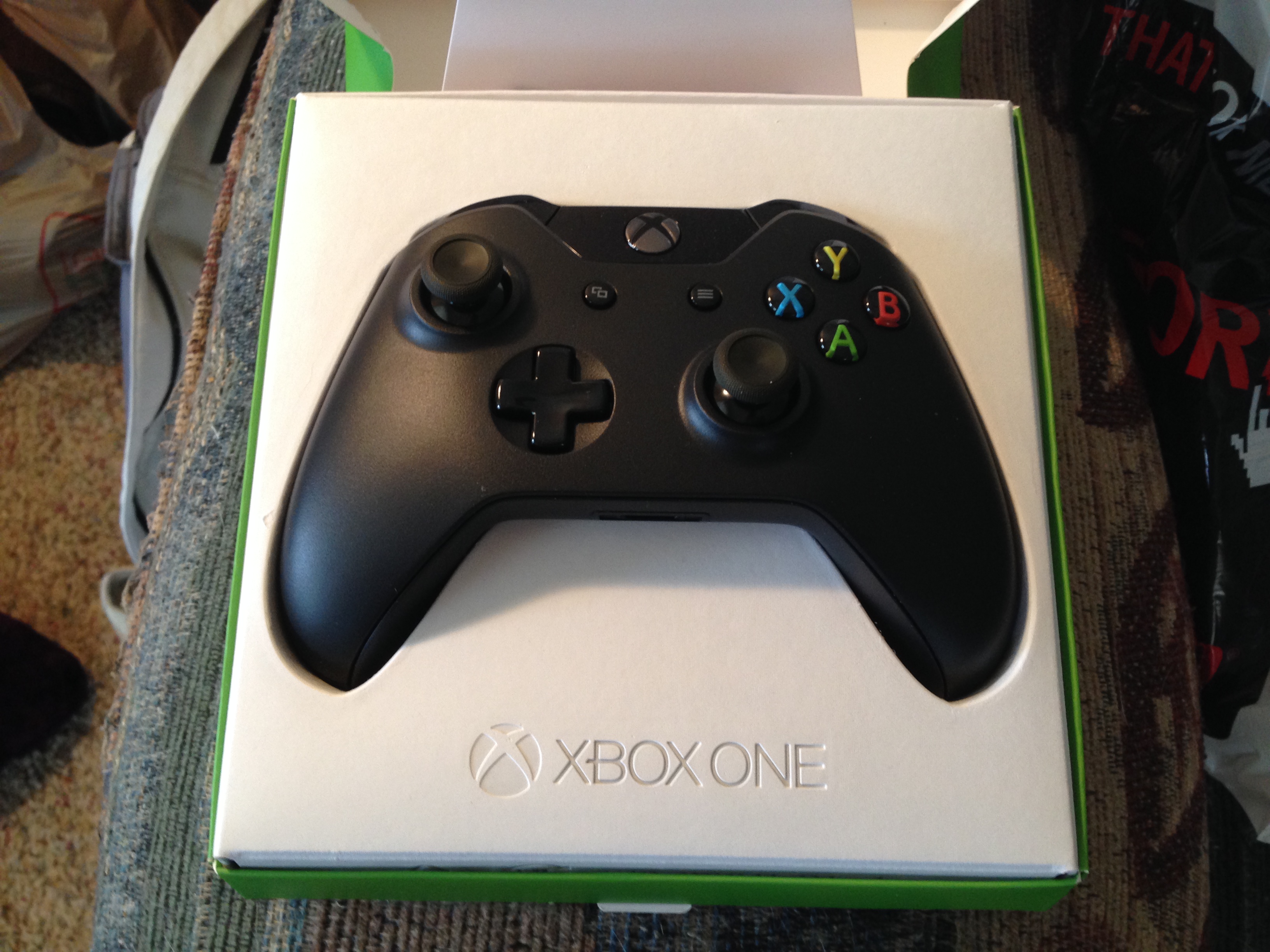
Today I traded in my old 120GB Xbox 360 Elite and just a handful of games at GameStop and walked away with much more than I expected. The total came to around $97 which I used to purchase an Xbox One controller with charge and play kit. I’m glad I was able to get a second controller because I’m heading home on leave next Friday through the 21st of March and it’ll be nice to play Call of Duty and later Titanfall with my brother on the Xbox One.

IMG_3253

I love the packaging that the controller came in. The box is nice and clean and the presentation is nice on the inside (very Apple like).


Xbox Live is kinda down on Xbox One right now

Screen Shot 2014-02-19 at 7.40.18 PM

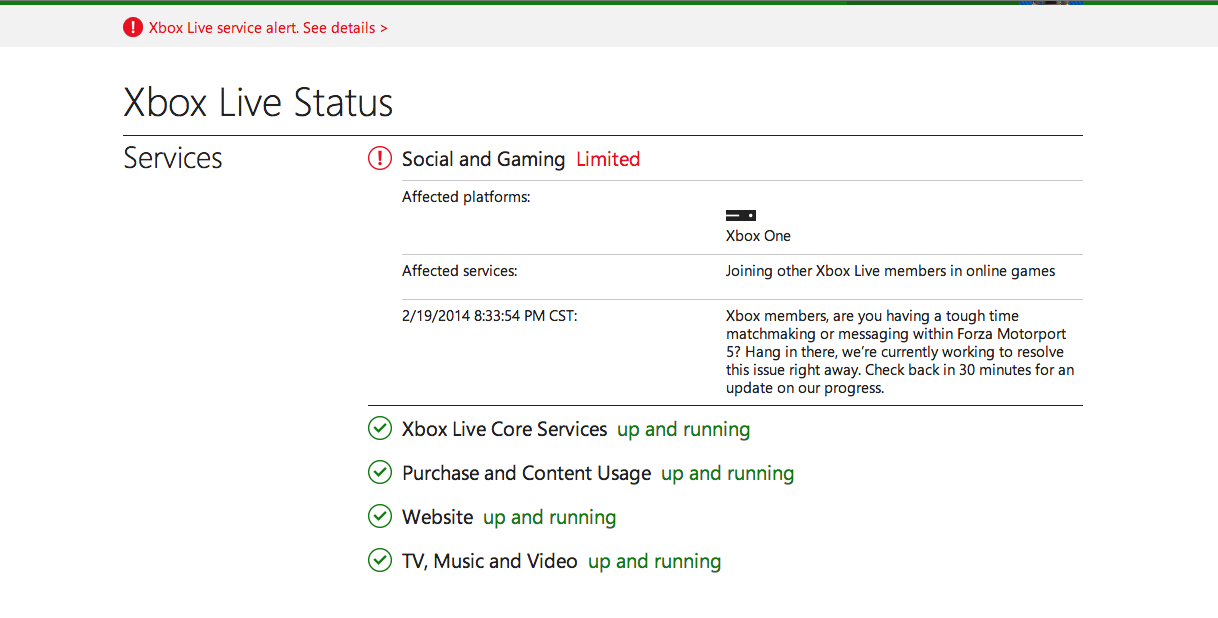
So I was trying to get into some Call of Duty: Ghosts multiplayer a little while ago but I kept getting an error saying to go to callofduty.com/ghosts/status. I went there and everything said it was up and running. I decided to go ahead and play some Forza 5 in the meantime and noticed that I wasn’t getting any drivatars in my race, they were all AI drivers (you can tell because they all have first initials and last names, ex: B.Smith). It turns out that Xbox Live is having some issues with the ‘social and gaming’ services for Xbox One users.

Everything else is up and running, I’m able to do most of the stuff you can do on Xbox Live, I’m just having issues connecting with friends and getting into online games at the moment. If you’re experiencing the same issues be sure to check out Xbox.com/status for updates.

Hopefully it’s back up soon!